









The Student Registration Form block adds a sign-up form for new students to any page. It is a legacy block kept for backward compatibility — new sites should use the Registration Form block with its role set to Students instead, since that block lets you add, remove, and reorder fields.
How to access
This block is hidden from the block inserter’s search results because it has been replaced by the Registration Form block. To use it anyway (for example, on content created before the replacement), switch the editor to the Code editor (Options menu (⋮) > Code editor) and insert the block manually:
<!-- wp:academy/student-registration-form /-->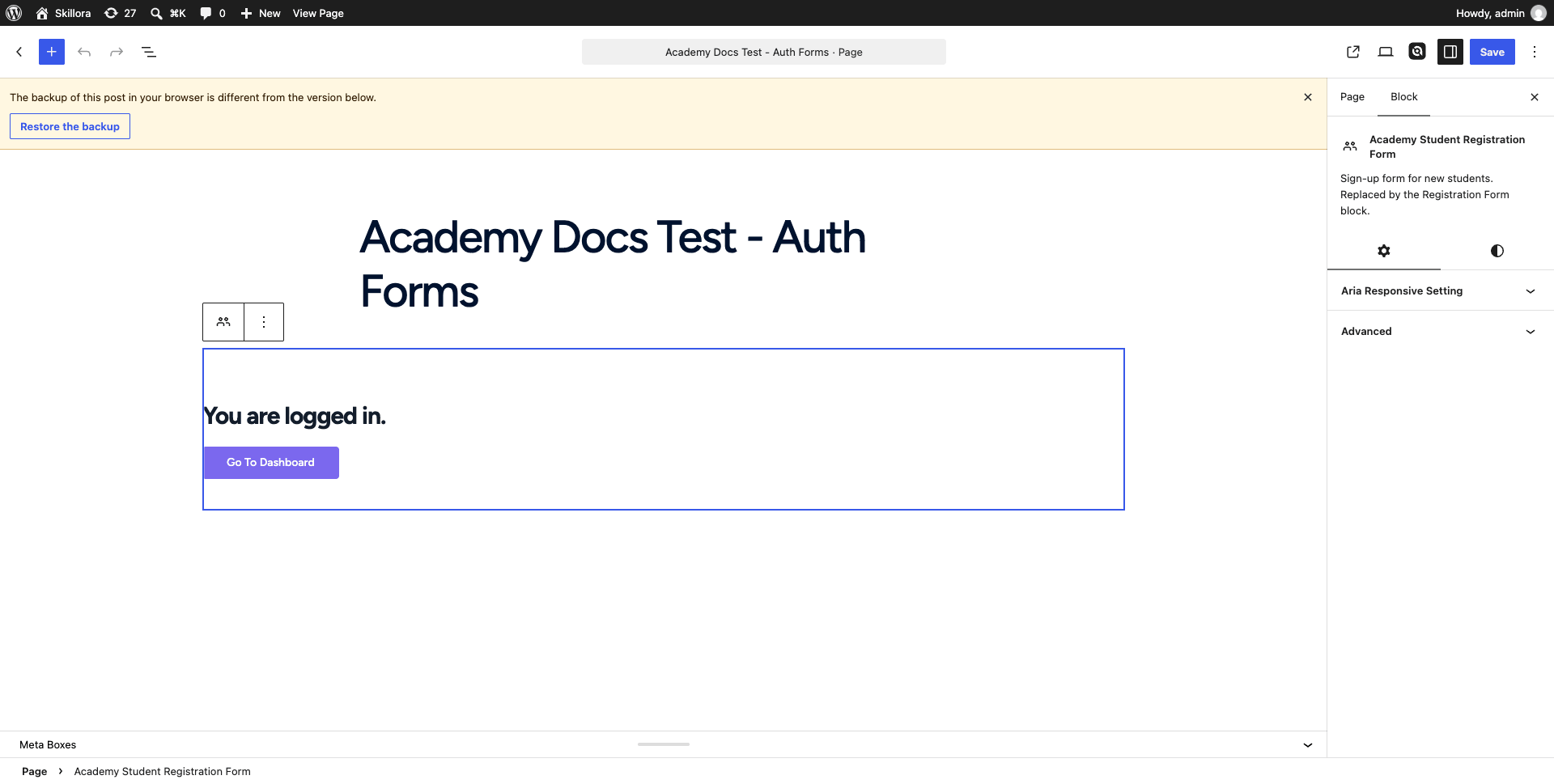

Block settings
This block has no configurable attributes and no settings panel — it renders Academy’s fixed student sign-up form (first name, last name, email, password, confirm password, and a “Register as Student” button) using your site’s global Academy registration settings.
If you view the page while already logged in, Academy shows a “You are logged in” message with a link to the dashboard instead of the form, since a logged-in visitor doesn’t need to register again.
Site-wide registration must be enabled for this form to accept sign-ups. If Membership is turned off in the course/site settings, Academy shows a notice in wp-admin prompting you to enable registration under Settings > General > Membership (“Anyone can register”).