Check that your server meets these requirements before you install Academy LMS. Most WordPress hosts already do.
Minimum requirements
|
Requirement |
Minimum |
|
WordPress |
6.8 or later (confirm) |
|
PHP |
7.4 or later |
|
MySQL |
5.7 or later (confirm) |
|
MariaDB |
10.3 or later (confirm) |
|
HTTPS |
Recommended, and required for most payment gateways |
Academy LMS Pro
Academy LMS Pro is a separate plugin that runs on top of the free plugin. It needs:
If the free plugin is missing, inactive or too old, Pro shows a notice in your dashboard instead of loading. See Installation and Activation to fix it.
Recommended server settings
|
Setting |
Recommended |
|
PHP memory limit |
256 MB or higher (confirm) |
|
Max upload size |
64 MB or higher, so you can upload the Pro ZIP and lesson files |
|
Max execution time |
120 seconds or higher, for course imports and large updates |
Your host can change these values for you if they are lower.
Check your current setup
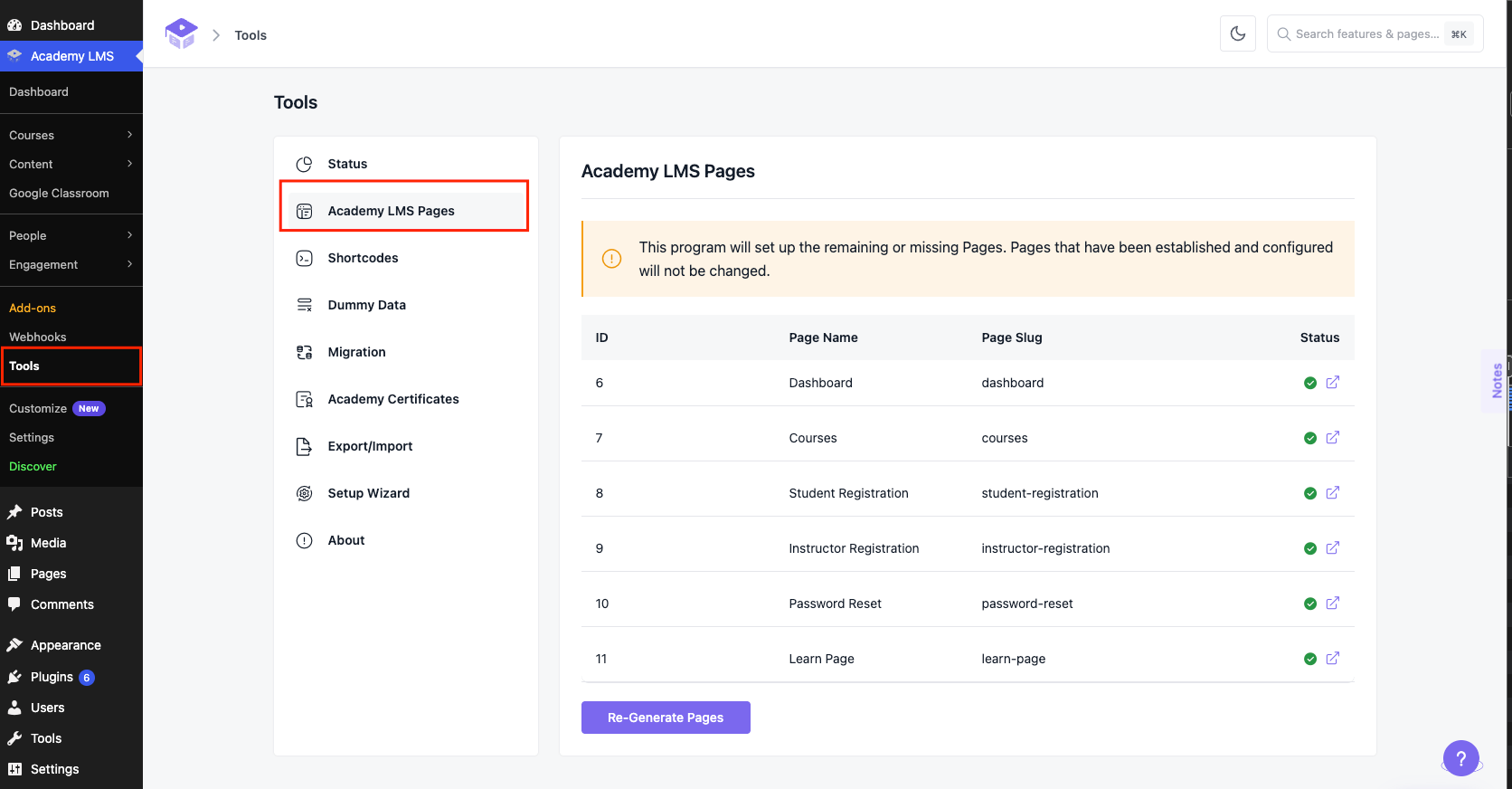
Go to Academy LMS → Tools → Status. This page lists your WordPress, PHP and server versions. Send it to support if you need help.