









QuizPress is a separate quiz plugin from the Academy LMS team. With the integration on, you can use QuizPress quizzes inside your Academy LMS courses. (confirm)
Before you start
Academy LMS is installed and active.
The QuizPress plugin is installed and active.
1. Turn on the integration
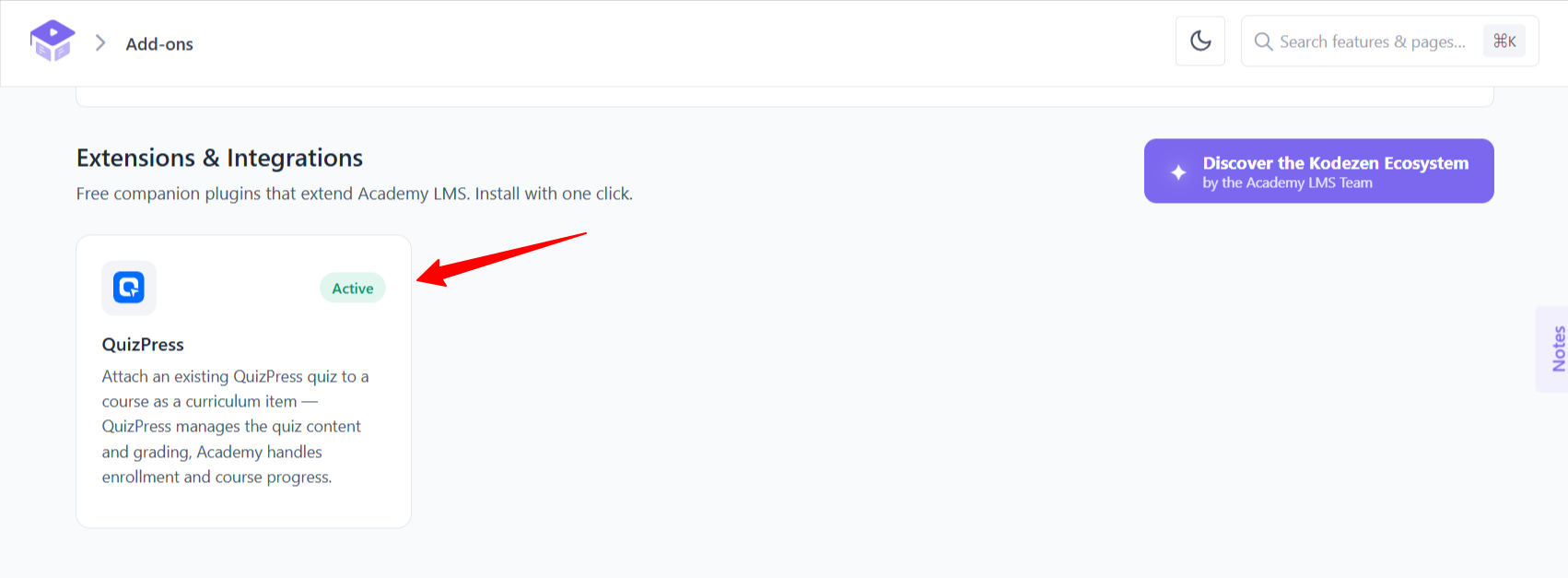
Go to Academy LMS → Add-ons and search for QuizPress. Switch it on.
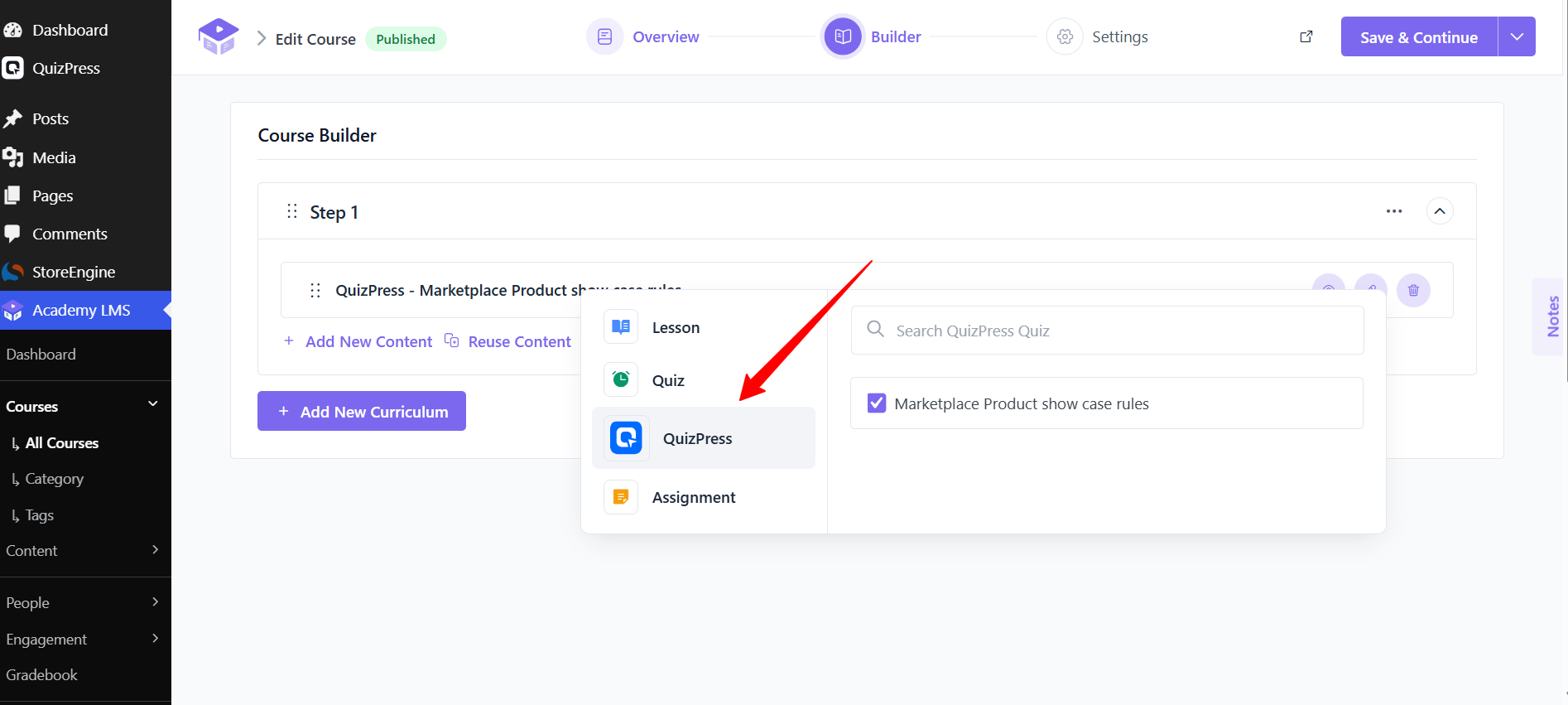
2. Add a QuizPress quiz to a course
(confirm the exact flow: is it a new content type in the course Builder, a shortcode in a lesson, or something else?)
What students see
(confirm: where the quiz opens, and whether results count towards course completion and the Grade Book.)
QuizPress or the built-in Quiz Builder?
(confirm with the product team: a short line on when to use each.)
For Academy LMS’s own quizzes, see Quiz Builder.