









The Guardian add-on adds a family layer to your site. Parents or guardians link to their children’s accounts, follow their course progress and can assign courses. Guardians use the same frontend dashboard as everyone else, in their own Family area.
What you can do
Free:
With Academy LMS Pro:
1. Turn on the add-on
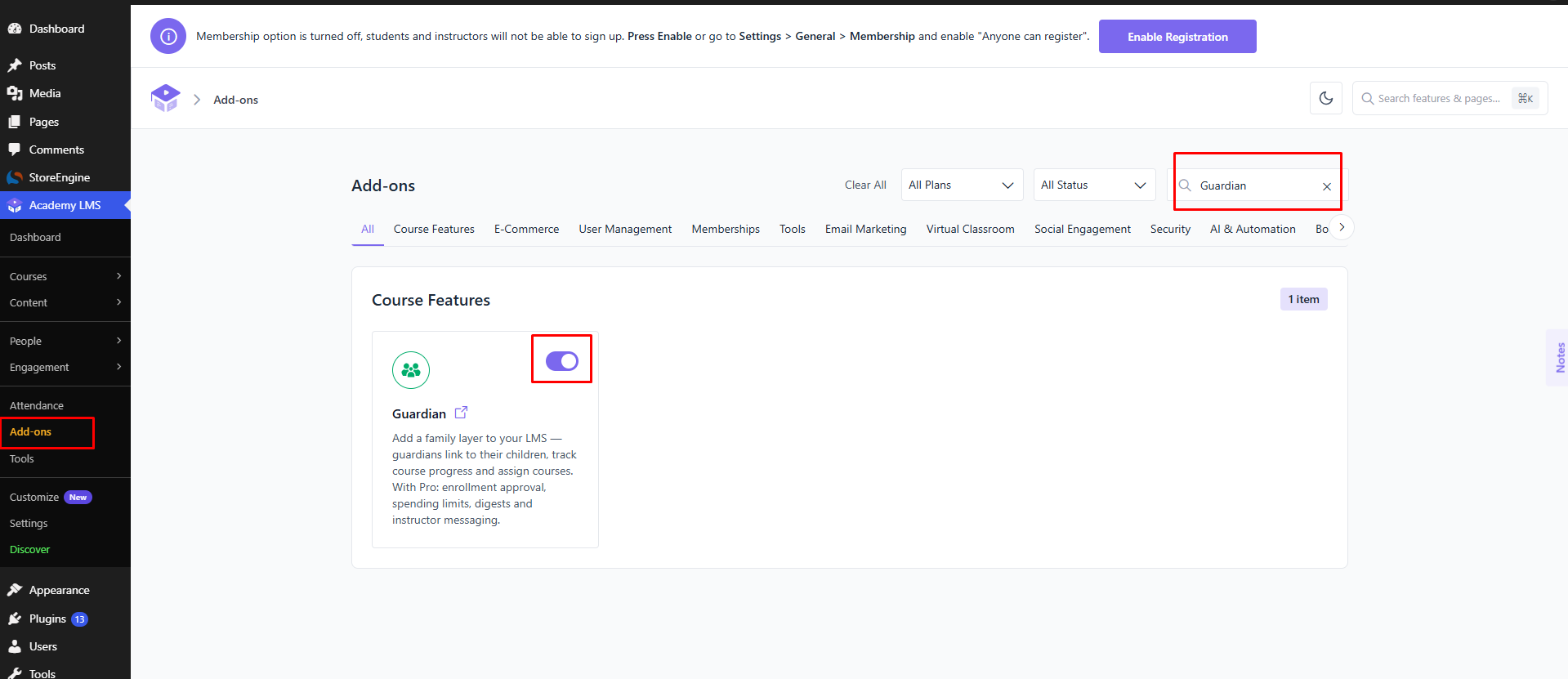
Go to Academy LMS → Add-ons, find Guardian (under Course Features) and switch it on.
2. Link a guardian to a child
(confirm the flow: does the guardian send a request from their dashboard, does the admin link them in the user profile, or both? Does the child or admin have to approve?)
What guardians see
Once at least one child is linked, the guardian gets a Family area in the dashboard, showing their children and their courses.
A guardian who is also a student or instructor can switch areas from their name and photo under Viewing as. On the first visit, a guardian who doesn’t teach lands on Family.
Pro features
(confirm where each is set up: enrollment approval, spending limits, digests, instructor messaging.)
For the dashboard itself, see Necessary Page Setup.