Academy LMS 4.0 IS LIVE

00
Days
:
00
Hours
:
00
Minute
:
00
Second

Course Grid

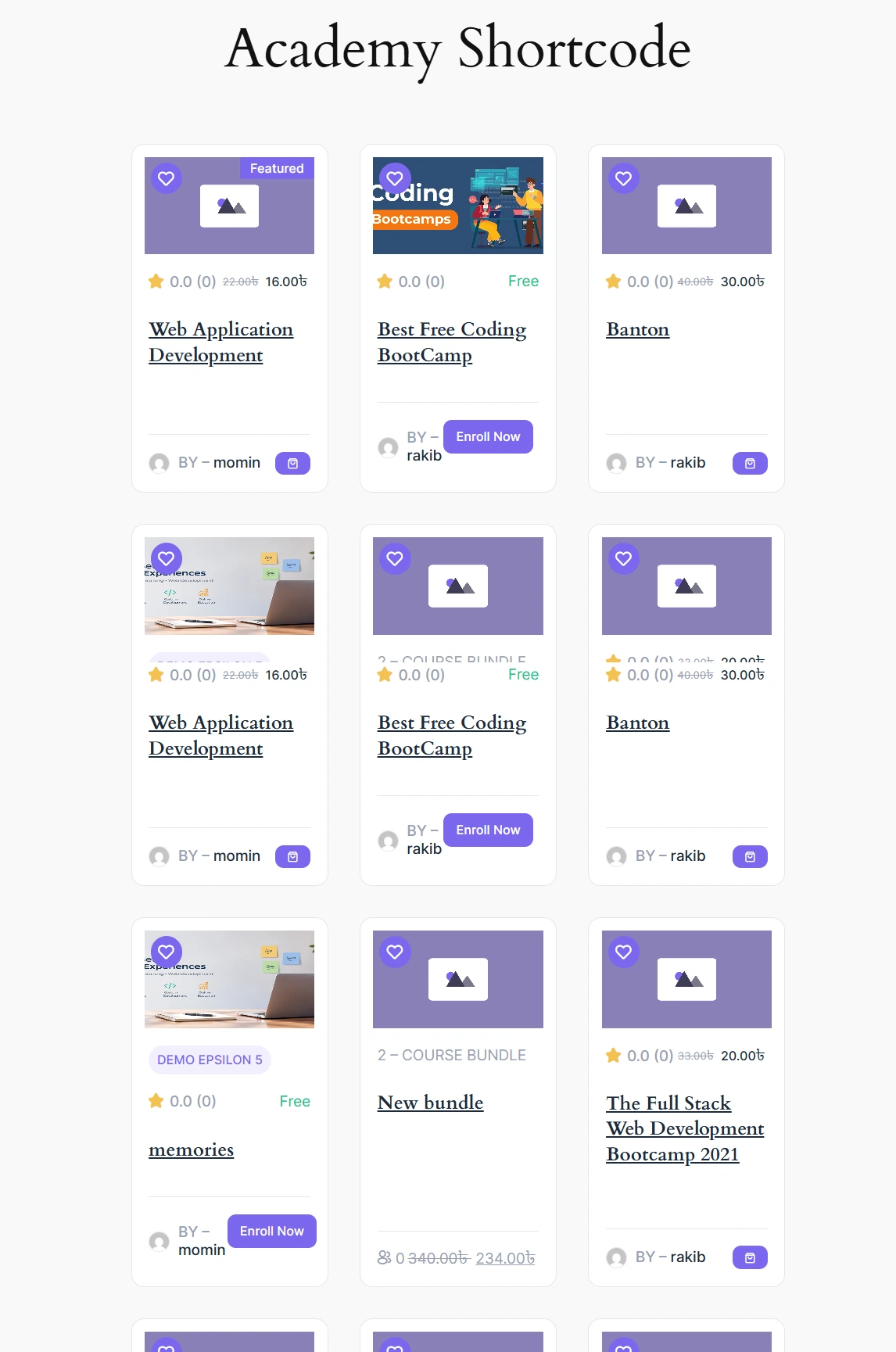
Academy LMS does not ship a single “Course Grid” block. Instead it registers a set of block-editor patterns — pre-built layouts made from WordPress’s core Query Loop block combined with Academy’s own course sub-blocks (course featured image, course instructors, course price, course rating, and others). Inserting a pattern gives you a fully editable, real course listing that pulls live courses from your site, without writing any markup by hand.

How to access

1.Open any page or post in the block editor and click the block inserter (the “+” button, top left).
2.Switch to the Patterns tab and open the Academy LMS category. Academy registers five patterns here: Course list, Course grid: minimal, a two-column course card layout, Featured courses, and Course catalog with filters.
Academy LMS Course customize
1.Click a pattern (for example Course grid: minimal or Course list) to insert it onto the canvas. It renders immediately with your site’s actual published courses.
Academy LMS Course customize
1.Publish or update the page, then view it on the front end to see the finished grid.
Publish or update the page

Because each pattern is a normal Query Loop under the hood, every element (image, title, price, rating, instructor) is a separate block you can select, restyle, remove, or rearrange after inserting the pattern — it is a starting point, not a locked template.

Pattern breakdown

Course list (academy/course-grid-list) — Courses in a single column, with the course image beside the title, badge, category, instructor, meta (lesson/enrollment counts), price, rating, and an enroll button. Uses core/query with postType: academy_courses, 5 posts per page.
Course grid: minimal (academy/course-grid-minimal) — Borderless course cards in a 3-column grid, each showing image, title, instructor, price, and rating. 6 posts per page.
Featured courses (academy/featured-courses) — A heading followed by three featured courses.
Course catalog with filters (academy/course-catalog) — Course filters sidebar next to a sortable course grid; intended for a full course-catalog page.
A Course page: two columns pattern also exists (academy/course-page), but it is scoped to the single-academy_courses template rather than the general inserter — see the Site Editor doc for how that one is used.

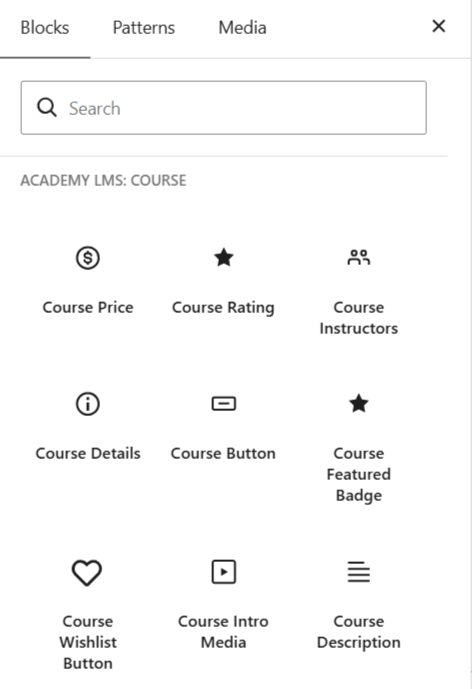
Each pattern is built from these Academy sub-blocks, which you can also insert individually once a pattern is in place:

course-featured-image — the post’s featured image, linked to the course.
course-instructors — the course author’s name (and optional avatar).
course-price — the course’s free/paid price.
course-rating — the star rating and optional review count.
course-badge, course-meta, course-enroll-button — used by the list/catalog variants for category badges, lesson/student counts, and the enroll call to action.

Patterns are registered under the academy block-pattern category (label “Academy LMS”), which also appears when browsing patterns from the Site Editor, not just in post/page editing.

Verification notes

Verified live on the plugin’s dev site: created a fresh page, inserted Course grid: minimal and Course list from the Patterns tab under the Academy LMS category, confirmed both render real published courses (“Testing webhook”, “Test User Course”) in the editor and on the published front end. Source consulted: includes/blocks/patterns/course-grid-minimal.php, includes/blocks/patterns/course-grid-list.php, includes/blocks/patterns/featured-courses.php, includes/blocks/patterns/course-catalog.php, and the registration list in includes/blocks.php (Academy\Blocks::register_patterns()).