









Put a course’s price and enroll button anywhere on your site, not only on the course page. Useful for landing pages and sales pages.
With the block
1.Edit a page and add the Course Enroll Form block.
2.In the Block settings, search for and pick the Course. Leave it empty if the block sits inside the course’s own content.
3.Choose a Layout: Classic or Modern.
4.Publish the page.
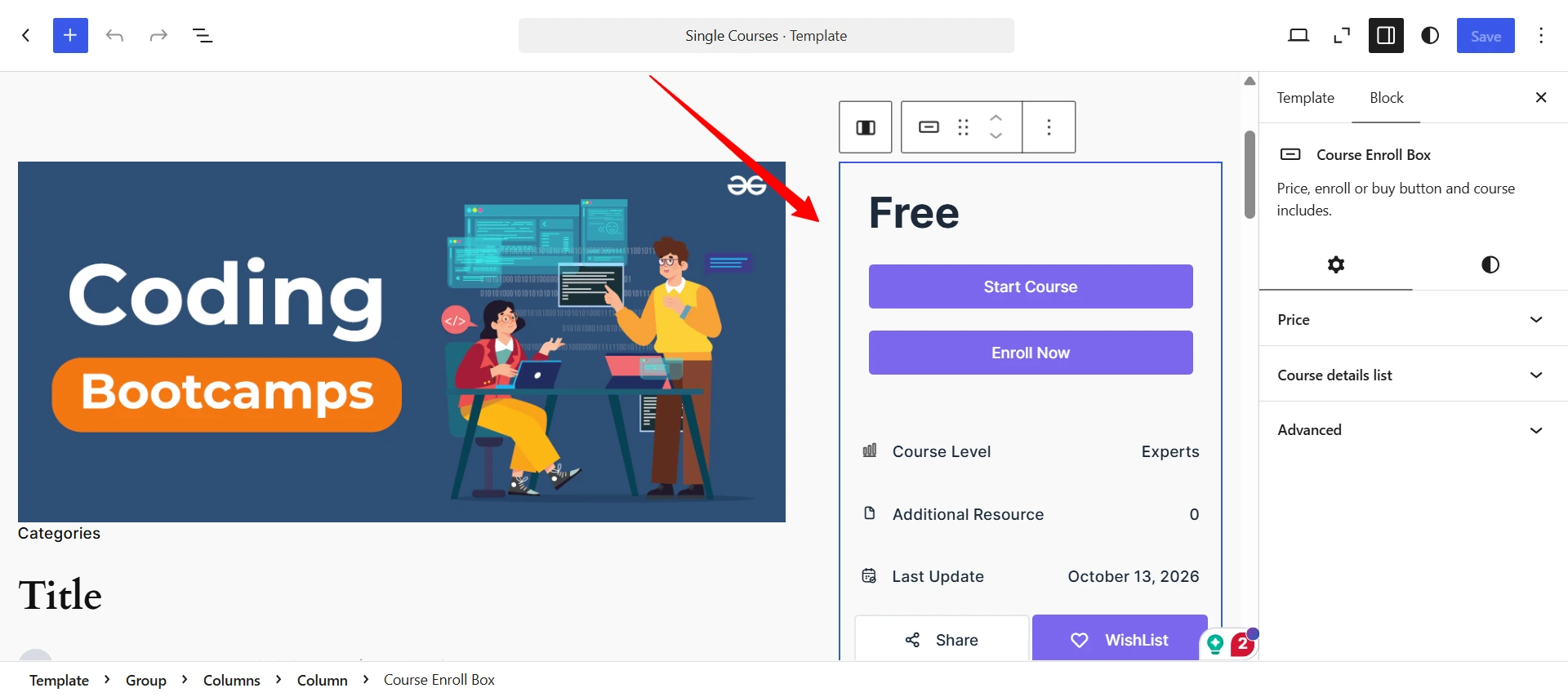
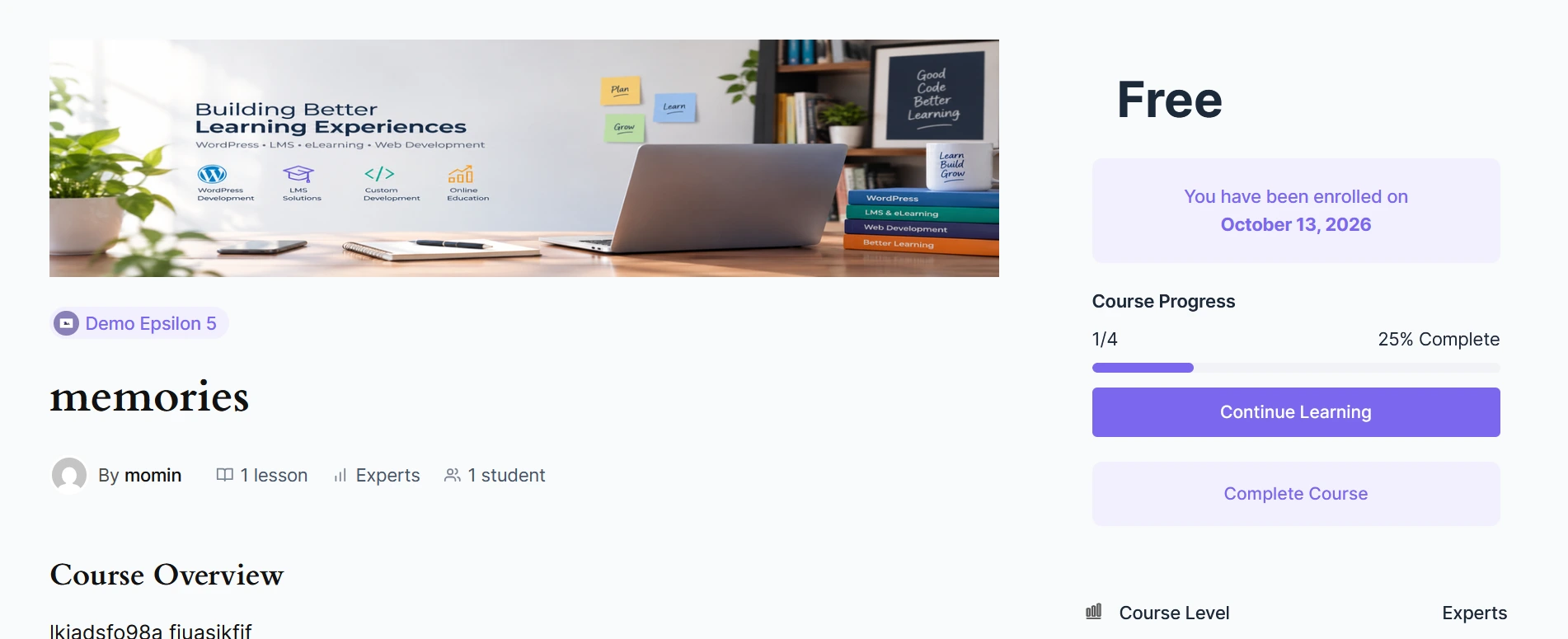
Visitors see the price and an Enroll Now (or Add to Cart) button. Students already enrolled see their progress and Continue learning instead.
The block shows nothing if it can’t find a course.
With the shortcode
Use this in the classic editor or a page builder:
[academy_enroll_form course_id="123"]Replace 123 with the course ID. To find it, hover over the course title in Academy LMS → Courses.