









The Calendar add-on gives students one place to see their live classes and meetings by date. It shows what’s coming up, what’s live now and what has ended.
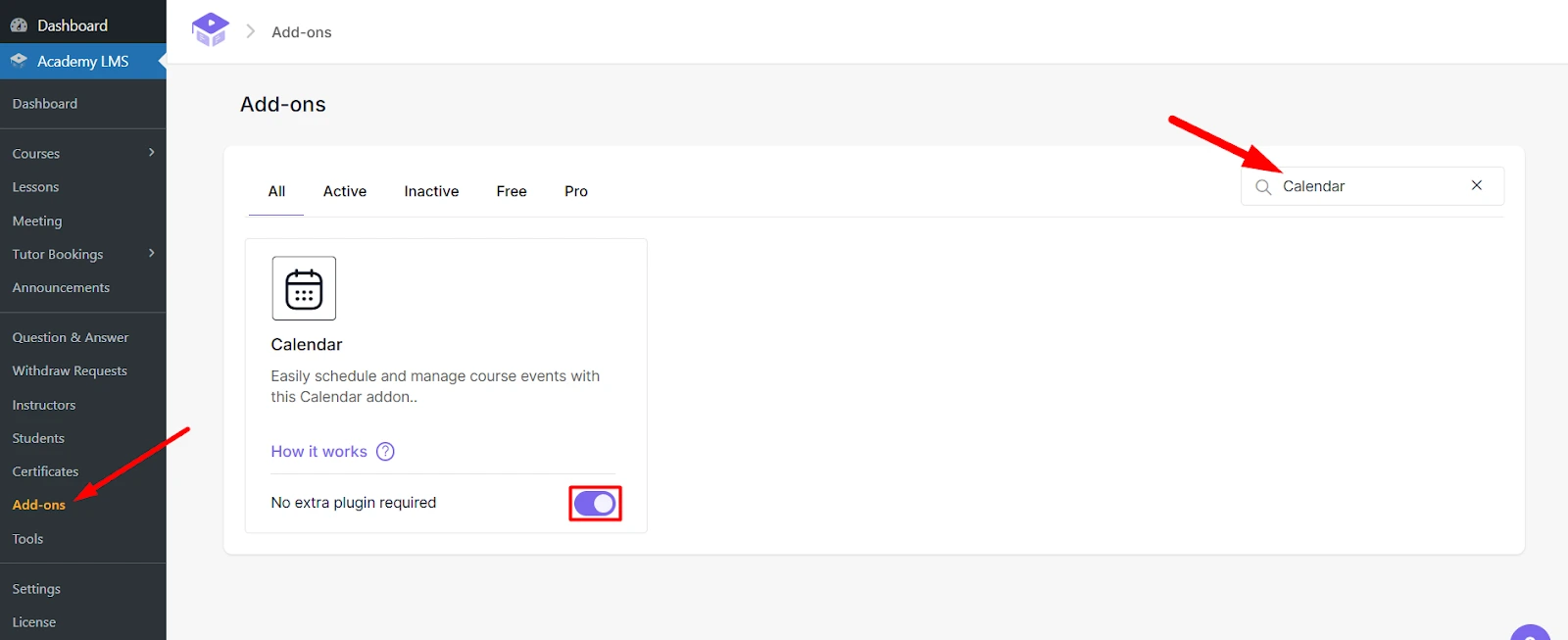
1. Turn on the add-on
Go to Academy LMS → Add-ons, search for Calendar and switch it on.
2. Check your permalinks
The calendar page needs pretty permalinks. Go to Settings → Permalinks in WordPress, select Post name and click Save Changes.
What students see
Students open their frontend dashboard and click Event Calendar. They can see:
upcoming meetings and live sessions
sessions that are live right now
past sessions
To create the live sessions that appear here, see Live Classes with Zoom and Google Meet and Tutor Booking.