Give course access through a Restrict Content Pro (RCP) membership. You need Academy LMS, Academy LMS Pro and the Restrict Content Pro plugin.
1. Turn on the add-on
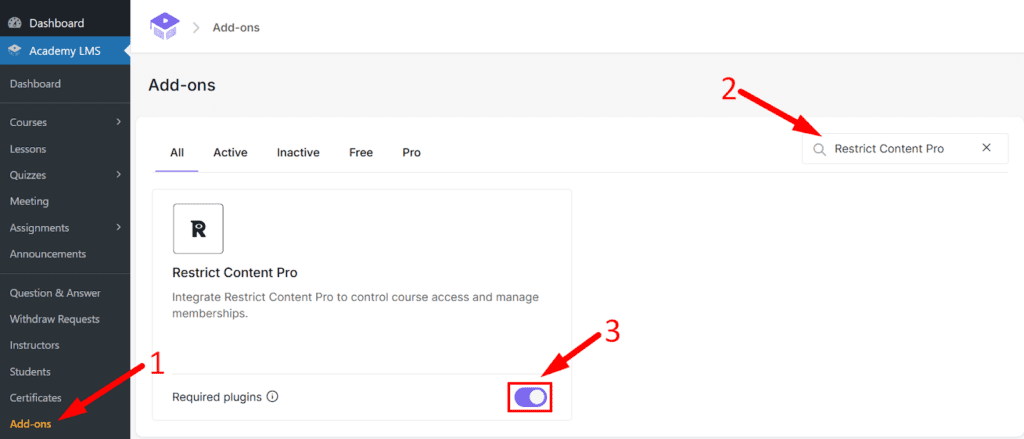
Go to Academy LMS → Add-ons and turn on Restrict Content Pro.
2. Create a membership level
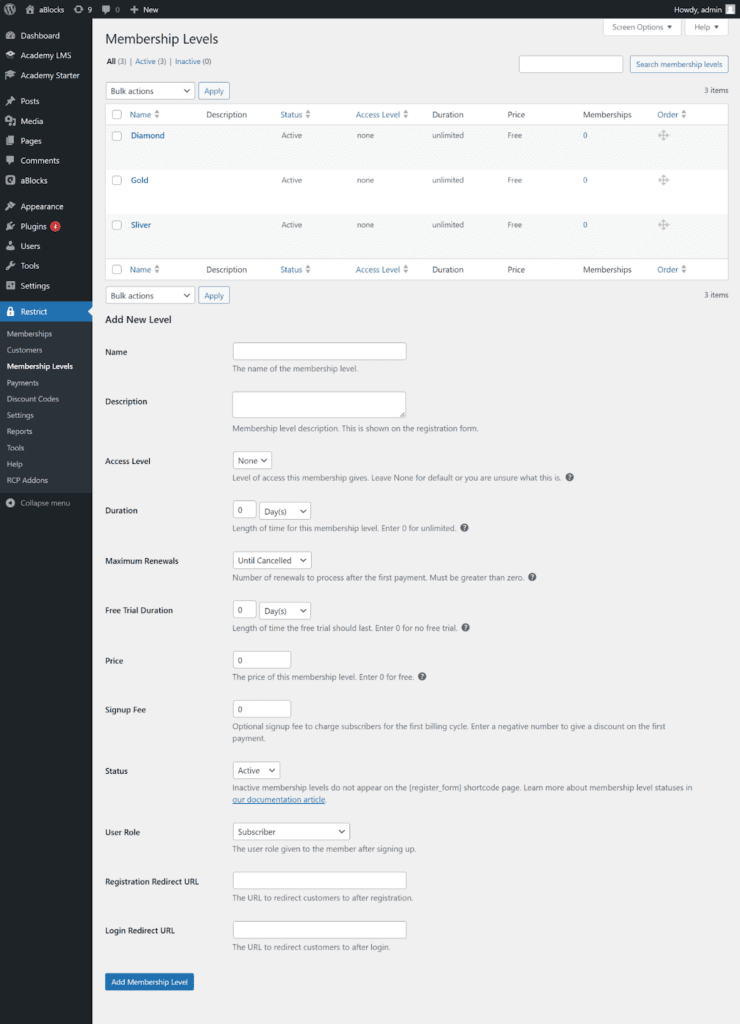
Go to Restrict Content Pro → Membership Levels, add a level with its details and save.
3. Link a course to the membership
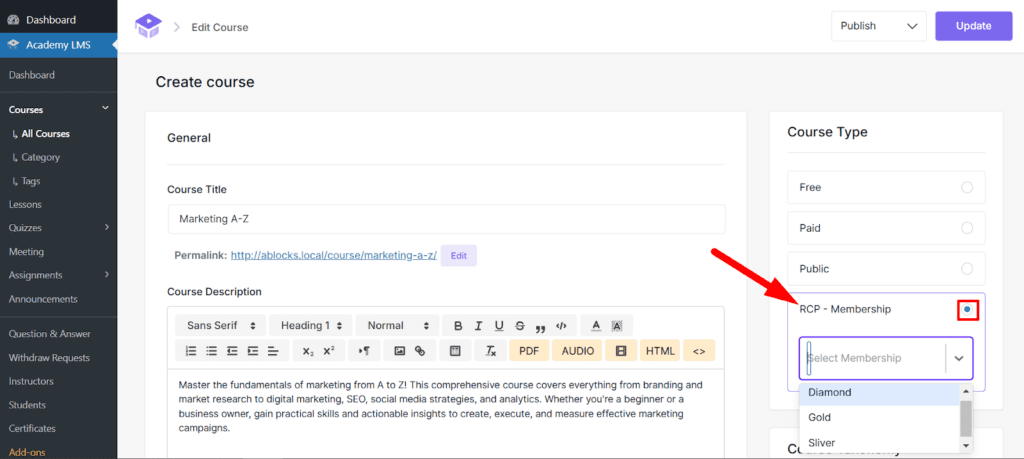
1.Open the course.
2.In Course Type, choose RCP Membership.
3.Pick the membership level from the list.
4.Click Update.
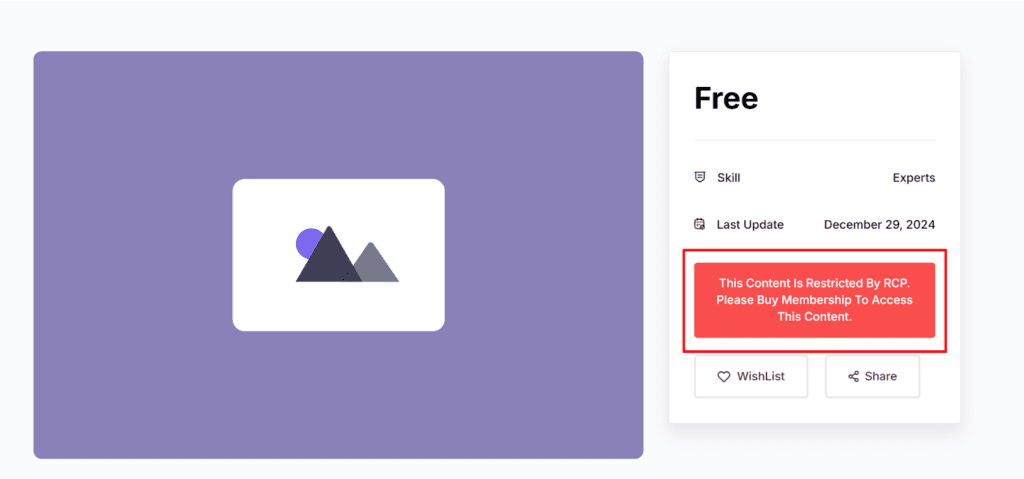
Visitors without the membership see a prompt to get it on the course page.
Add a member by hand (optional)
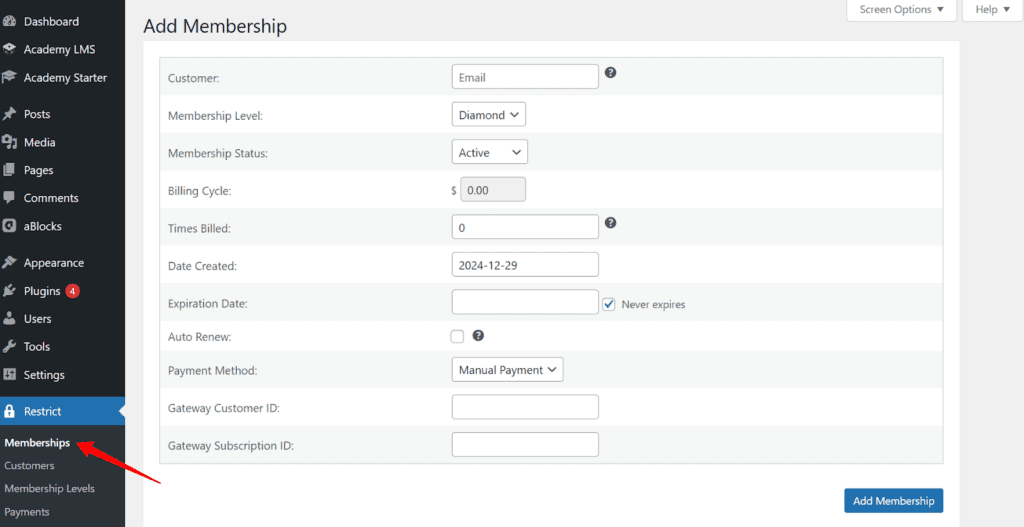
Go to Restrict Content Pro → Memberships → Add Membership, choose the level, fill in the user and membership details and save.