









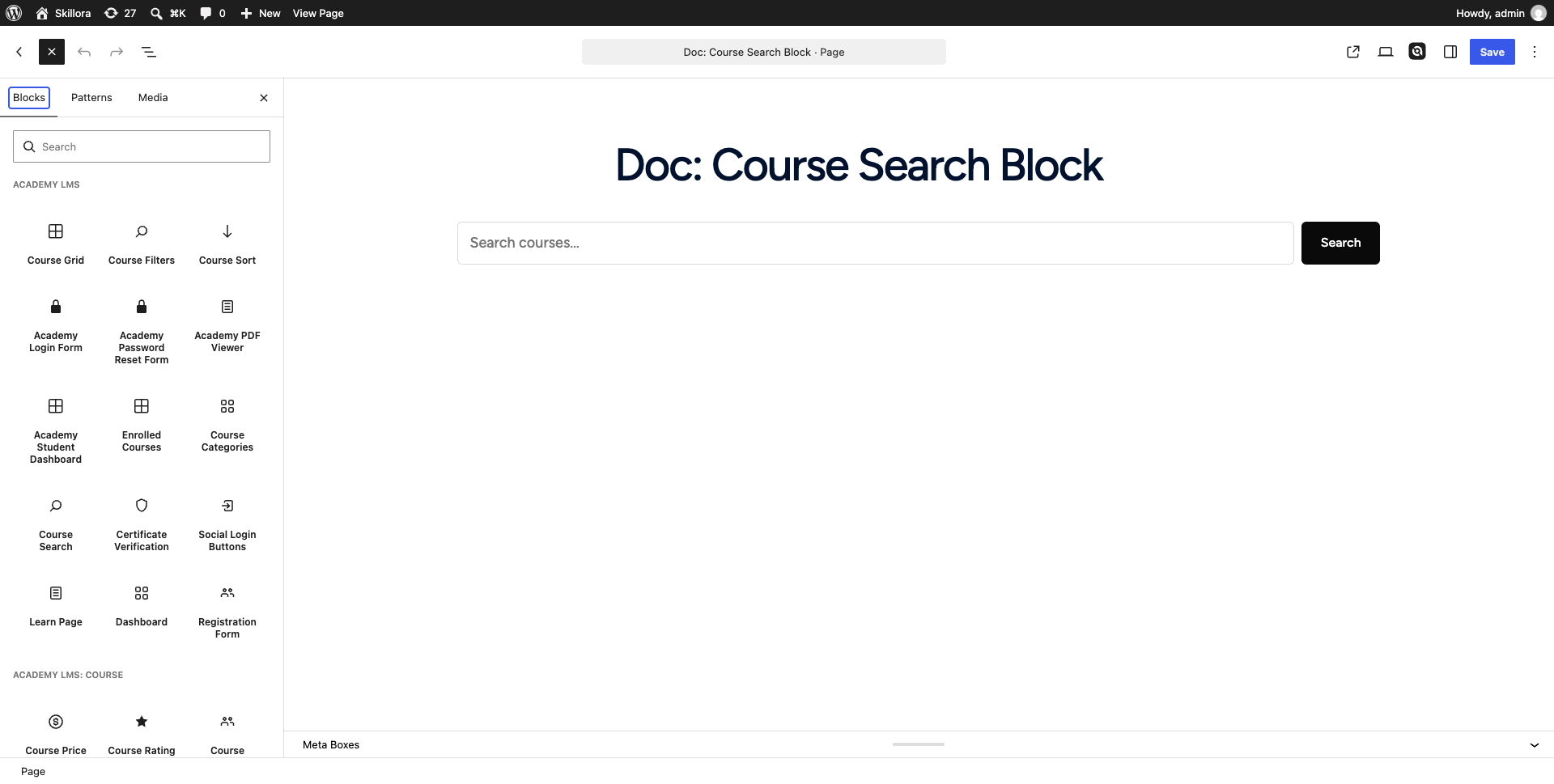
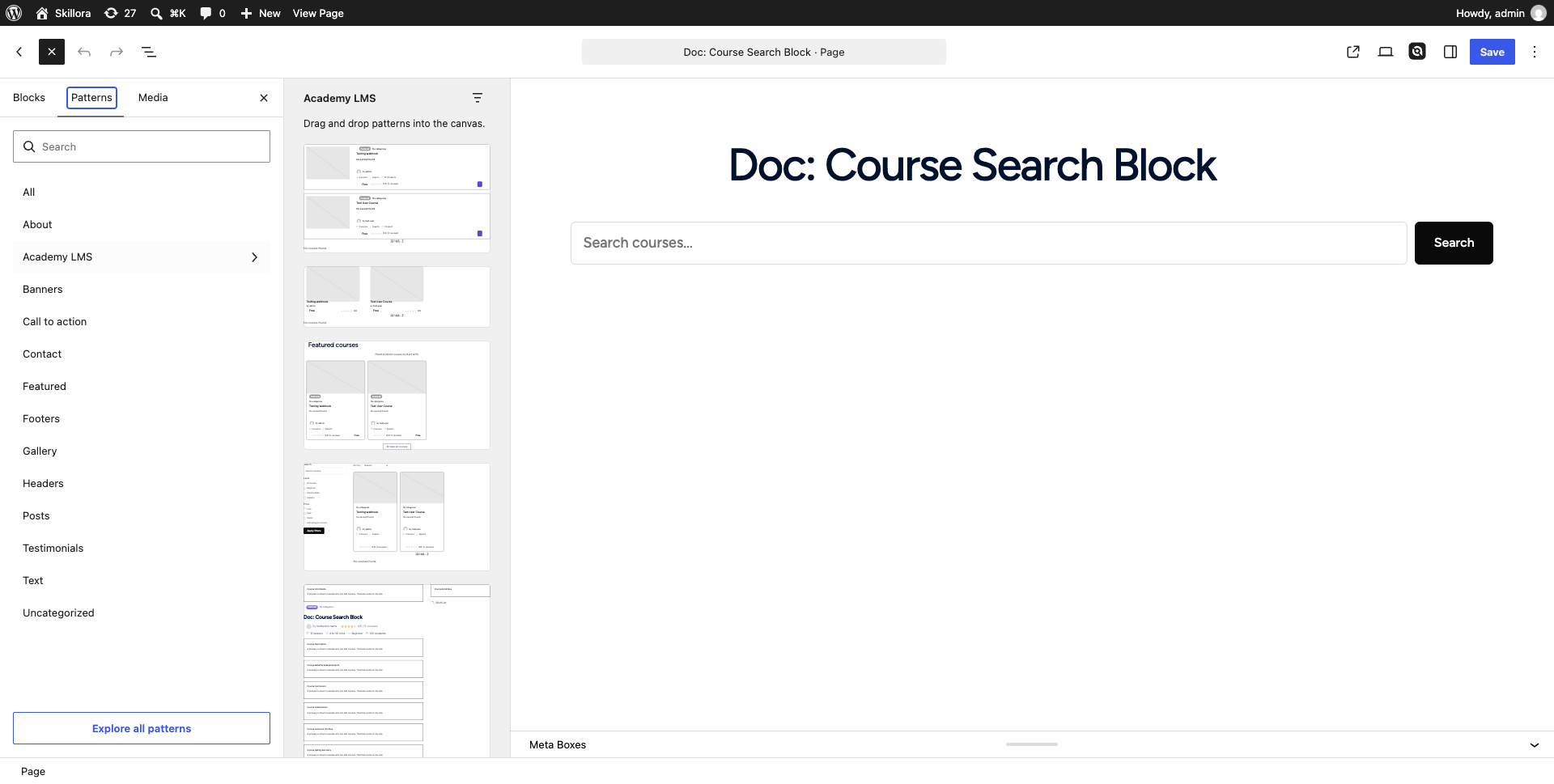
The Course Search block adds a search box for courses. It is a plain HTML form, so it works without JavaScript: submitting it sends visitors to your course archive with their query attached, where it works together with the Course Filters block to narrow results.
How to access
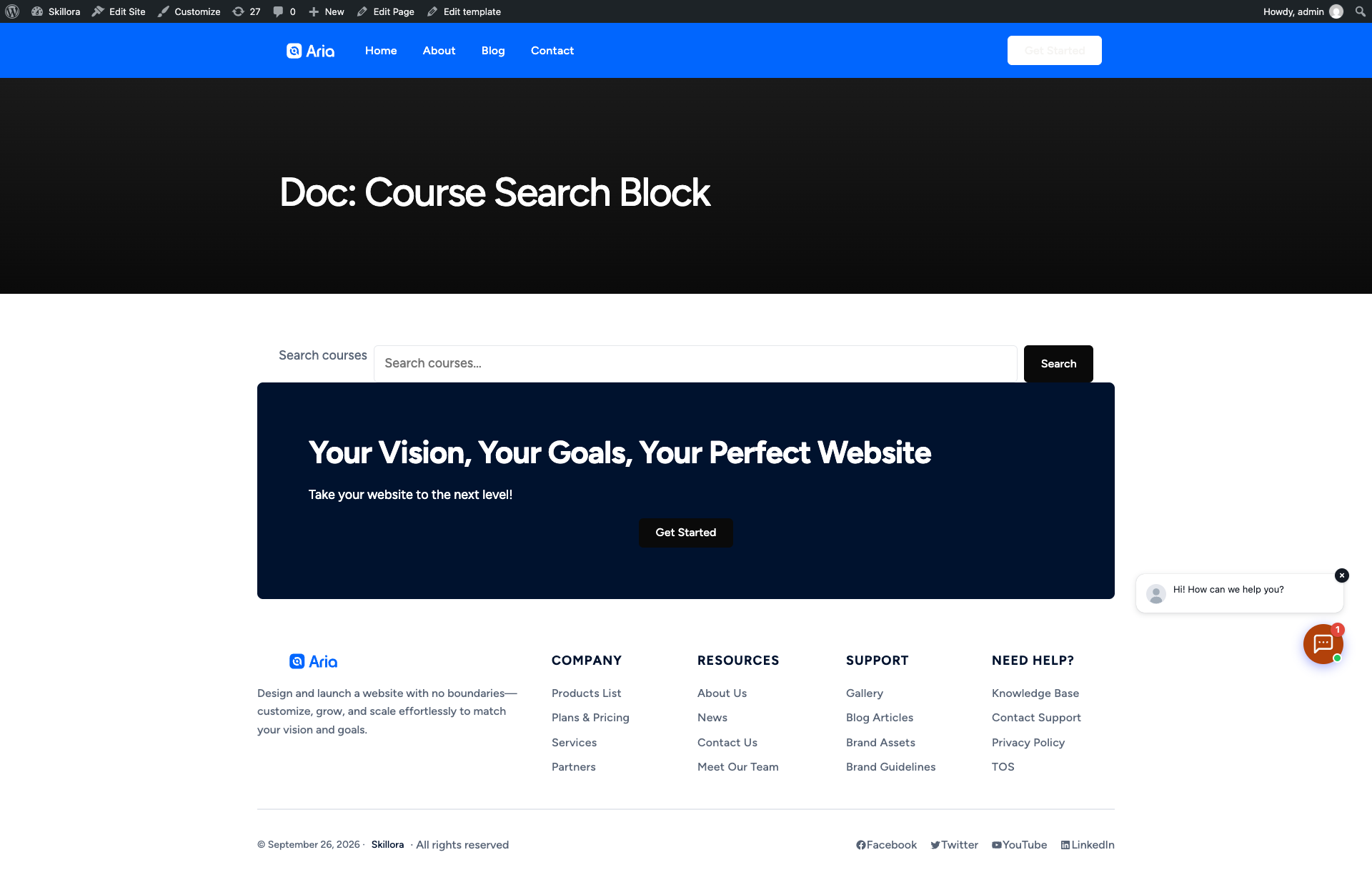
academy_search query parameter (for example /courses/?academy_search=webhook), and the archive template filters the listing accordingly.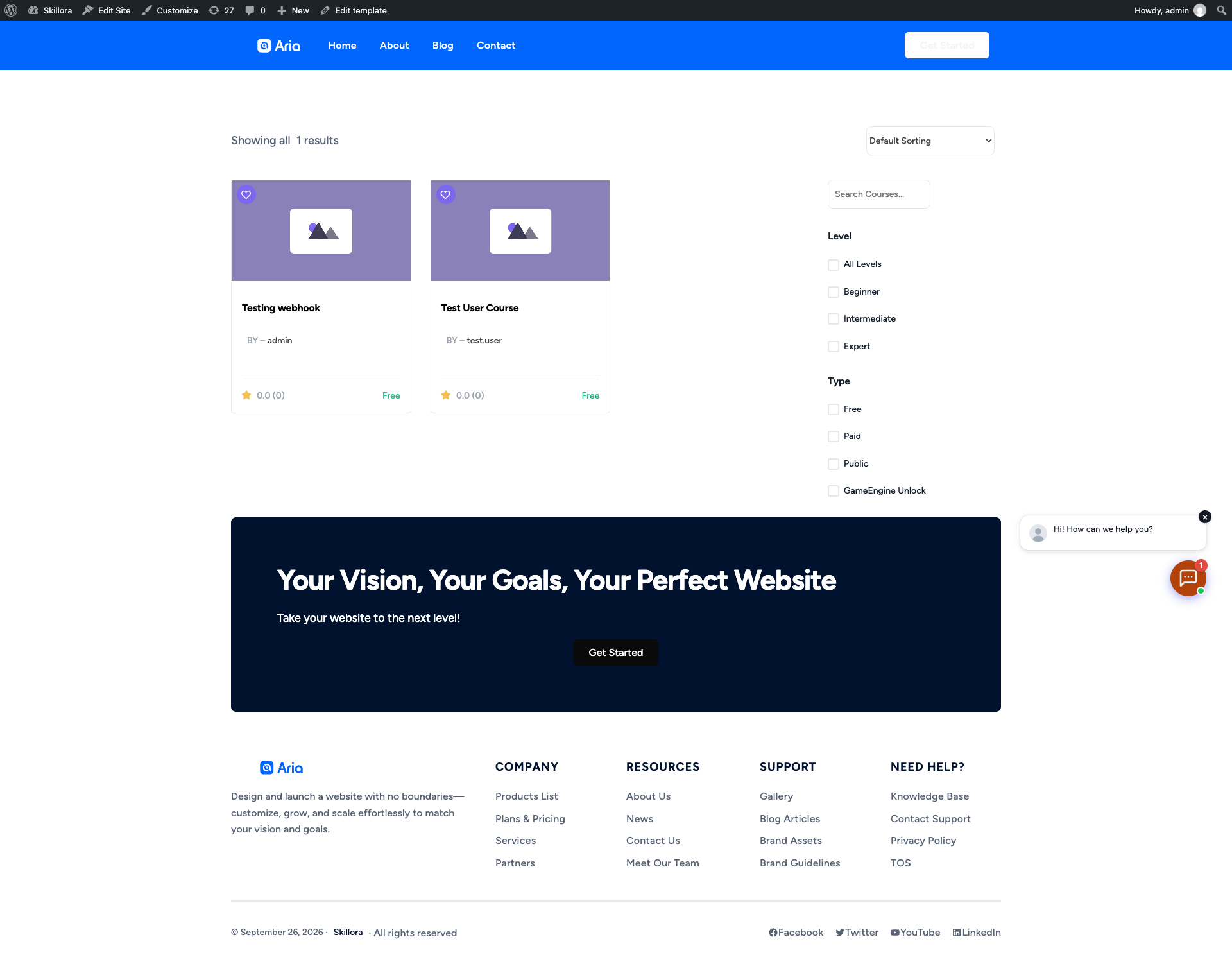
The search box submits to whatever your course archive URL is (get_post_type_archive_link( 'academy_courses' )), so it will keep working even if you change the course archive’s permalink slug.
Field breakdown
In the block’s Settings sidebar:
Block style variations (under Styles in the sidebar) let you switch the input’s look: Default, Rounded, Underline, and Joined (input and button flush together).
The block only supports text color, background color, spacing, font size, and border — it has no query-building settings of its own. Combine it with the Course Filters block on the same archive page if you want level/type/price filters alongside the search box.
Verification notes
Verified live: inserted the Course Search block on a test page, confirmed the rendered markup (academy-course-search__input, academy-course-search__button), and submitted a real query (“webhook”) from the front end — it navigated to /courses/?academy_search=webhook and the course archive re-rendered with the Level/Type filters sidebar and matching course cards. Source consulted: includes/blocks/course-search/block.json and includes/blocks/course-search/render.php.