









Students can take private notes while they study, right on the lesson page. Each note is saved with the lesson it belongs to, so it’s easy to review later.
Turn on Notes (admin)
Notes is an add-on and is off by default. Go to Academy LMS → Add-ons and switch on Notes (under Course Features). No other setup is needed.
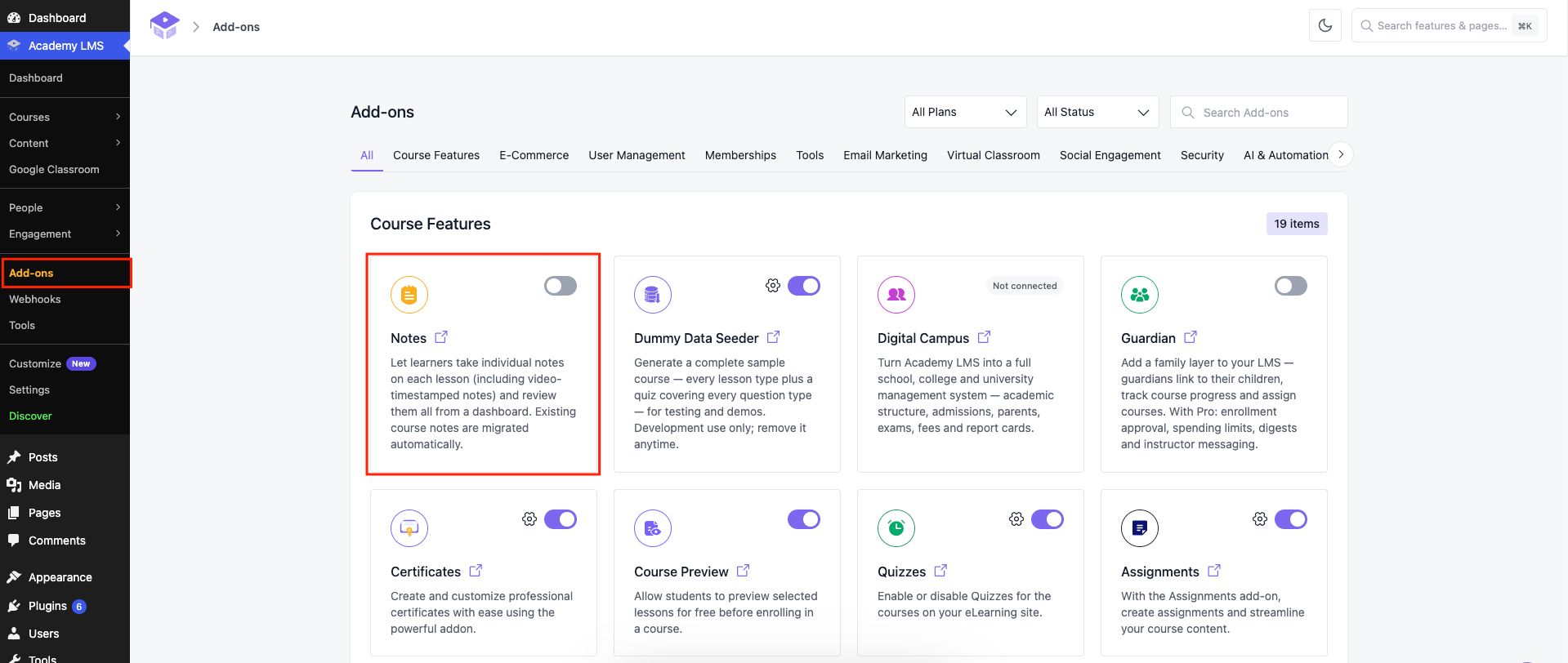
Upgrading from an older version? Students’ existing notes are kept and moved over automatically.
Take a note
1.Open a lesson.
2.Click Take Note in the top bar.
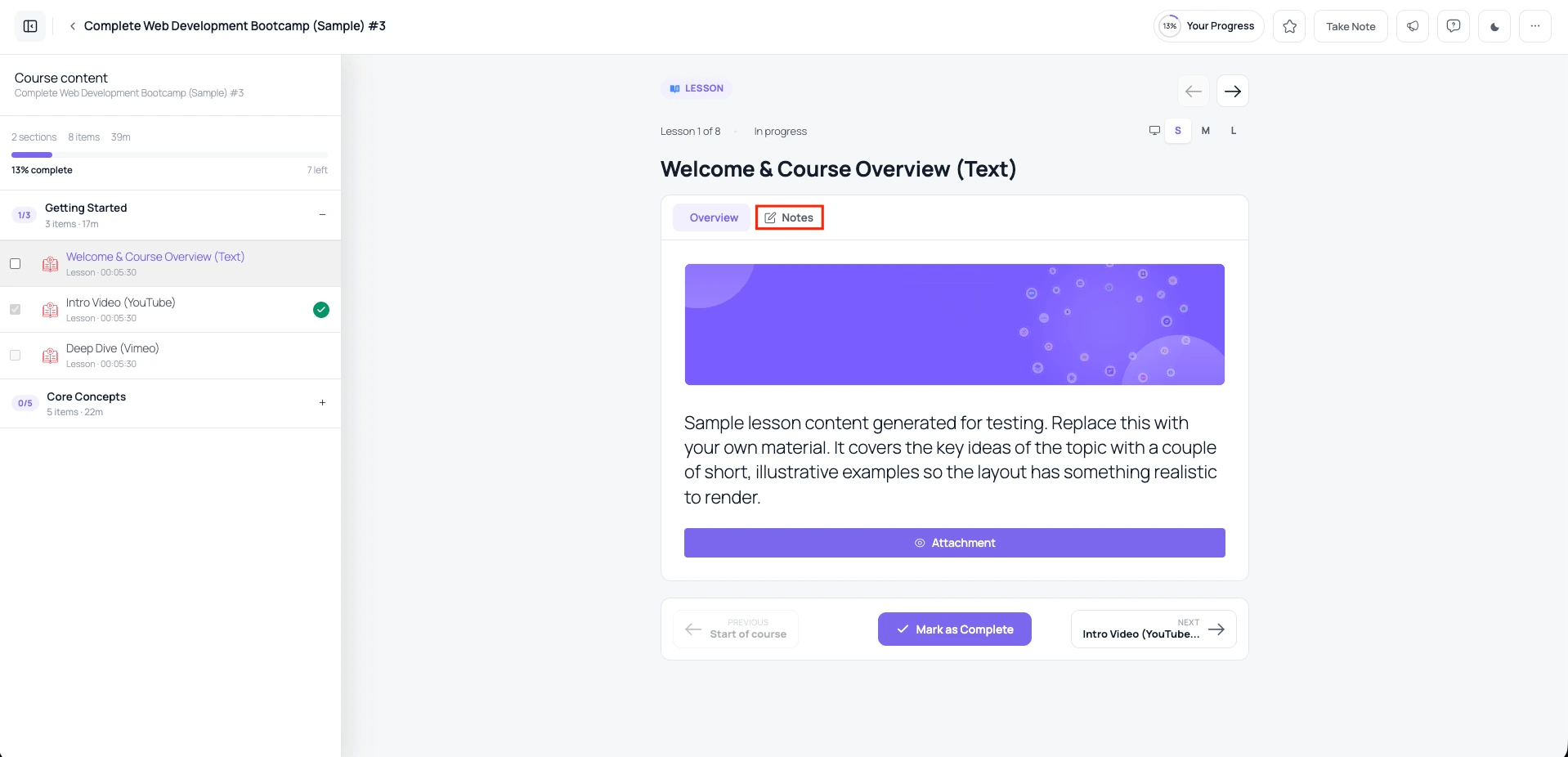
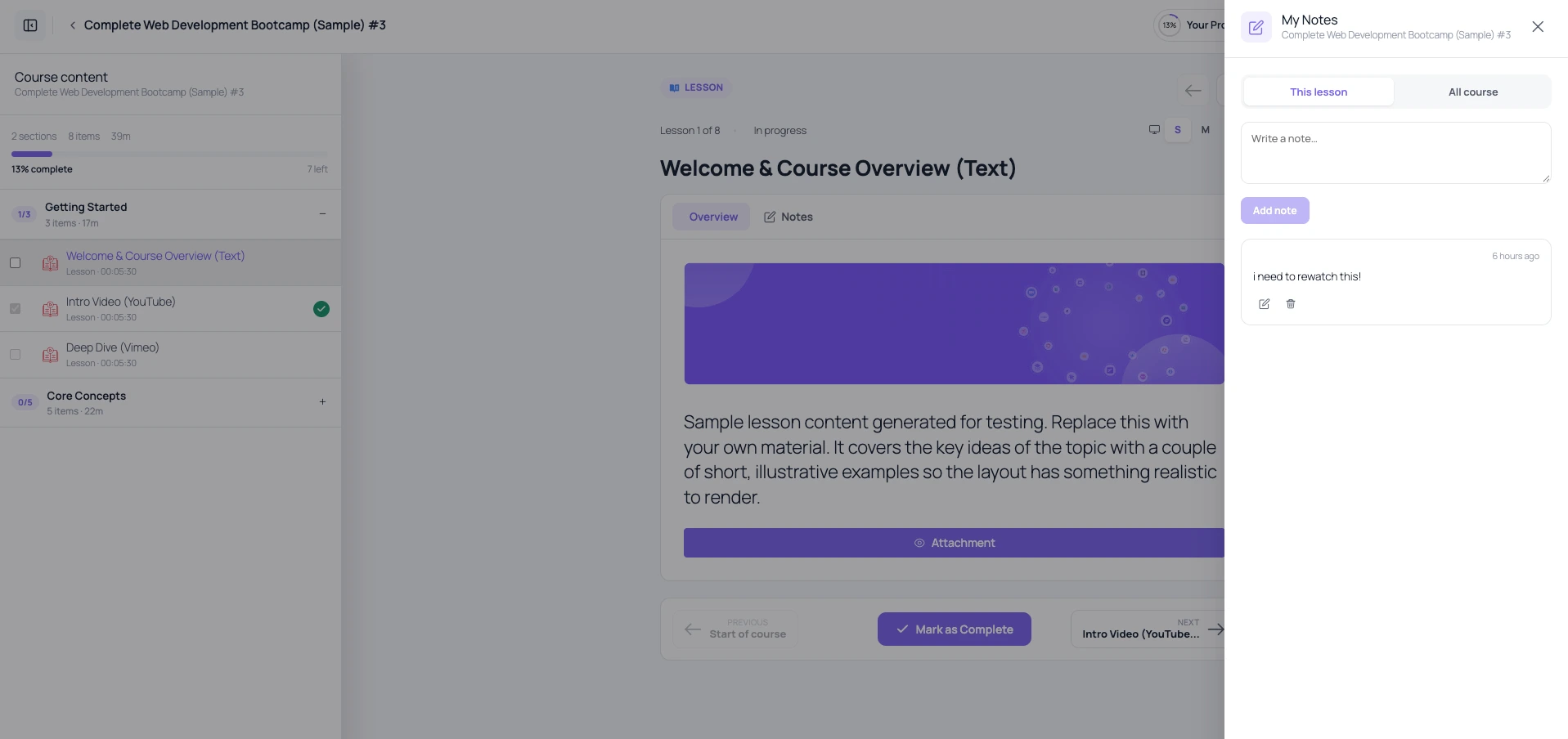
1.The My Notes panel opens. Type in Write a note… and click Add note.
The note is saved with the time and the lesson.
Shortcut: select any text in the lesson. An Add note button appears and fills the note with the text you selected.
Review your notes
In the My Notes panel, switch between This lesson and All course to see notes for the current lesson or the whole course.
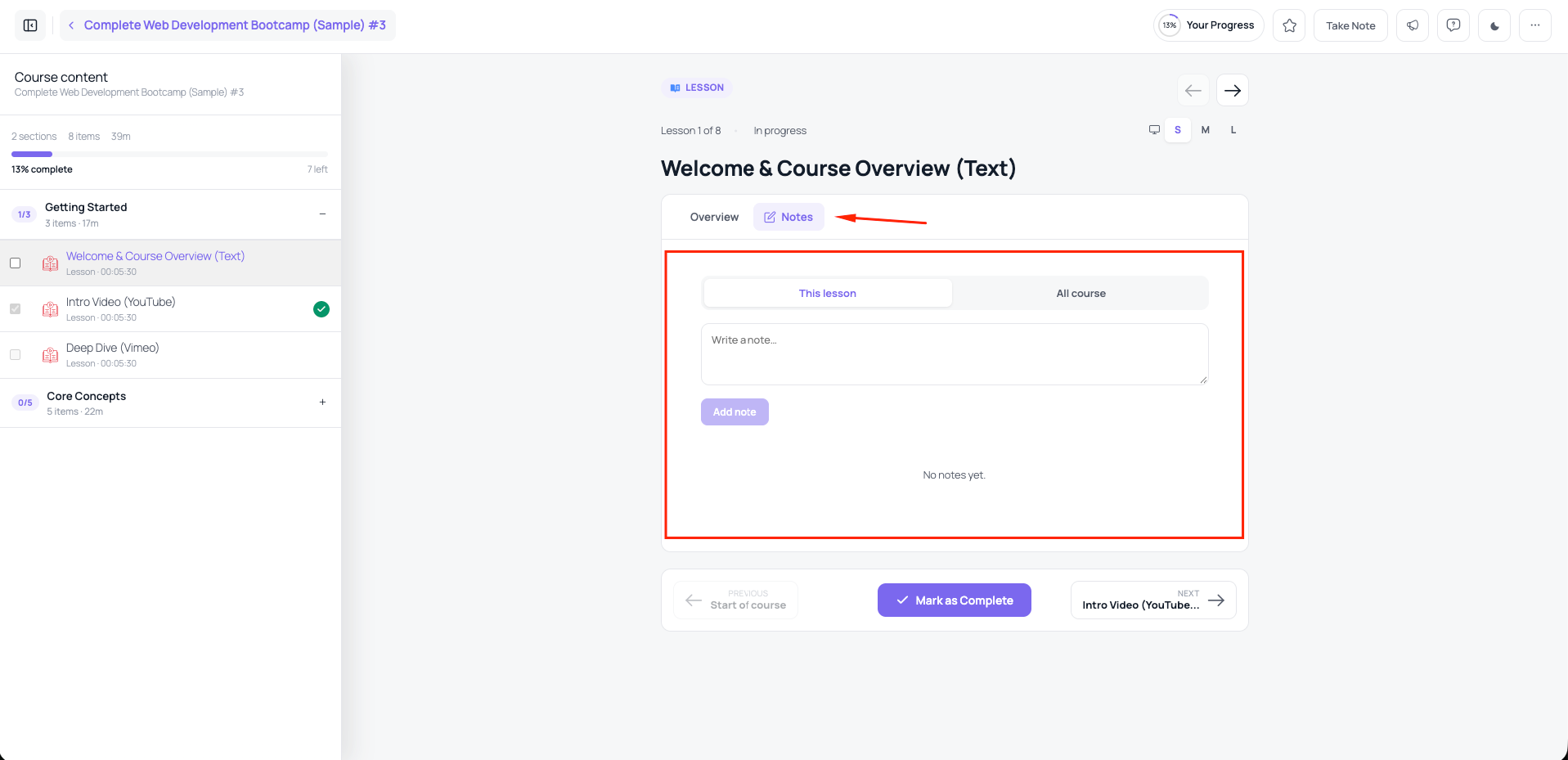
Under the lesson, the Notes tab (next to Overview) shows that lesson’s notes.
Who can see notes
Notes are private. Teachers and other students can’t see them.