









GameEngine is a free gamification plugin. Give students points for course activity, and let them unlock a course with the points, achievements or levels they earn.
1. Install GameEngine
Go to Academy LMS → Add-ons → Extensions & Integrations and install GameEngine. You can also install it from Plugins.
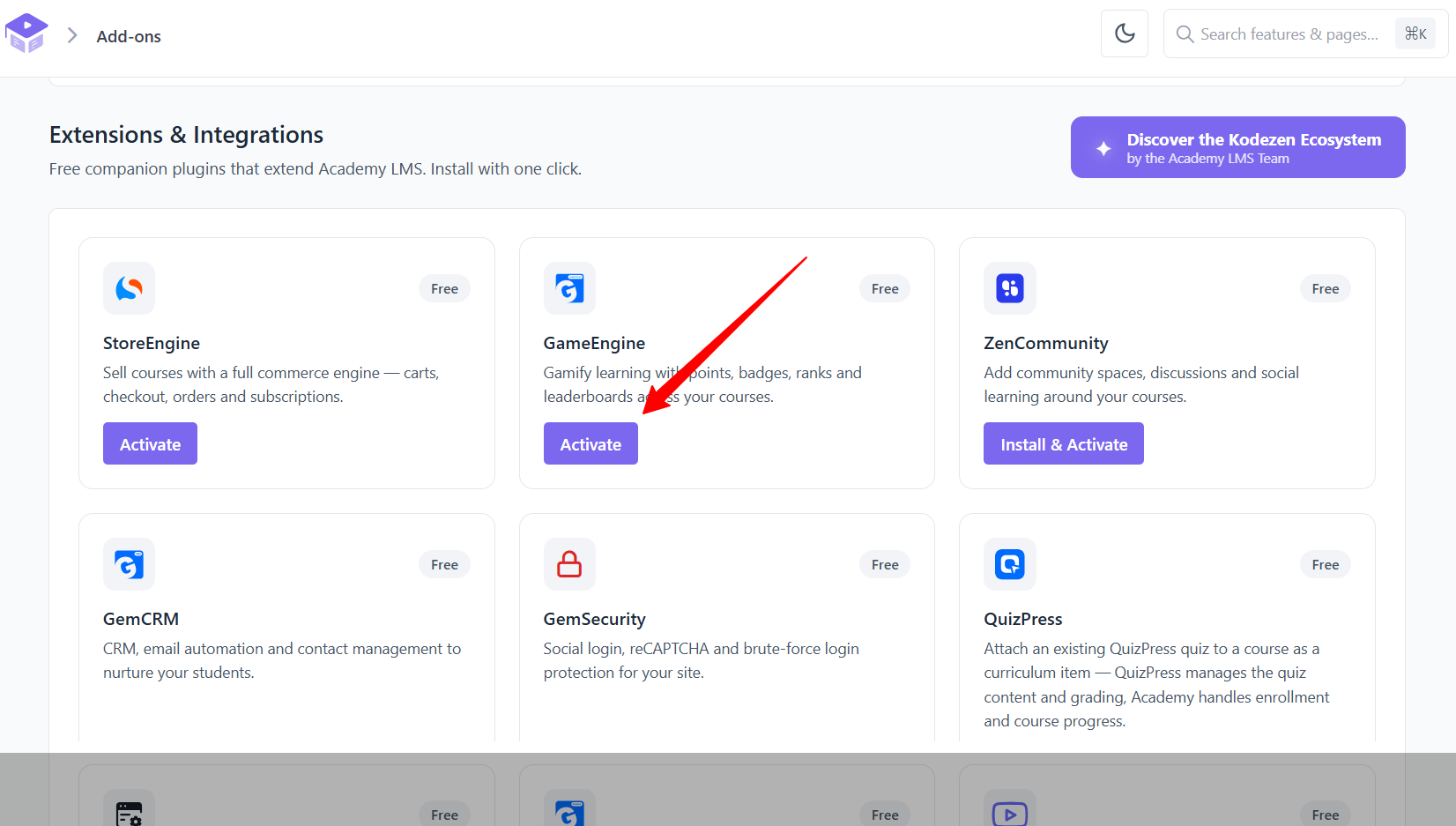
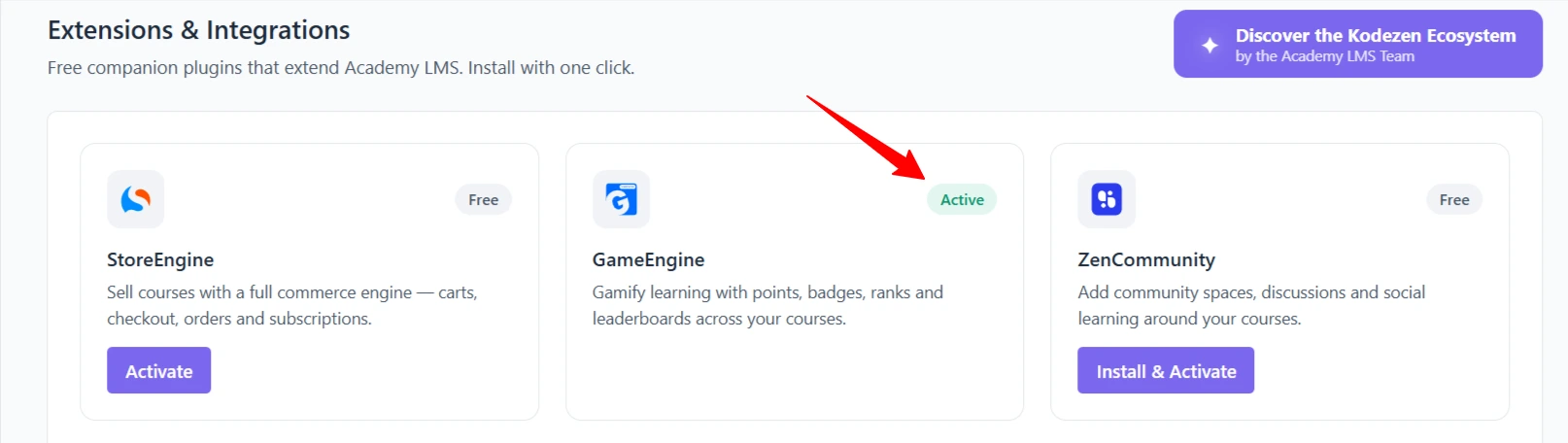
Make sure it’s active.
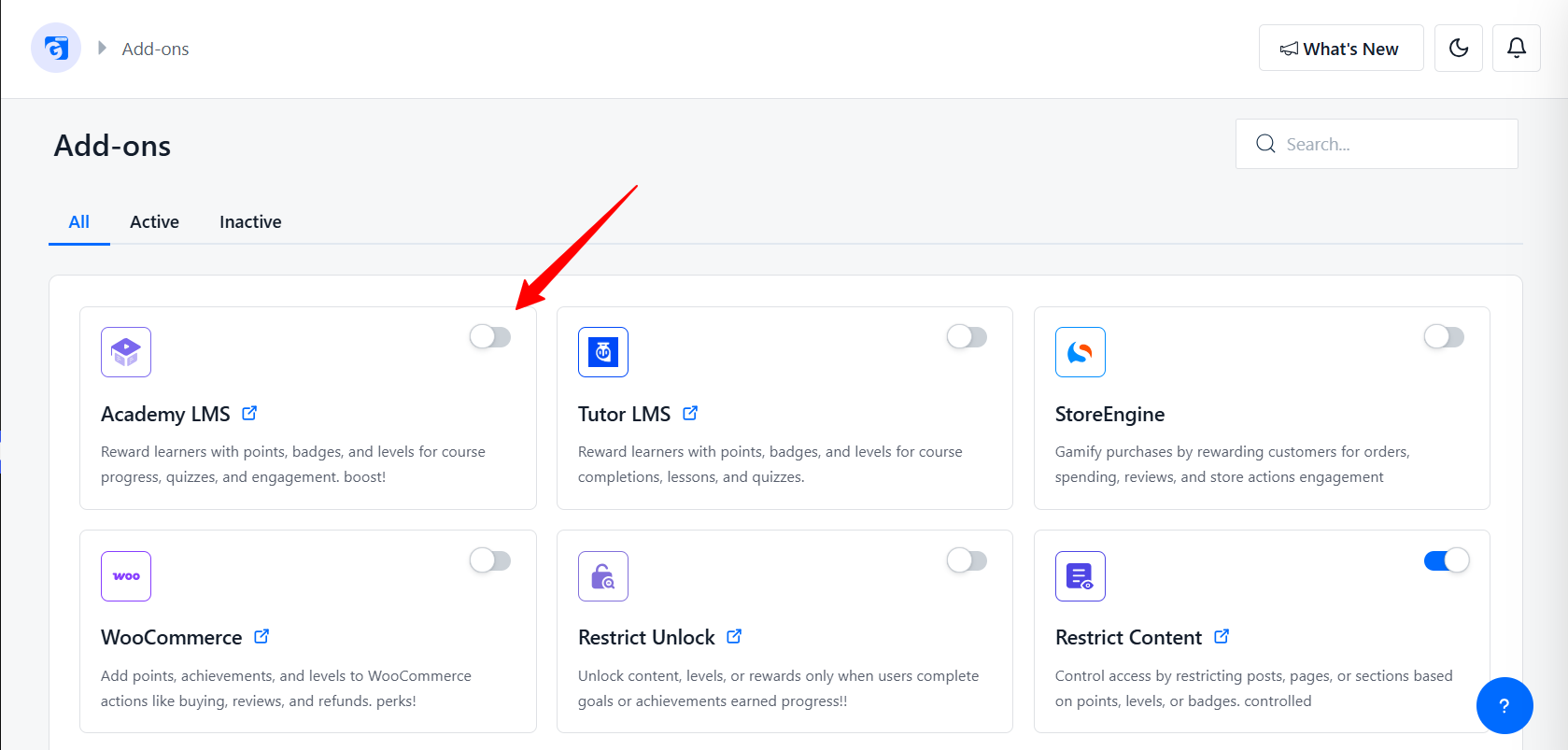
2. Turn on the Academy LMS add-on
Go to GameEngine → Addons and switch on Academy LMS.
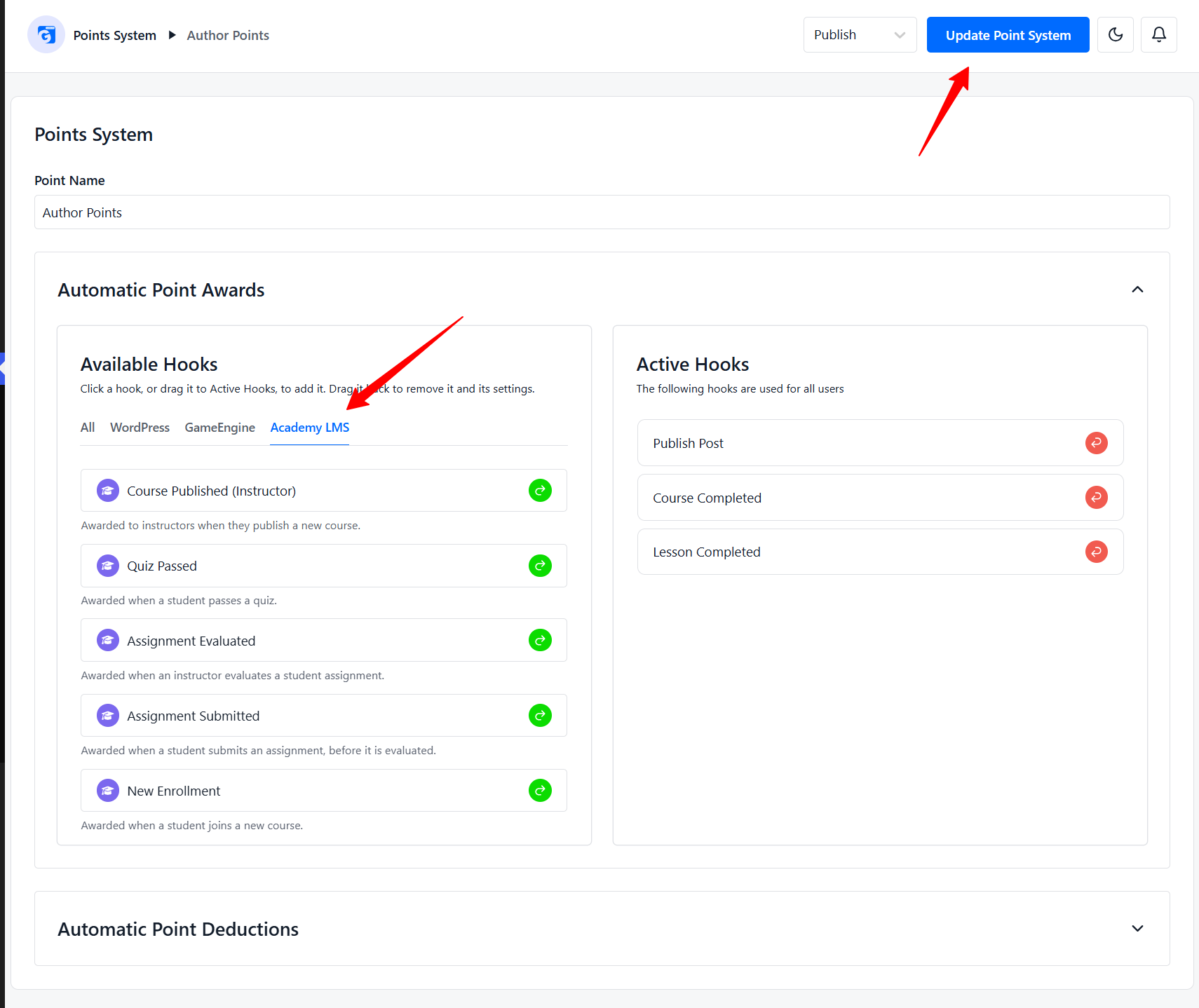
3. Award points for course activity
|
Hook |
Points are given when |
|
Course Completed |
A student completes a course |
|
Course Published (Instructor) |
An instructor publishes a course |
|
Lesson Completed |
A student completes a lesson |
|
Quiz Passed |
A student passes a quiz |
|
Assignment Submitted |
A student submits an assignment |
|
Assignment Evaluated |
An assignment is graded |
|
New Enrollment |
A student enrolls in a course |
4. Let students unlock a course
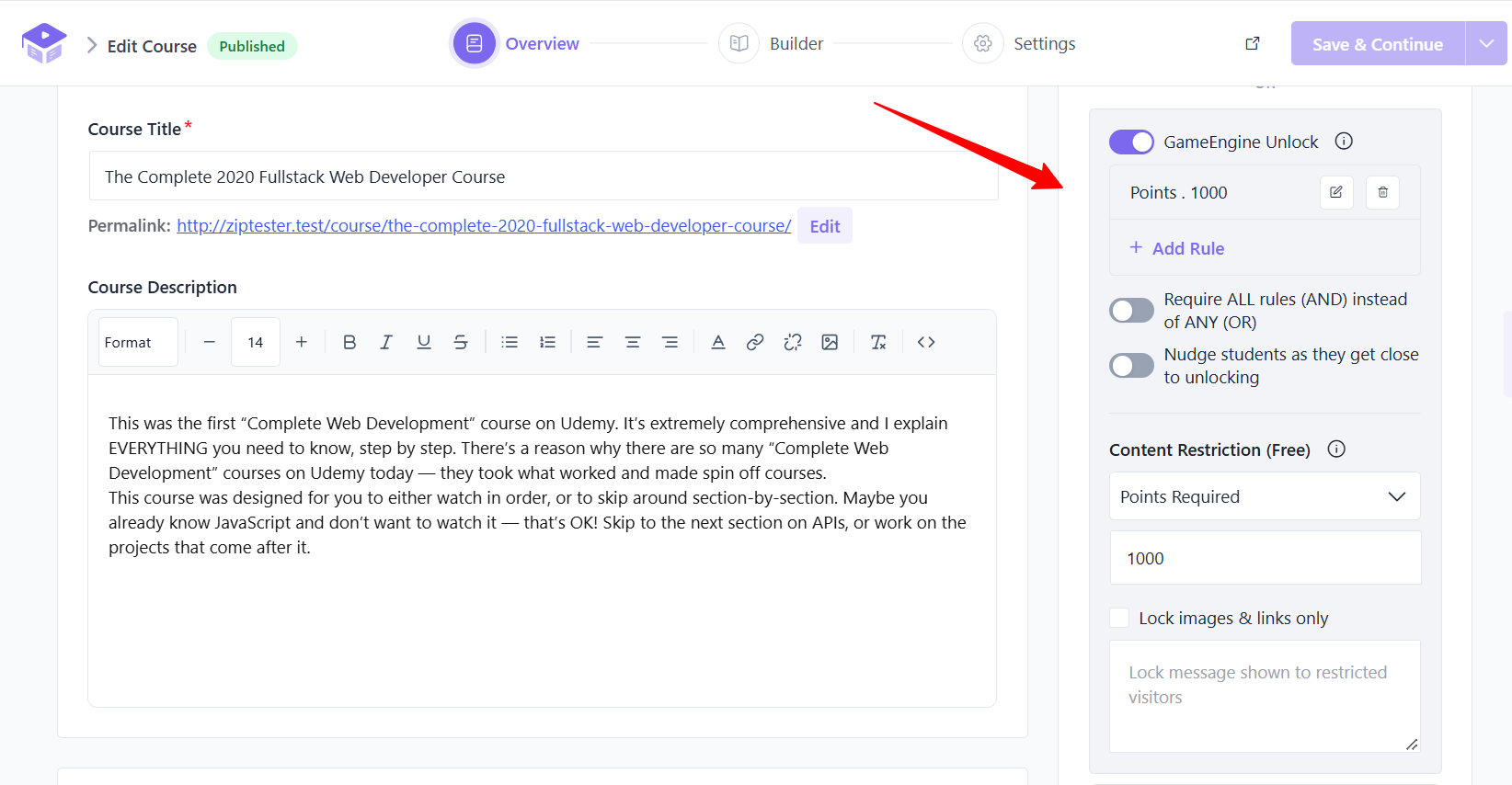
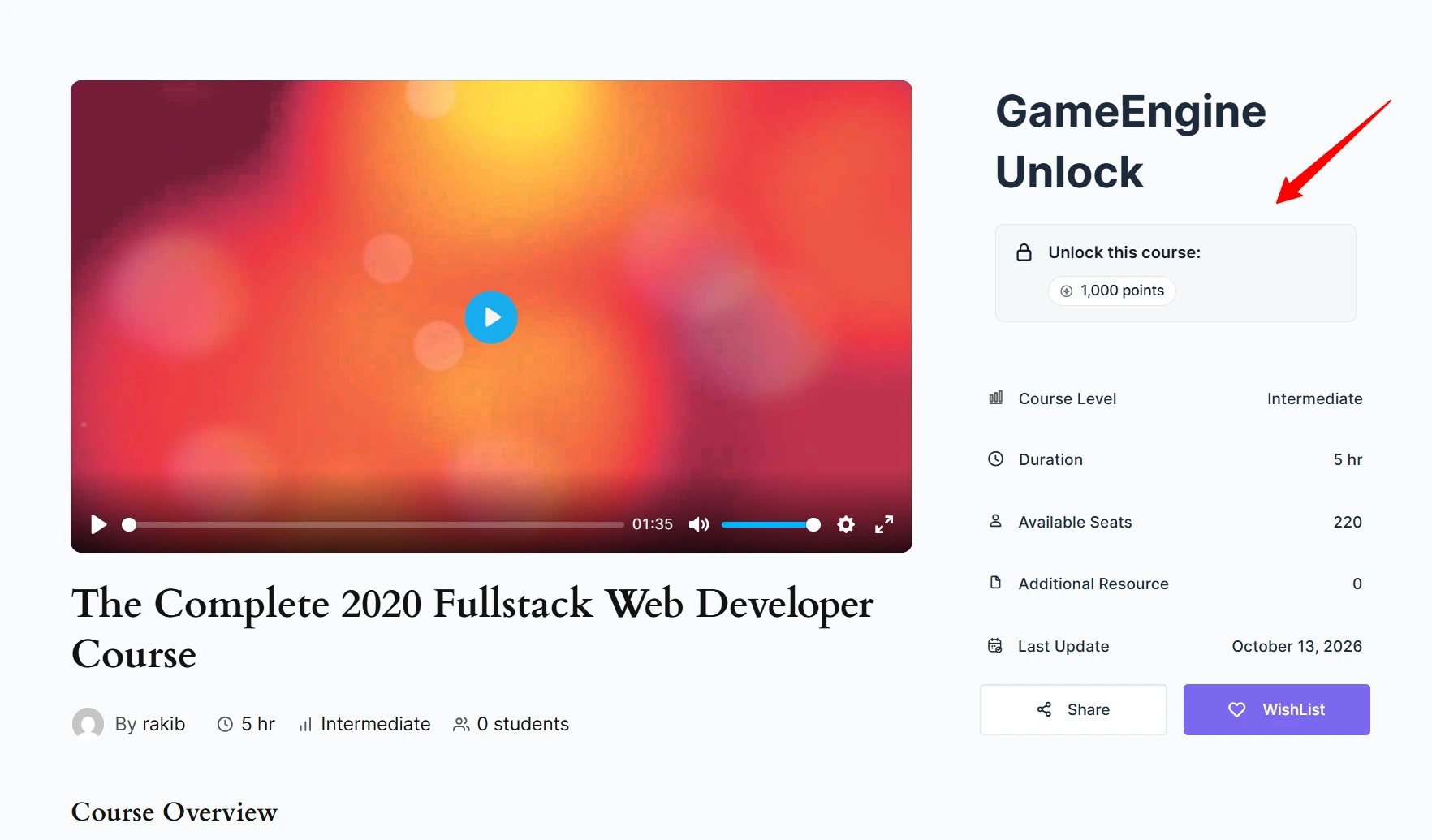
|
Option |
What it does |
|
Require ALL rules (AND) |
On: students must meet every rule. Off: meeting any one rule is enough. |
|
Nudge students as they get close to unlocking |
Reminds students who are near the target. Needs GameEngine Pro. |
A priced course can be bought or unlocked. Students who meet the rules get in without paying.
Using GamiPress instead? See GamiPress.