











Hello there! If you’re using Academy LMS Free version 1.6.1, you can easily turn on and off the announcement and QA sections for your courses.
Here’s how to do it:
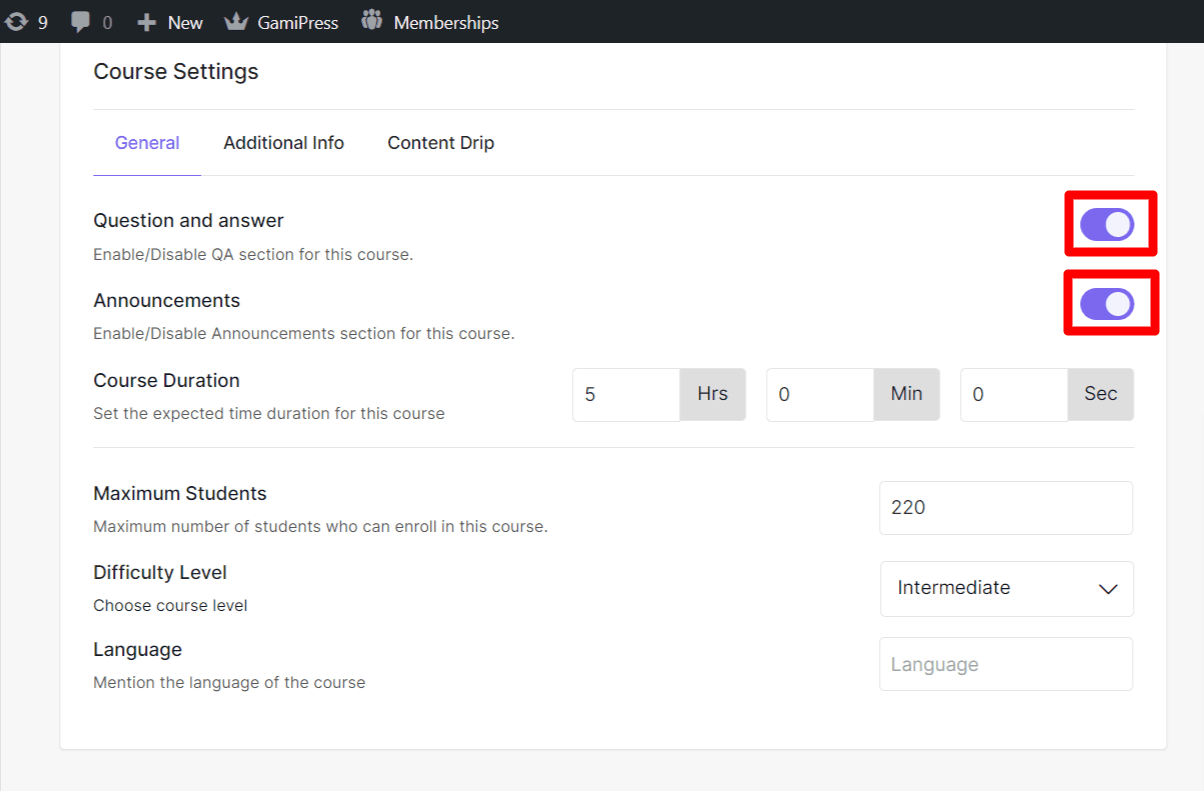
- Go to the course from which you want to turn off the feature.
- Next, go to the “Course Settings” option.
- Look for the toggle next to “QA” and “Announcements”.
- Toggle it on or off depending on whether you want to enable or disable the feature.
It’s as simple as that! If you have any questions about using the Announcement and QA section, you can join our Facebook community or our support center to ask or follow us on Twitter for the latest updates.