









Reward students with points, achievements and ranks for what they do in your courses.
1. Turn on the add-on
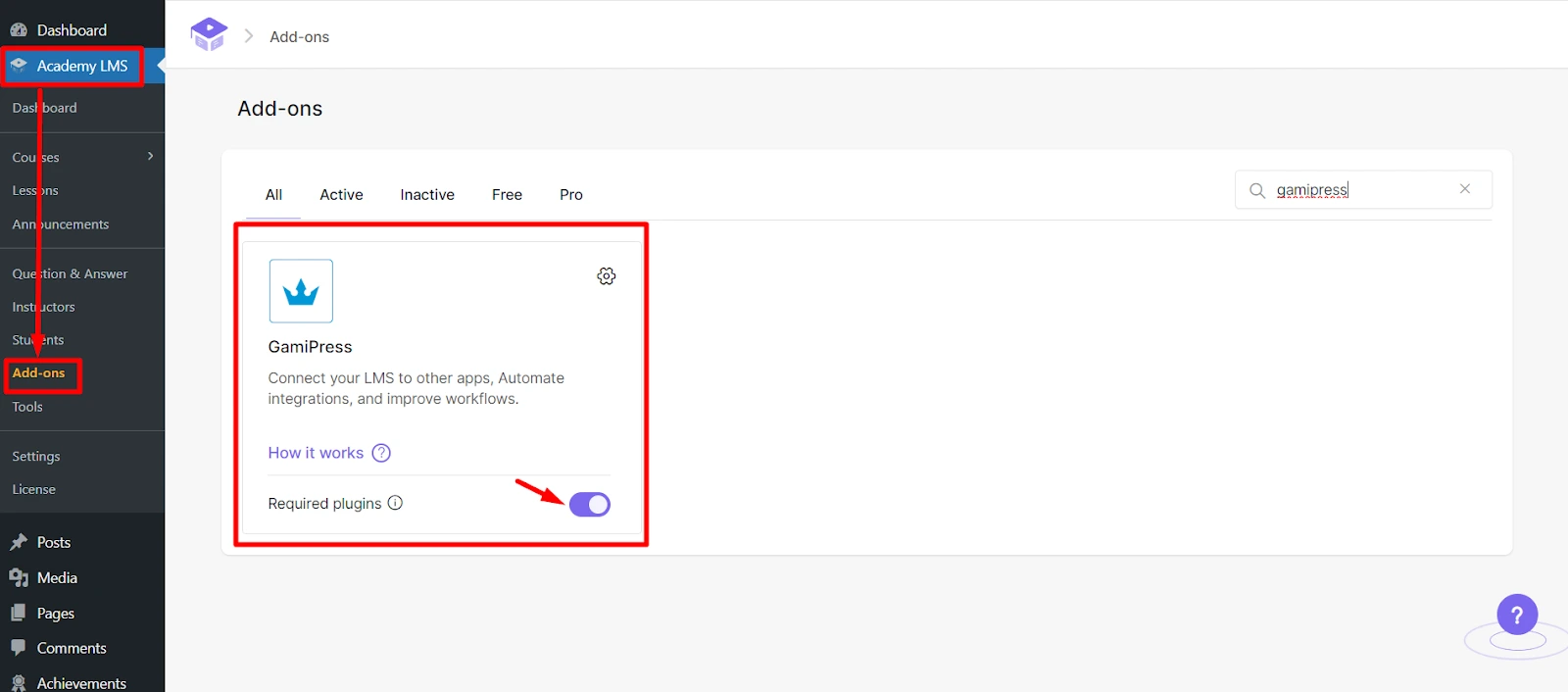
Install and activate GamiPress. Then go to Academy LMS → Add-ons and turn on GamiPress.
2. Award points
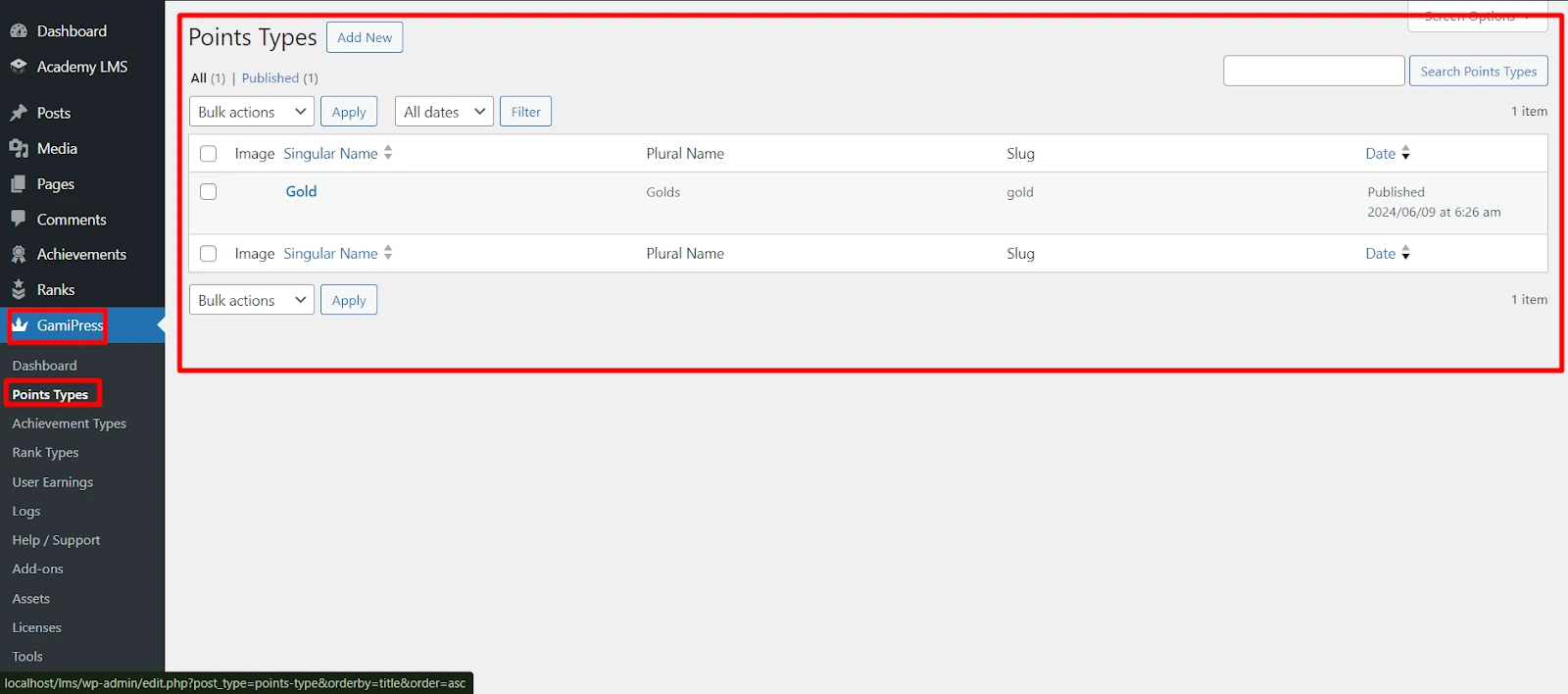
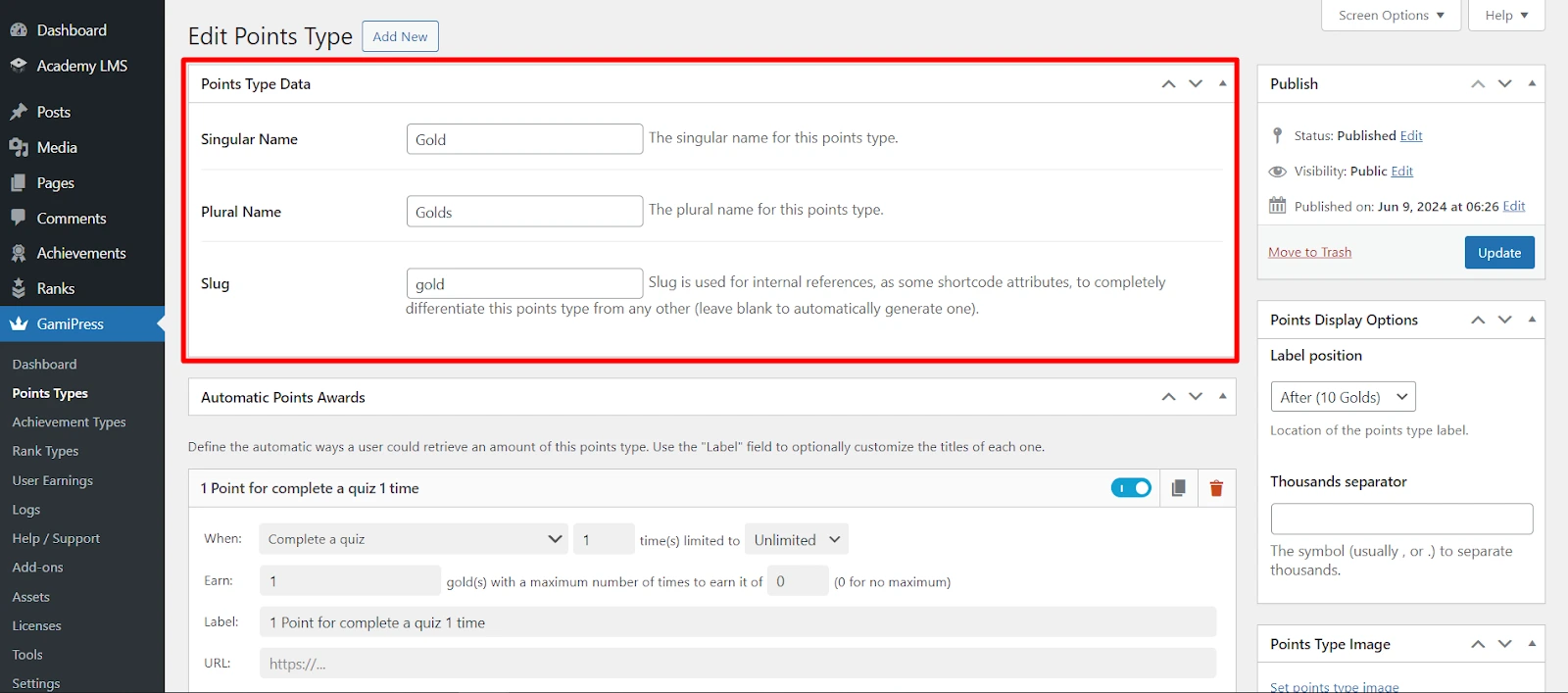
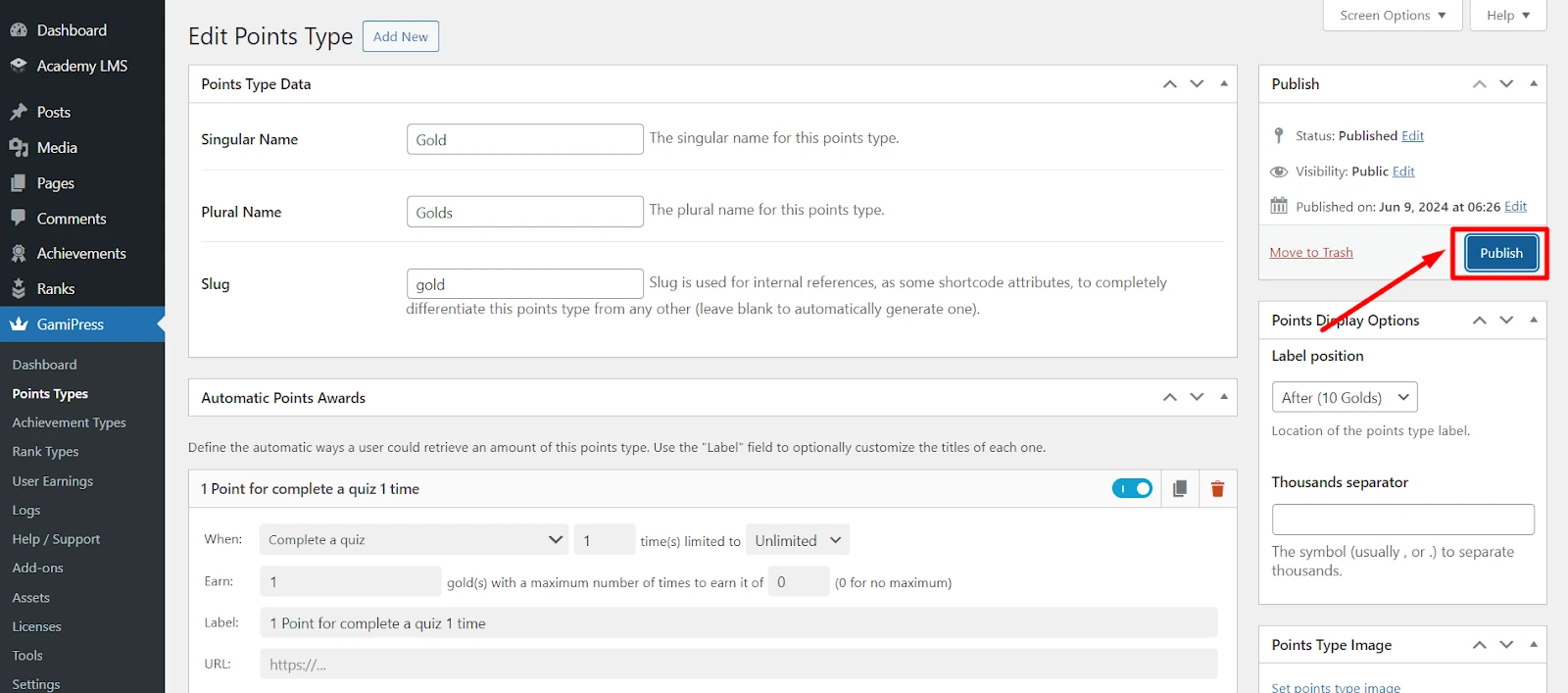
1.Go to GamiPress → Points Types and open a points type (or add one).
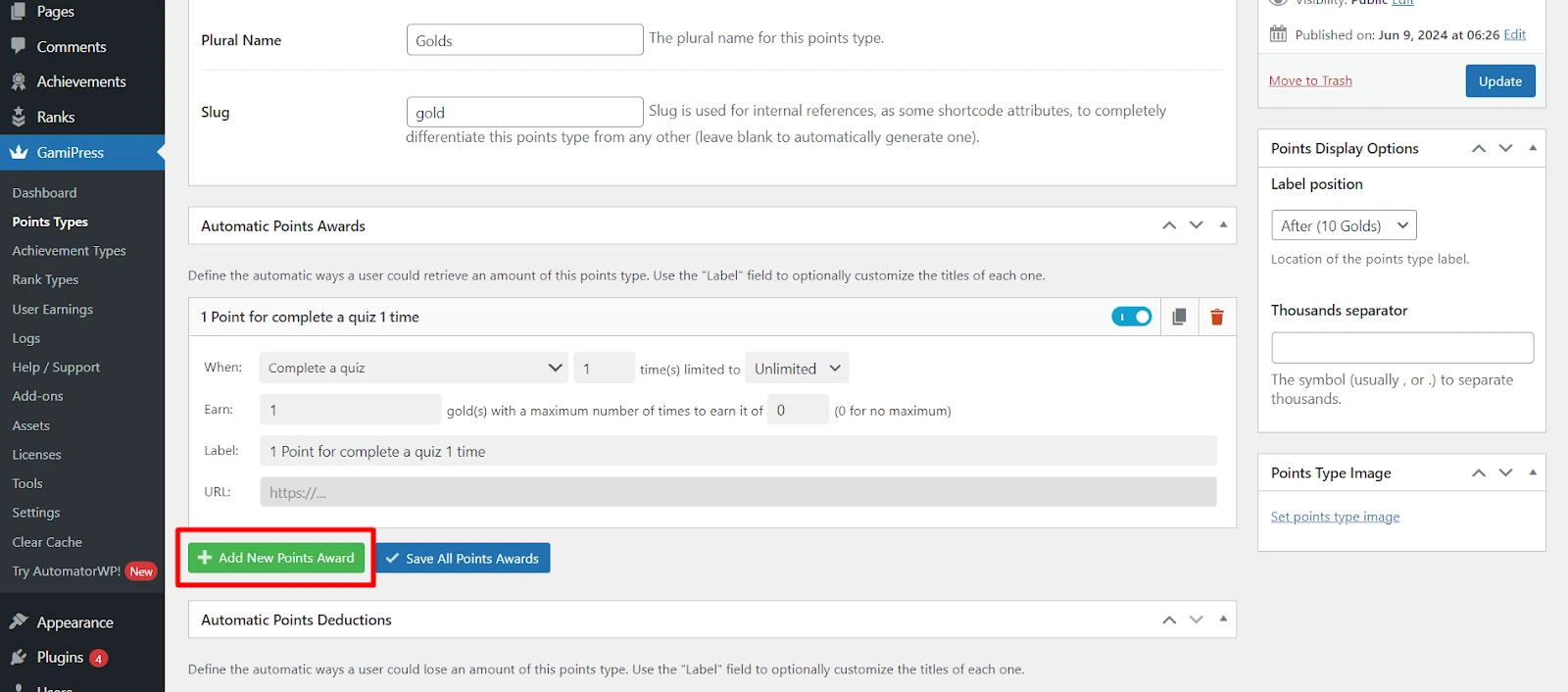
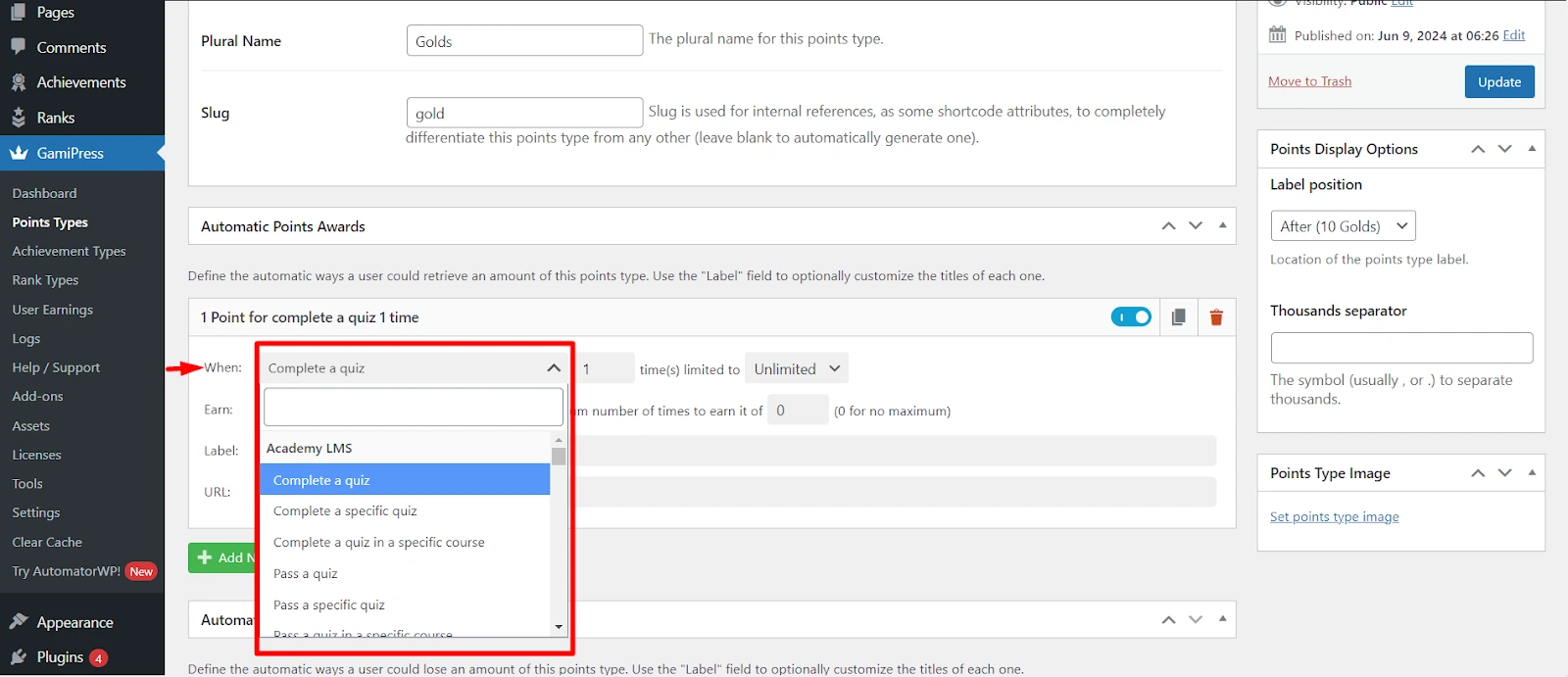
2.Click Add New Points Award.
3.Under When, choose an Academy LMS trigger.
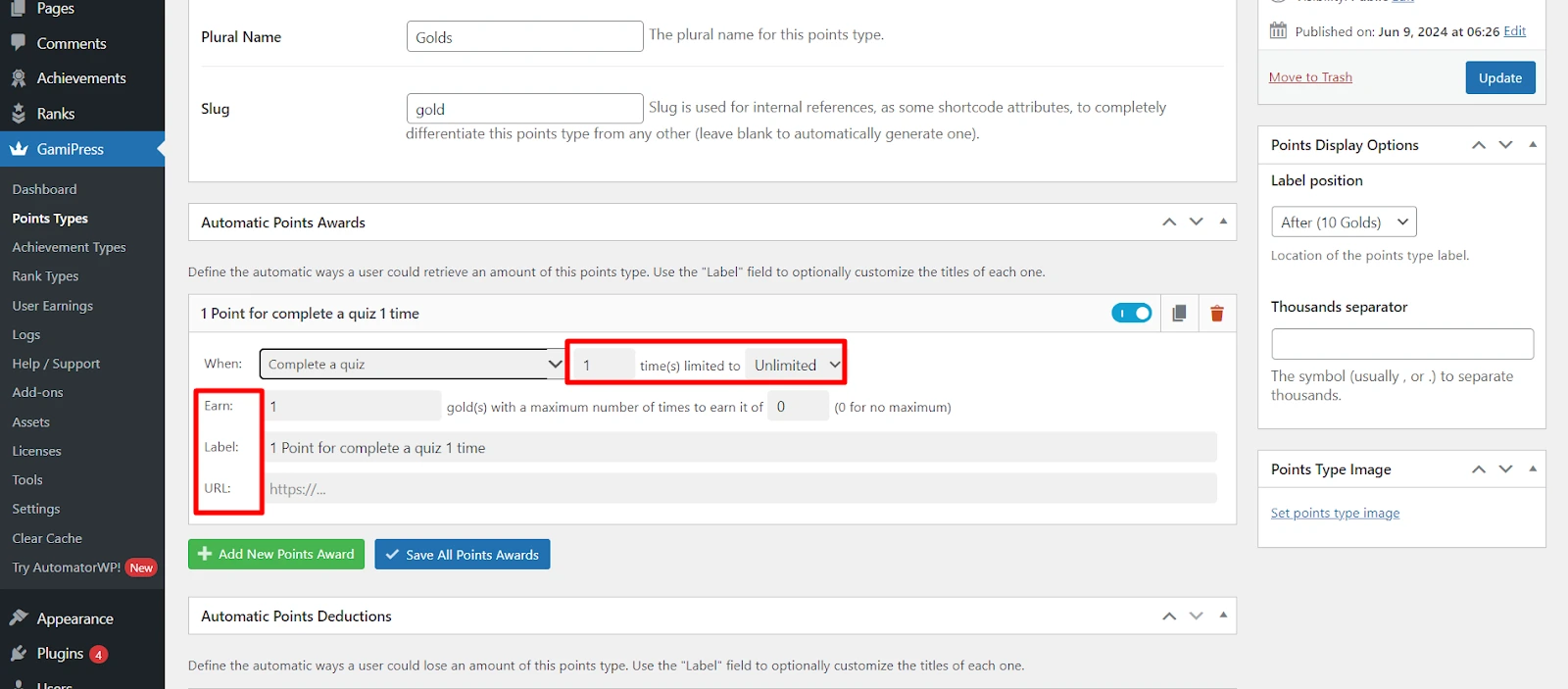
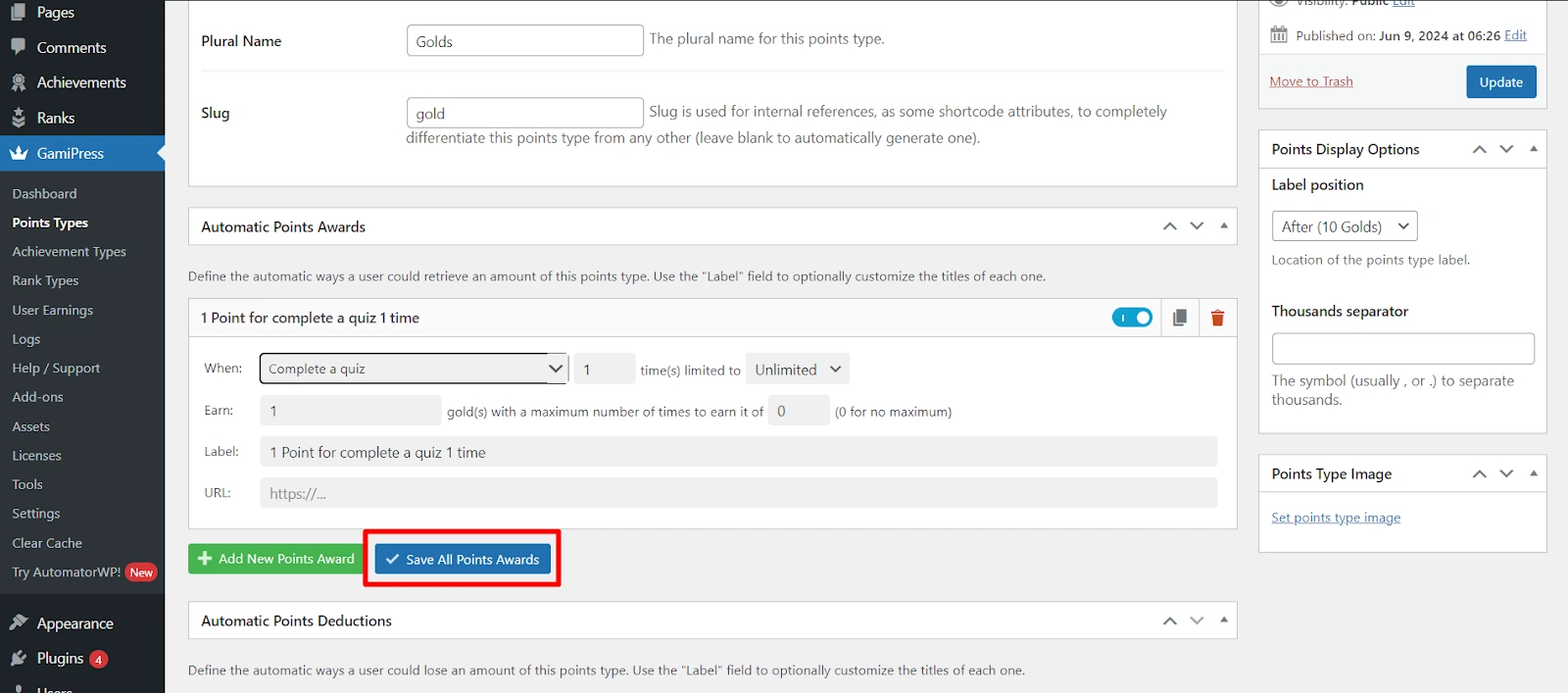
4.Set the number of points and save.
Academy LMS triggers
|
Area |
Triggers |
|
Quiz |
Complete, pass or fail a quiz: any quiz, a specific quiz, or any quiz in a specific course |
|
Assignment |
Complete, pass or fail an assignment: any, a specific one, or any in a specific course |
|
Course |
Enroll in any course, enroll in a specific course, complete a course |
3. Achievements and ranks
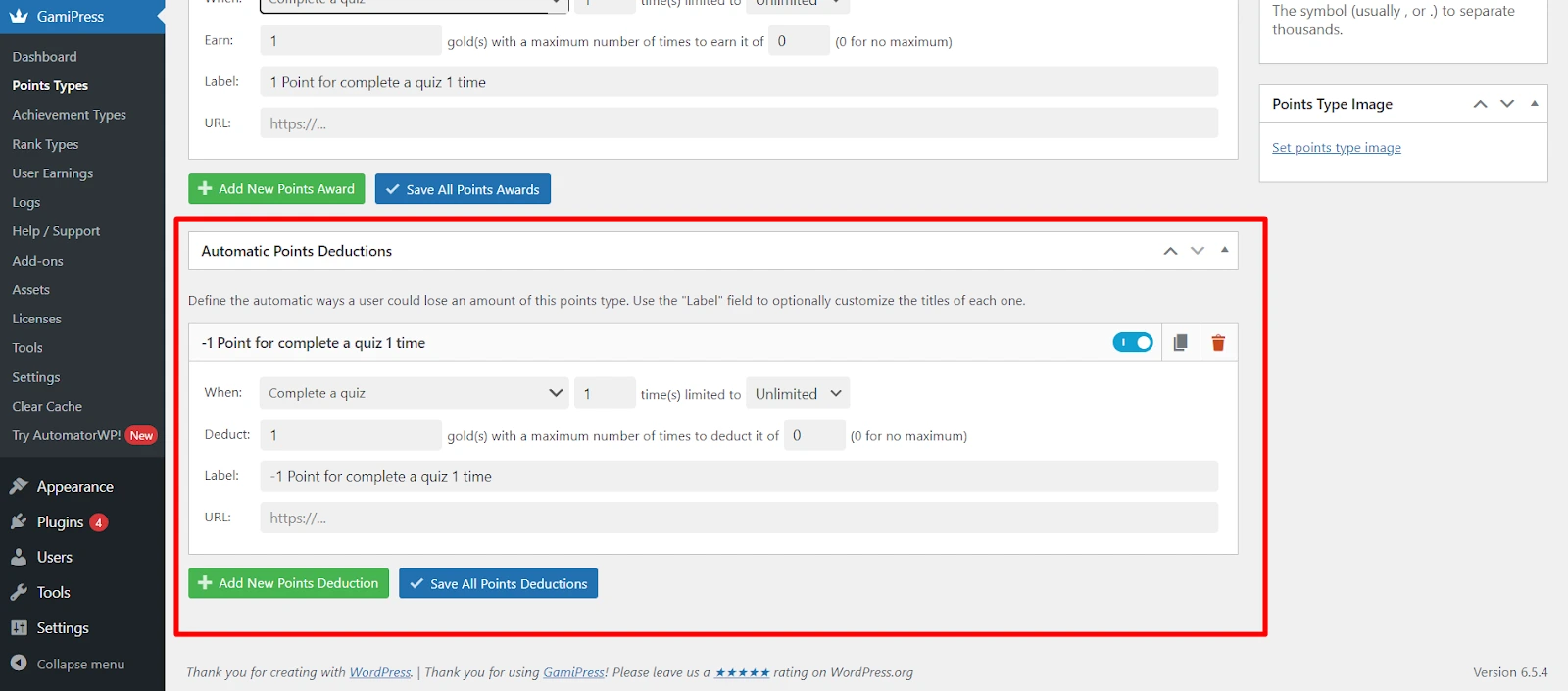
The same triggers work for achievements and ranks.
Achievements: go to GamiPress → Achievement Types, open an achievement and add the triggers under Required Steps.
Ranks: open a rank and add the triggers as its requirements.
4. Show rewards on your site
1.Go to Academy LMS → Settings → Advanced → GamiPress.
2.Click Add New Placement.
3.Choose:
4.Save.
Want gamification that can also unlock courses? See GameEngine.