
If you run a WordPress LMS site on WordPress, you already know that managing custom content — course metadata, instructor profiles, lesson details — is a constant challenge. Advanced Custom Fields (ACF) has long been the default solution for this. But in 2026, that’s changing.
The best ACF alternatives for WordPress LMS sites include Easy Content Manager (ECM), Meta Box, Pods, Carbon Fields, JetEngine, Toolset, CMB2, and Custom Field Suite. Each brings a different mix of features, pricing, and ease of use — giving WordPress developers, course creators, and Academy LMS site owners real options beyond ACF Pro.
ACF built its reputation over more than a decade as the go-to custom fields plugin for WordPress. But rising subscription costs, limited content management capabilities, and the growing demand for LMS-ready tools have pushed developers and site owners to look elsewhere. Whether you need a completely free open-source solution or a premium all-in-one plugin, this guide covers the best ACF alternatives available in 2026 — matched specifically to the needs of WordPress LMS sites.
Why Are WordPress Users Looking for ACF Alternatives in 2026?
ACF remains one of the most installed plugins in the WordPress ecosystem — but for LMS site owners specifically, it’s starting to show its limits.
The free version still handles basic field creation well enough. The problem is that “basic field creation” is rarely all an Academy LMS site actually needs. Managing course metadata, filtering content across multiple lessons, or building structured instructor profiles requires tools that go further than what ACF was designed to do.
Here’s why more LMS developers and site owners are actively moving away from ACF in 2026:
The 8 Best ACF Alternatives for WordPress in 2026
1. Meta Box — Best ACF Alternative for Developers
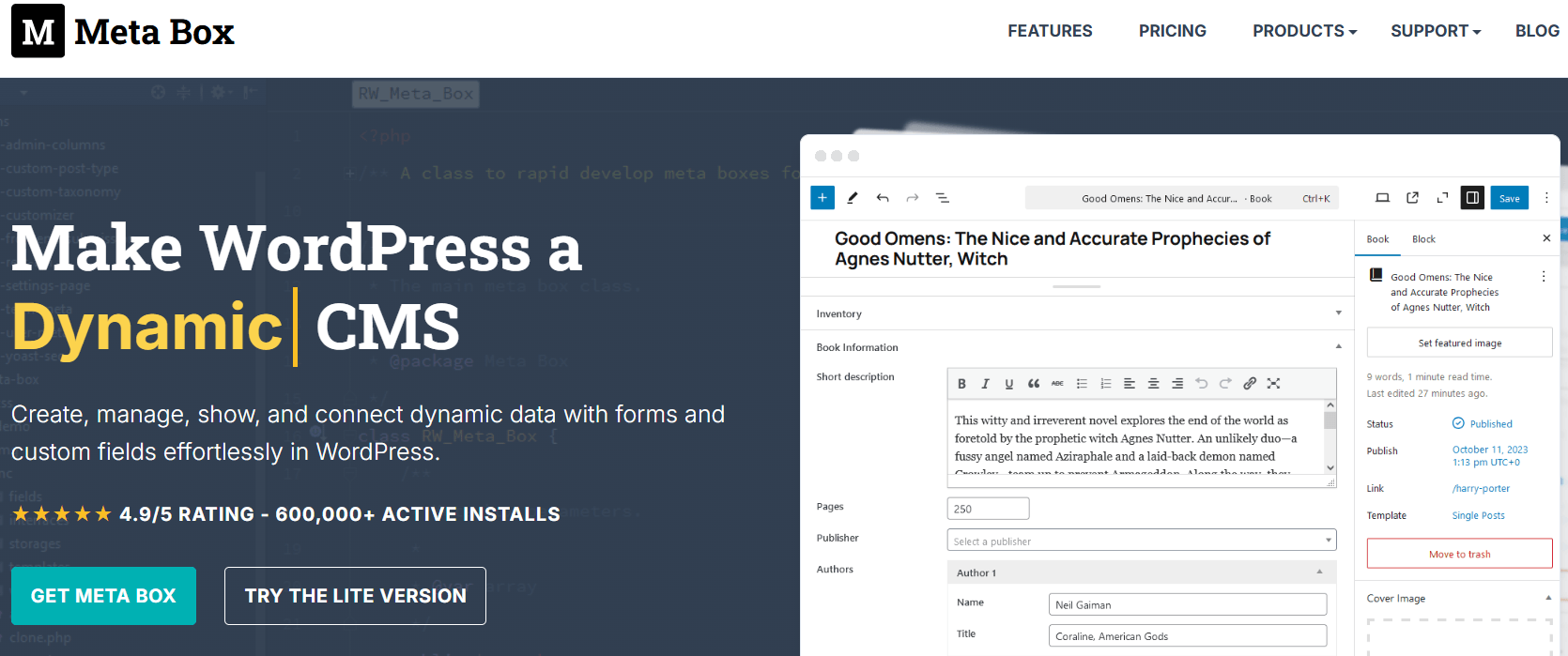
Meta Box is one of the most established and respected ACF alternatives in the WordPress ecosystem. It is a lightweight, developer-friendly custom fields plugin with over 40 field types and a powerful extension ecosystem.
Key Features:
- 40+ custom field types including text, image, file, map, color picker, and more
- Custom post types and custom taxonomies builder
- Conditional logic for showing and hiding fields
- Repeater fields and cloneable groups
- Frontend forms for user-submitted content
- Gutenberg block support
- Meta Box Builder — a visual drag-and-drop field builder
- Compatible with popular page builders, including Elementor and Beaver Builder
Meta Box vs ACF:
|
Feature |
Meta Box |
ACF Pro |
|
Starting Price |
Free (core) / from $49/year |
$49/year |
|
Free Version |
Yes — fully functional |
Yes (limited) |
|
Field Types |
40+ |
30+ |
|
Custom Post Types |
Yes (extension) |
Yes |
|
Conditional Logic |
Yes |
Yes (Pro) |
|
Repeater Fields |
Yes |
Yes (Pro) |
|
Frontend Forms |
Yes (extension) |
Yes (Pro) |
|
Gutenberg Support |
Yes |
Yes |
|
Page Builder Compat. |
Yes |
Yes |
|
Open Source |
Yes |
Partial |
Best for: WordPress developers who want a lightweight, code-first or code-optional custom fields plugin with extensive field types and strong documentation.
Pricing: Core plugin is free on WordPress.org. Premium extensions start from $49/year. All-access bundle available.
Limitation: Meta Box’s power comes from its extensions — but unlocking the full feature set requires purchasing multiple extensions or a bundle, which can add up. The UI is more developer-oriented than beginner-friendly.
2. Easy Content Manager (ECM) — Best All-in-One ACF Alternative
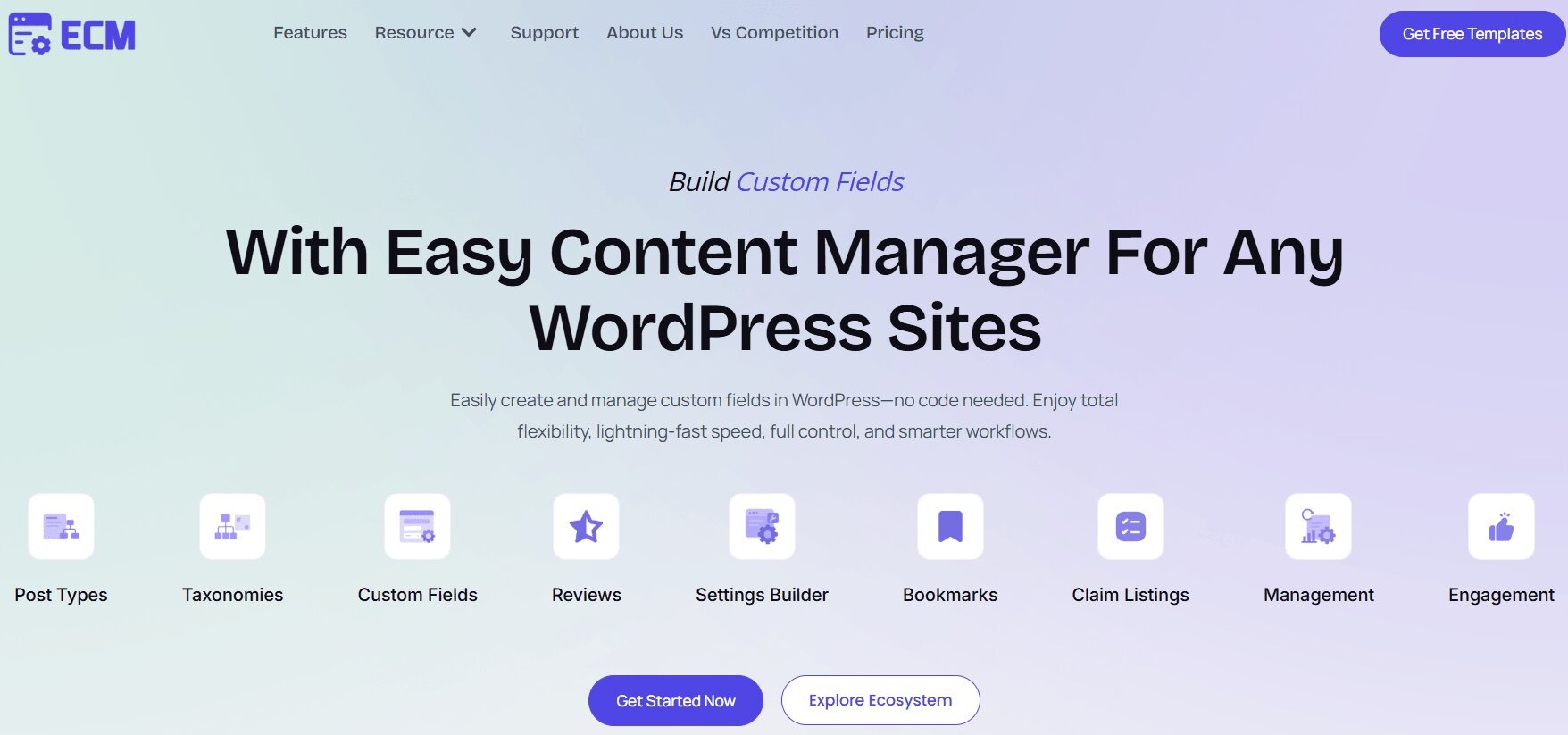
Easy Content Manager (ECM) is the best ACF alternative for WordPress users who want more than just a custom fields plugin — it is a complete content management tool that goes far beyond what ACF can do.
Where ACF stops at field creation, ECM builds a full management layer on top — giving you a dedicated visual dashboard to create, view, filter, edit, and manage all your custom field data across every post type, from a single unified screen. No more jumping post-by-post through the WordPress admin to manage your field values.
ECM was built by Kodezen LLC and is available on WordPress.org as a free plugin, with a premium version available at easycontentmanager.pro. It is the only ACF alternative in 2026 that combines custom field creation, custom post types, taxonomy management, a settings builder, and full content management — including user engagement features like reviews, ratings, reactions, bookmarks, and upvotes — all in one plugin.
What Makes Easy Content Manager Different from ACF?
1. Visual Content Management Dashboard ACF creates fields. ECM manages them. ECM gives you a clean, powerful dashboard where you can add, edit, delete, duplicate, and filter posts and their custom field values — all from one place. This replaces the fragmented experience of managing content post-by-post in the default WordPress editor.
2. Custom Post Types and Taxonomies Builder Create custom post types and custom taxonomies visually — no code required. Define post type labels, supports, taxonomies, and settings through a clean UI. This is built directly into ECM with no additional extension required.
3. Custom Fields — All Major Field Types ECM supports all the field types WordPress developers need: text, textarea, number, email, URL, image, file upload, video, dropdown, checkbox, radio button, date picker, color picker, and more. Add fields to posts, pages, custom post types, taxonomies, users, and site settings.
4. Settings Builder ECM includes a native Settings Builder — allowing you to create custom settings pages for your theme or plugin options directly inside WordPress. ACF does not include this out of the box.
5. User Engagement and Content Control This is where ECM truly separates itself. ECM supports built-in user engagement features that no other custom fields plugin offers: reviews, star ratings, reactions, bookmarks, upvotes, and view count tracking — all manageable from the ECM dashboard without installing separate plugins.
6. Repeater Fields and Field Groups Create repeatable field groups for structured content like team members, product specs, testimonials, FAQs, or portfolio items. Reuse field group templates across multiple post types for consistent content structure.
7. Gutenberg and Page Builder Compatibility ECM is compatible with the WordPress block editor (Gutenberg) and works with major WordPress themes and the plugin ecosystem built around it.
8. No Code Required Everything in ECM is done visually. No PHP, no custom code, no developer dependency. Website owners, bloggers, freelancers, and agencies can all use ECM to build complex content structures without writing a single line of code.
Easy Content Manager (ECM) vs ACF — Full Comparison:
|
Feature |
Easy Content Manager (ECM) |
ACF Pro |
|
Starting Price |
Free (WordPress.org) |
$49/year |
|
Pro Version |
Available (paid) |
$49/year+ |
|
Free Version |
Yes — fully functional |
Yes (limited) |
|
Custom Fields |
Yes |
Yes |
|
Custom Post Types |
Yes — built-in |
Yes |
|
Custom Taxonomies |
Yes — built-in |
Yes |
|
Field Management Dashboard |
Yes — unified visual UI |
No |
|
Filter Content by Field Values |
Yes |
No |
|
Manage All Posts from One Screen |
Yes |
No |
|
Settings Builder |
Yes — built-in |
No (addon required) |
|
Repeater Fields |
Yes |
Yes (Pro) |
|
Conditional Logic |
Yes |
Yes (Pro) |
|
User Reviews and Ratings |
Yes — built-in |
No |
|
Bookmarks and Reactions |
Yes — built-in |
No |
|
Upvotes and View Count |
Yes — built-in |
No |
|
Frontend Forms |
Yes |
Yes (Pro) |
|
Gutenberg Support |
Yes |
Yes |
|
Page Builder Support |
Yes |
Yes |
|
No-Code Interface |
Yes |
Yes |
|
14-Day Money-Back Guarantee |
Yes |
No |
|
Open Source |
Free version on WordPress.org |
Free version on WordPress.org |
Who Should Use Easy Content Manager (ECM)?
ECM is ideal for:
- Website owners managing blogs, portfolios, recipe sites, job boards, or local business directories who want structured custom content without a developer
- Freelancers and agencies building client sites that need custom post types, custom fields, and content management from a single dashboard
- Bloggers who want to add advanced metadata fields like author bios, reading time, post ratings, and source links without theme bloat
- Course creators displaying instructor info, course outlines, video links, and duration on course pages
- Directory and listing site owners managing complex databases with reviews, ratings, and structured custom data
- Developers who want a fast visual editor to prototype custom post types and field structures before building
Pricing: The free version is available on WordPress.org with no code required and covers core custom fields functionality. The premium version (easycontentmanager.pro) unlocks advanced features with a site-specific license and a 14-day risk-free money-back guarantee. Your site continues to work after license expiration, though premium features require renewal to remain active.
Verdict: If you want an ACF alternative that goes beyond field creation and gives you a complete content management system inside WordPress — with user engagement tools, a unified dashboard, a settings builder, and no dependency on external plugins — Easy Content Manager is the best choice available in 2026.
3. Pods — Best Completely Free ACF Alternative
Pods is one of the most popular completely free and open-source ACF alternatives for WordPress. It is a comprehensive framework for creating and managing custom content types, custom fields, and custom taxonomies — with no premium version required for most use cases.
Key Features:
- Create custom post types, custom taxonomies, and advanced content types
- Add custom fields to any post type, page, taxonomy, user, or settings
- Conditional logic for showing and hiding fields
- Relationships between content types
- Shortcode-based templating engine (no PHP required for simple loops)
- Compatible with Elementor, Beaver Builder, Bricks, and Oxygen
- Gutenberg block support
- REST API support for headless WordPress projects
- Completely free — no paid version required for core functionality
Best for: WordPress developers and site builders on a budget who need a fully featured custom content type framework at zero cost.
Pricing: Completely free. Premium add-ons available for specific advanced use cases, but the core plugin handles most projects without any paid upgrade.
Limitation: Pods’ documentation is inconsistent — many articles are outdated or fragmented, which can slow down troubleshooting. The interface is clean and functional, but the learning curve is steeper than ECM or ACF for beginners.
4. Carbon Fields — Best Open Source ACF Alternative for Developers
Carbon Fields is a lightweight, open-source custom fields library for WordPress, built specifically for developers who prefer working with code rather than a visual UI.
Key Features:
- Completely free and open source (MIT license)
- Add custom fields to post types, taxonomies, users, comments, options pages, nav menus, and widgets
- Clean, minimal codebase designed for performance
- Supports text, image, file, map, color picker, date picker, and more field types
- No admin UI — fields are registered entirely in PHP
- Composer installable for modern WordPress development workflows
Best for: WordPress developers building custom themes or plugins who want a clean, performant field library with no admin UI overhead.
Pricing: Completely free and open source.
Limitation: Carbon Fields has no visual admin interface. Everything is done in PHP code. This makes it unsuitable for non-developers or WordPress site owners who want a no-code solution. It is also not updated as frequently as ACF or Meta Box.
5. JetEngine — Best ACF Alternative for Elementor Users
JetEngine by Crocoblock is a powerful dynamic WordPress plugin designed primarily for users building advanced websites with Elementor. It focuses on creating dynamic meta fields, custom post types, and query-based content layouts.
Key Features:
- Custom post types and taxonomies builder
- Custom fields and meta boxes (18+ field types including repeater, gallery, and icon picker)
- Dynamic content rendering with Elementor
- Advanced query builder for listing grids and filters
- Conditional logic and visibility rules
- Relations between content types
- Frontend forms
- Compatible with Elementor, Bricks, and Gutenberg
Best for: WordPress developers and designers building dynamic, data-driven websites primarily with Elementor who need deep page builder integration with custom field data.
Pricing: JetEngine starts at $33/year as a standalone plugin. Available as part of Crocoblock’s All-Inclusive subscription.
Limitation: JetEngine is deeply tied to the Elementor ecosystem. Without Elementor, its dynamic content rendering features are significantly limited. It is also more complex to learn than ACF or ECM for beginners.
6. Toolset — Best ACF Alternative for Complex Dynamic Sites
Toolset is an all-in-one WordPress plugin suite for building dynamic, data-driven websites without writing code. It handles custom post types, custom fields, relationships, custom archives, and front-end display templates.
Key Features:
- Custom post types, taxonomies, and field builder
- Relationship builder between content types (one-to-many, many-to-many)
- Custom archive and search pages
- Front-end post submission forms
- Compatible with popular page builders like Elementor and Beaver Builder
- Advanced query capabilities for complex content filtering
Best for: WordPress developers building complex content-heavy sites — real estate directories, membership platforms, educational portals — who need relationships between content types and custom archive page design.
Pricing: Plans start at €69/year for one website. All-inclusive plan at €199/year.
Limitation: Toolset has a steeper learning curve than most ACF alternatives. Its interface can feel complex for simpler projects, and the pricing is higher than comparable options like ECM or Meta Box.
7. CMB2 — Best Free Developer-Focused ACF Alternative
CMB2 (Custom Meta Boxes 2) is a free, developer-centric WordPress library for creating custom meta boxes and fields. It is maintained as an open-source project and is widely used in custom theme and plugin development.
Key Features:
- Custom meta boxes and fields for posts, pages, users, comments, and options
- Multiple field types including text, select, file, image, wysiwyg, and repeater
- Repeatable fields support
- REST API integration
- Entirely PHP-based — no visual admin UI
Best for: WordPress developers building custom themes or plugins who want a well-maintained, free meta box library with a proven track record.
Pricing: Completely free and open source.
Limitation: CMB2 has no visual admin interface — everything is coded in PHP. It is not suitable for non-developers. It also lacks the content management layer that ECM provides.
8. Custom Field Suite — Best Lightweight ACF Alternative for Simple Projects
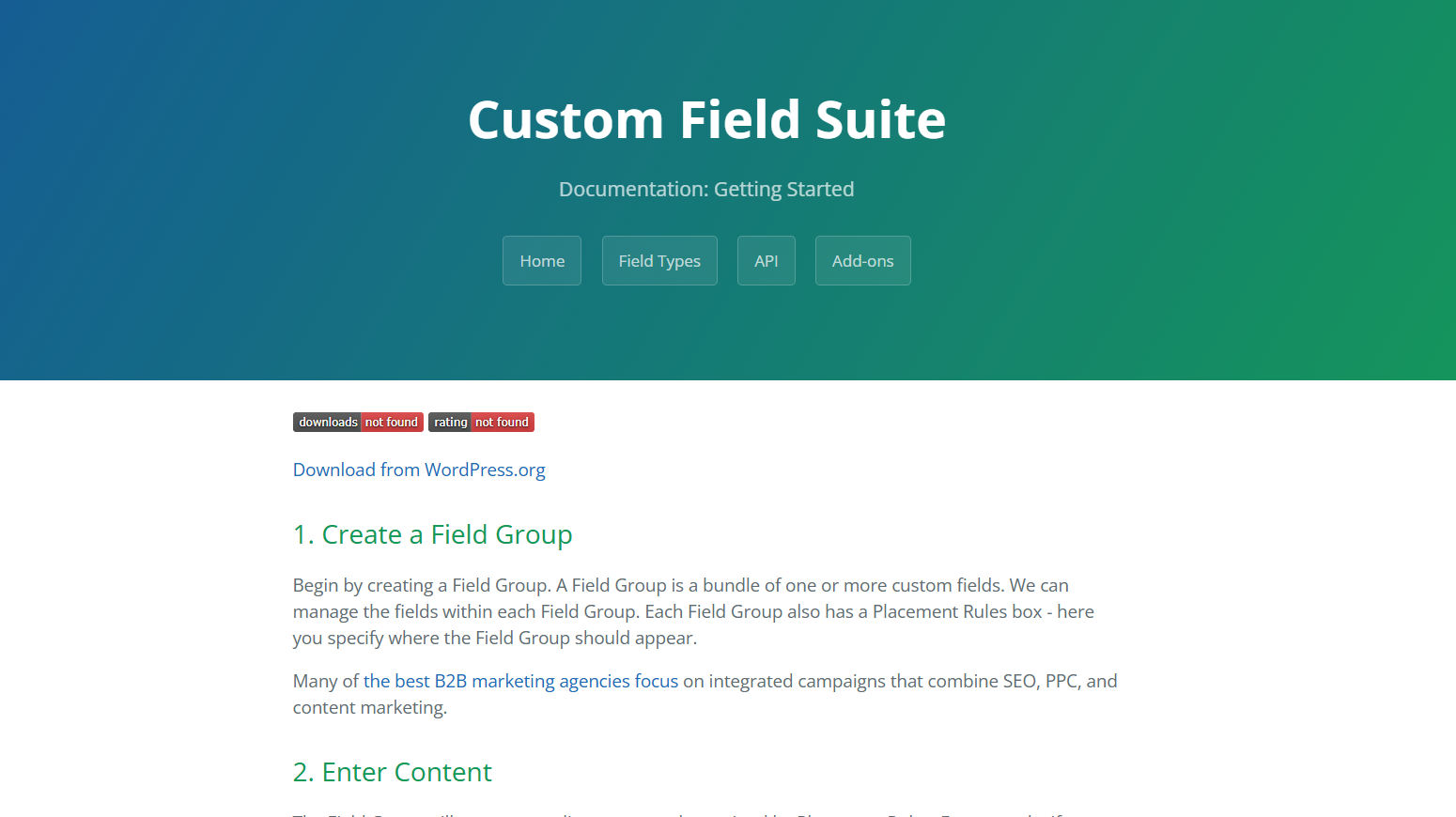
Custom Field Suite is a simple, lightweight WordPress plugin for adding basic custom fields to posts and pages. It covers straightforward use cases without the complexity of larger frameworks like ACF or Meta Box.
Key Features:
- Lightweight and fast
- Basic field types: text, textarea, date, color, file, relationship, and loop
- Loop fields for repeatable content
- Clean, minimal admin UI
- Free plugin on WordPress.org
Best for: WordPress site owners who need a handful of basic custom fields without installing a full-featured framework.
Pricing: Free.
Limitation: Custom Field Suite lacks custom post type creation, taxonomy management, conditional logic, page builder integration, and most advanced features. It is not a suitable replacement for ACF on complex projects.
Quick Comparison: All 8 ACF Alternatives at a Glance
|
Plugin |
Best For |
Free Version |
Starting Price |
Content Mgmt Dashboard |
|
Meta Box |
Developers, feature-rich |
Yes |
Free / $49/year (extensions) |
No |
|
Easy Content Manager |
All-in-one: fields + content management |
Yes |
Free / Pro available |
Yes — unified UI |
|
Pods |
Budget-conscious, free |
Yes |
Completely free |
No |
|
Carbon Fields |
Developer/code-only |
Yes |
Completely free |
No |
|
JetEngine |
Elementor power users |
No |
$33/year |
No |
|
Toolset |
Complex dynamic sites |
No |
€69/year |
Partial |
|
CMB2 |
Developer meta boxes |
Yes |
Completely free |
No |
|
Custom Field Suite |
Simple lightweight needs |
Yes |
Completely free |
No |
ACF vs Easy Content Manager: Head-to-Head
This is the comparison most WordPress users need most in 2026.
ACF Pro does one thing very well: it lets you create custom fields and attach them to any WordPress content type through a clean admin UI. For pure field creation and display, it remains a mature, stable tool.
But ACF does not manage your content. Once fields are created, you still navigate to individual post edit screens to view and update field values. There is no centralized view of your field data. There is no way to filter posts by custom field values from a unified dashboard. The settings builder requires a separate addon. User engagement features like ratings, reactions, and bookmarks require additional plugins entirely.
Easy Content Manager closes every one of those gaps. It handles custom field creation, custom post types, taxonomies, settings pages, and full content management from a single, unified WordPress dashboard — with user engagement tools built in.
For site owners and agencies who want one plugin that covers the entire custom content workflow — not just field creation — ECM is the stronger all-around choice.
How to Choose the Right ACF Alternative for Your WordPress Site
Use this simple decision framework:
Choose Meta Box if you are a developer who wants maximum field type variety, a strong extensions ecosystem, and a well-documented plugin you can use with or without code.
Choose Easy Content Manager (ECM) if you want a complete custom content management solution — not just field creation — with a unified dashboard, settings builder, user engagement tools, and no-code simplicity in one plugin.
Choose Pods if you need a completely free, open-source custom content type framework that handles fields, post types, and taxonomies without any cost.
Choose Carbon Fields if you are a developer who wants a clean, lightweight, code-only field library with no admin UI overhead and open-source licensing.
Choose JetEngine if you build dynamic, data-driven websites primarily with Elementor and need deep page builder integration with custom fields.
Choose Toolset if you need complex relationships between content types and custom archive pages for large-scale WordPress projects.
Choose CMB2 if you are a developer building custom themes or plugins and want a well-maintained free meta box library for PHP-based field registration.
Choose Custom Field Suite if you have a simple WordPress site that needs only a handful of basic fields with minimal overhead.
Final Verdict: Which ACF Alternative Is Right for You?
Advanced Custom Fields built the foundation of custom content management in WordPress — but in 2026, the landscape has evolved significantly. Better, more affordable, and more complete alternatives now exist for every type of WordPress user — including course creators and Academy LMS site owners.
For the most complete all-in-one experience, Easy Content Manager (ECM) is the best ACF alternative in 2026. It does not just create custom fields — it manages your entire custom content workflow from a single visual dashboard, adds user engagement tools that no other custom fields plugin includes, and remains accessible to non-developers while powerful enough for complex WordPress and LMS projects.
For pure developer flexibility at no cost, Pods and Carbon Fields remain excellent open source choices. For maximum field type depth, Meta Box is the strongest premium alternative.
Whatever is driving you away from ACF — rising costs, fragmented content management, or missing features for your LMS site — there is a more complete alternative waiting in 2026.
👉 Try Easy Content Manager (ECM) →
Frequently Asked Questions
What is the best ACF alternative for WordPress in 2026?
The best ACF alternative depends on your needs. For a complete all-in-one solution covering custom fields, post types, content management, and user engagement, Easy Content Manager (ECM) is the strongest choice. For developers wanting maximum field types, Meta Box leads. For a completely free option, Pods is the top pick.
Is there a completely free alternative to Advanced Custom Fields?
Yes. Pods, Carbon Fields, CMB2, and Custom Field Suite are all completely free and open source. Pods is the most feature-complete free alternative, covering custom fields, custom post types, taxonomies, and conditional logic at no cost.
What is the difference between ACF and Easy Content Manager (ECM)?
ACF creates custom fields and attaches them to WordPress content — but content management still happens through the default WordPress post editor. Easy Content Manager goes further: it provides a unified visual dashboard to create, view, filter, edit, and manage all custom field data across every post type from one place. ECM also includes a settings builder, user engagement tools (ratings, reviews, bookmarks), and built-in custom post type and taxonomy management — all without additional plugins.
Is ACF Pro worth the cost in 2026?
ACF Pro remains a solid choice for developers who only need custom field creation and are comfortable with the $49/year price per site. However, for users who also need content management, settings pages, or user engagement features, ACF Pro requires additional plugins to fill those gaps. Alternatives like ECM offer a more complete solution at a comparable or lower total cost.
Can I replace ACF with Meta Box?
Yes. Meta Box covers all the core functionality of ACF Pro — custom fields, custom post types, taxonomies, conditional logic, and repeater fields. Meta Box’s core is free, though advanced features require paid extensions. For developers, it is a direct ACF replacement with broader field type support.
Which ACF alternative works best with Elementor and Beaver Builder?
JetEngine is built specifically for Elementor integration. Meta Box, ECM, and Pods also support Elementor and Beaver Builder through standard custom field display methods. For the deepest Elementor integration, JetEngine is purpose-built for that use case.
What is the best free ACF alternative for non-developers?
Easy Content Manager (ECM) offers the most beginner-friendly no-code experience. Its visual dashboard makes creating custom post types, taxonomies, and fields accessible to website owners without any PHP knowledge. Pods is the best completely free option for non-developers who want more advanced features.
Does ACF work with Gutenberg?
Yes, ACF Pro supports Gutenberg through its Block Editor integration. Most major ACF alternatives — including ECM, Meta Box, Pods, and JetEngine — also support Gutenberg.