
Elementor has long been the primary page builder for WordPress users, but as online academies grow, its technical drawbacks become hard to ignore. Heavy CSS/JS files, complex DOM wrappers, reliance on jQuery, and escalating yearly subscription fees often lead to slow-loading course players, laggy sales pages, and poor Core Web Vitals. For course creators and e-learning managers, page speed isn’t just a design metric—it directly impacts student retention, checkout conversions, and search engine rankings.
In 2026, modern course sites are shifting away from traditional visual builders in favor of lightweight, block-native tools that seamlessly integrate with WordPress Learning Management Systems (LMS) like Academy LMS without compromising site speed.
This guide covers the eight best Elementor alternatives available right now — free and paid — so you can find the right page builder for your WordPress website, your workflow, and your budget.
Quick Summary (TL;DR for Course Creators)
Why Course Creators Are Moving Away from Elementor
<div> nesting creates heavy DOM structures that slow down browser rendering for active learners.The 8 Best Elementor Alternatives for WordPress in 2026
1. Beaver Builder — Best Elementor Alternative for Stability and Clean Code
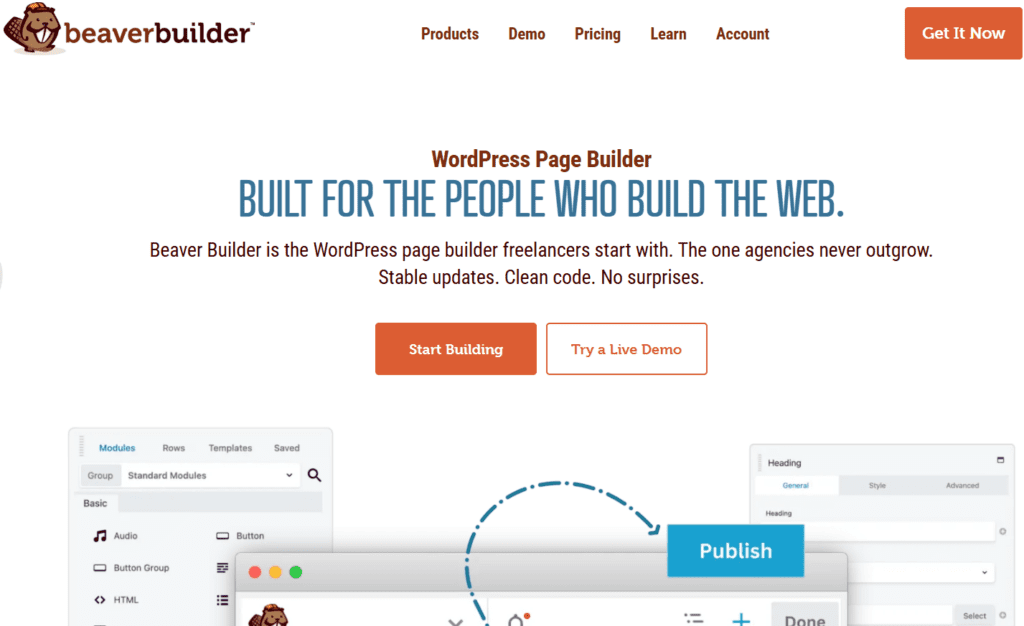
Beaver Builder is one of the longest-standing and most trusted WordPress page builders available — widely regarded as the most stable, developer-friendly drag-and-drop builder, producing the cleanest HTML output of any visual page builder plugin.
Key Features:
- Intuitive drag-and-drop interface with live frontend editing
- Clean, lightweight HTML output with minimal CSS bloat
- Responsive controls for desktop, tablet, and mobile
- Page templates and module library
- Beaver Themer for building headers, footers, and post templates
- Strong third-party addon ecosystem
- White-label option for agencies
- Works with any WordPress theme
Best for: Freelancers, developers, and agencies who prioritize long-term stability, clean code output, and a drag-and-drop interface that behaves consistently across every project.
Pricing: Free version available (Beaver Builder Lite on WordPress.org). Pro starts at $99/year for unlimited sites. Beaver Themer (for header/footer building) is a separate $147/year purchase.
Limitation: Beaver Builder’s design capabilities are more conservative than Elementor or aBlocks. It lacks a built-in popup builder, GSAP animation engine, dynamic content tools, and WooCommerce blocks without third-party addons. The free version is also quite limited compared to Pro.
2. aBlocks — Best All-in-One Free Elementor Alternative for WordPress
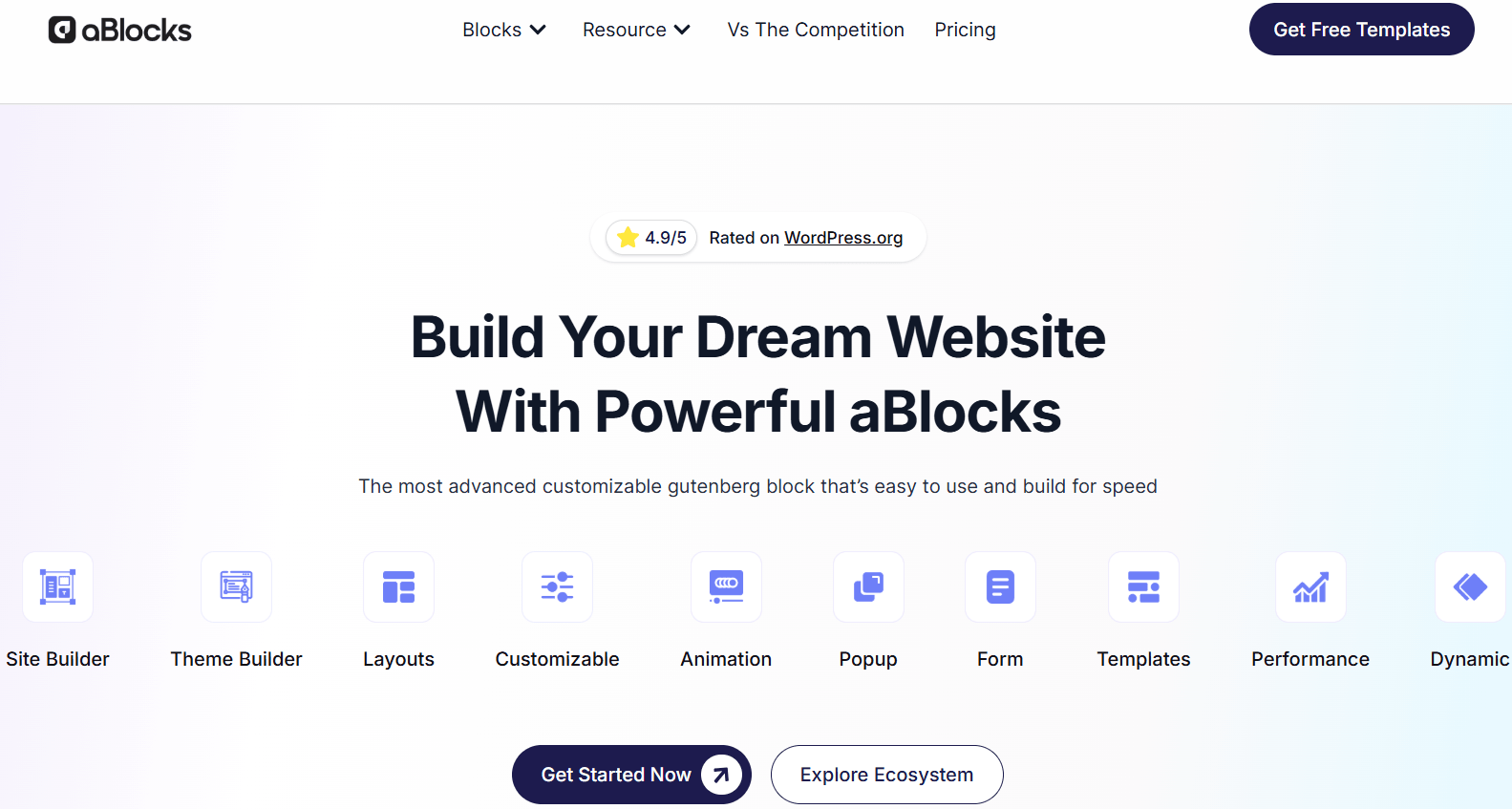
aBlocks is the best all-in-one Elementor alternative for WordPress users who want full page builder power without the performance bloat, jQuery dependency, yearly subscription costs, or vendor lock-in that Elementor brings.
Unlike Elementor, which replaces the native WordPress editor with its own proprietary environment, aBlocks enhances the native WordPress block editor — adding 100+ advanced blocks, dynamic content, GSAP animations, theme building, popup builder, form builder, loop builder, and a full template library directly inside the WordPress editor you already use.
The result: professional-grade design capabilities built on clean, native WordPress architecture — with faster load times, better Core Web Vitals scores, and zero dependency on a proprietary editing environment.
What Makes aBlocks Stand Apart from Every Other Elementor Alternative?
1. Built on Native WordPress — Not a Replacement aBlocks supercharges the WordPress block editor instead of replacing it. Every block you build is stored as native WordPress content — no proprietary shortcodes, no lock-in, no compatibility risks with future WordPress updates. This is the fundamental architectural difference between aBlocks and Elementor, and it directly impacts long-term site performance and maintainability.
2. Lightweight and 100% jQuery-Free aBlocks uses smart asset loading — only loading the CSS and JavaScript needed for blocks that actually appear on each page. Elementor loads its full asset library on every single page regardless of which widgets are used. The performance gap is measurable and shows directly in Core Web Vitals scores that affect your Google rankings.
3. 100+ Advanced Blocks Across Six Categories aBlocks includes over 100 free blocks organized into six purpose-built categories:
- Creative Blocks — 33+ blocks for hero sections, sliders, image galleries, accordions, tabs, counters, and visual storytelling elements
- Marketing Blocks — 8 blocks including popup builder, notices, price lists, coupons, social share, Stripe/PayPal payment buttons, and news tickers
- Academy Blocks — 18 blocks for course grids, enrollment flows, certificates, student and instructor forms, and PDF embeds — purpose-built for Academy LMS integration
- eCommerce Blocks — 19 WooCommerce blocks including product grids, filters, cart elements, add-to-cart buttons, checkout customisation, and order details
- Form Builder Blocks — 15 blocks, including contact forms, newsletter forms, multi-step forms, registration/login forms, survey/quiz forms, payment forms, and donation forms
- Content Blocks — 15 blocks for blog post listings, team members, testimonials, FAQs, pricing tables, and structured content layouts
4. Theme Builder, Header Builder, and Footer Builder — Included aBlocks includes a full theme builder for designing your site’s header, footer, archive pages, and single post templates visually inside the WordPress block editor. In Elementor, these features require Elementor Pro ($59–$399/year). In aBlocks, they are included.
5. Popup Builder — Built In at No Extra Cost Create targeted popups with display conditions, animation triggers, and targeting rules — without an external plugin or a Pro upgrade. Elementor’s pop-up builder is a Pro-only feature.
6. Dynamic Content and Loop Builder aBlocks includes native dynamic content support for building templates that display real-time data from WordPress posts, custom fields, users, and custom post types. The loop builder lets you design post listings, product grids, and custom content archives visually — a Pro-only feature in Elementor.
7. GSAP Animation Engine aBlocks includes the GSAP animation engine — delivering smooth, professional-grade scroll animations, hover effects, mouse effects, floating elements, and sticky elements. Elementor’s native animation capabilities are more basic and require third-party addons for comparable effects.
8. Display Conditions and Role-Based Content Show or hide any block based on rules: user login status, device type, user role, WooCommerce cart status, page context, and more. This enables conditional content, member-only sections, and personalized layouts without additional plugins.
9. Frontend Dashboard Builder and User Account Pages aBlocks supports building frontend dashboards and custom user account pages directly on your WordPress site — a capability Elementor does not offer at any pricing tier.
10. 53+ Templates, 359+ Patterns, 267+ Ready-to-Use Pages Get started fast with a large library of pre-designed templates and page patterns — all importable in one click directly inside the WordPress block editor.
aBlocks vs Elementor — Full Feature Comparison:
|
Feature |
aBlocks |
Elementor |
|
Builder Type |
Gutenberg block builder |
Custom page builder |
|
Native WordPress Editor |
Yes |
No |
|
Visual Drag-and-Drop |
Yes |
Yes |
|
Advanced Blocks / Widgets |
100+ free blocks |
50+ free widgets |
|
Full Page Templates |
Yes |
Yes |
|
Theme Builder |
Yes — included |
Pro only |
|
Header / Footer Builder |
Yes — included |
Pro only |
|
Popup Builder |
Built-in |
Pro only |
|
Form Builder |
Built-in |
Pro only |
|
Multi-step Forms |
Yes |
Limited |
|
Survey / Quiz Forms |
Yes |
No |
|
Payment Buttons (Stripe/PayPal) |
Yes |
Addon required |
|
Dynamic Content |
Yes |
Pro only |
|
Loop Builder |
Yes |
Pro only |
|
Frontend Dashboard Builder |
Yes |
No |
|
User Account Pages |
Yes |
No |
|
Role-Based Content |
Yes |
Limited |
|
GSAP Animation Engine |
Yes |
No |
|
Scroll Animations |
Yes |
Yes |
|
Floating Elements |
Yes |
Limited |
|
Smart Asset Loading |
Yes |
No |
|
jQuery Dependency |
None |
Uses jQuery |
|
WooCommerce Builder |
Yes |
Pro only |
|
SEO-Friendly Code Output |
Yes |
Depends on design |
|
Developer Hooks and Filters |
Yes |
Limited |
|
Coming Soon / Maintenance Mode |
Built-in |
Limited |
|
Block Editor Compatibility |
Native |
Separate editor |
|
Plugin Replacement Capability |
Replaces 10–20 plugins |
Often needs addons |
|
Starting Price |
Free / $26/year (Pro) |
Free / $59/year (Pro) |
|
Lifetime Deal |
Yes — from $49 |
No lifetime option |
|
Money-Back Guarantee |
14 days |
30 days |
|
Rating (AppSumo) |
4.9 / 5 |
— |
Who Should Use aBlocks?
aBlocks is the ideal Elementor alternative for:
- WordPress site owners who want professional design capabilities without sacrificing page speed or Core Web Vitals scores
- Freelancers and agencies building multiple client sites who want one all-in-one builder that replaces 10–20 separate plugins
- WooCommerce store owners who need product grids, cart builders, and checkout customization without an expensive Pro upgrade
- Course creators using Academy LMS who need purpose-built blocks for enrollment, certificates, and student dashboards
- Developers who want native WordPress compatibility, developer hooks and filters, and clean code output
- Anyone frustrated with Elementor’s yearly subscription who wants a lifetime license with no recurring fees
Pricing:
- Free version available — install directly from WordPress Dashboard → Plugins → Add New → search “aBlocks”
- Pro yearly plan starts from $26/year
- Lifetime Deal starts from $49 one-time payment — available in 1-site, 10-site, 25-site, 100-site, and unlimited site tiers
- 14-day money-back guarantee — no questions asked
- Your existing site keeps working if a license expires; premium updates and support require an active license
Verdict: aBlocks is the most complete all-in-one free Elementor alternative in 2026. No other WordPress page builder combines native Gutenberg architecture, 100+ advanced blocks, full theme building, popup builder, form builder, dynamic content, GSAP animations, WooCommerce support, and smart asset loading — all in one lightweight, jQuery-free plugin at a fraction of Elementor Pro’s yearly cost, with a lifetime deal option Elementor simply does not offer.
3. Divi — Best Elementor Alternative for Design Flexibility
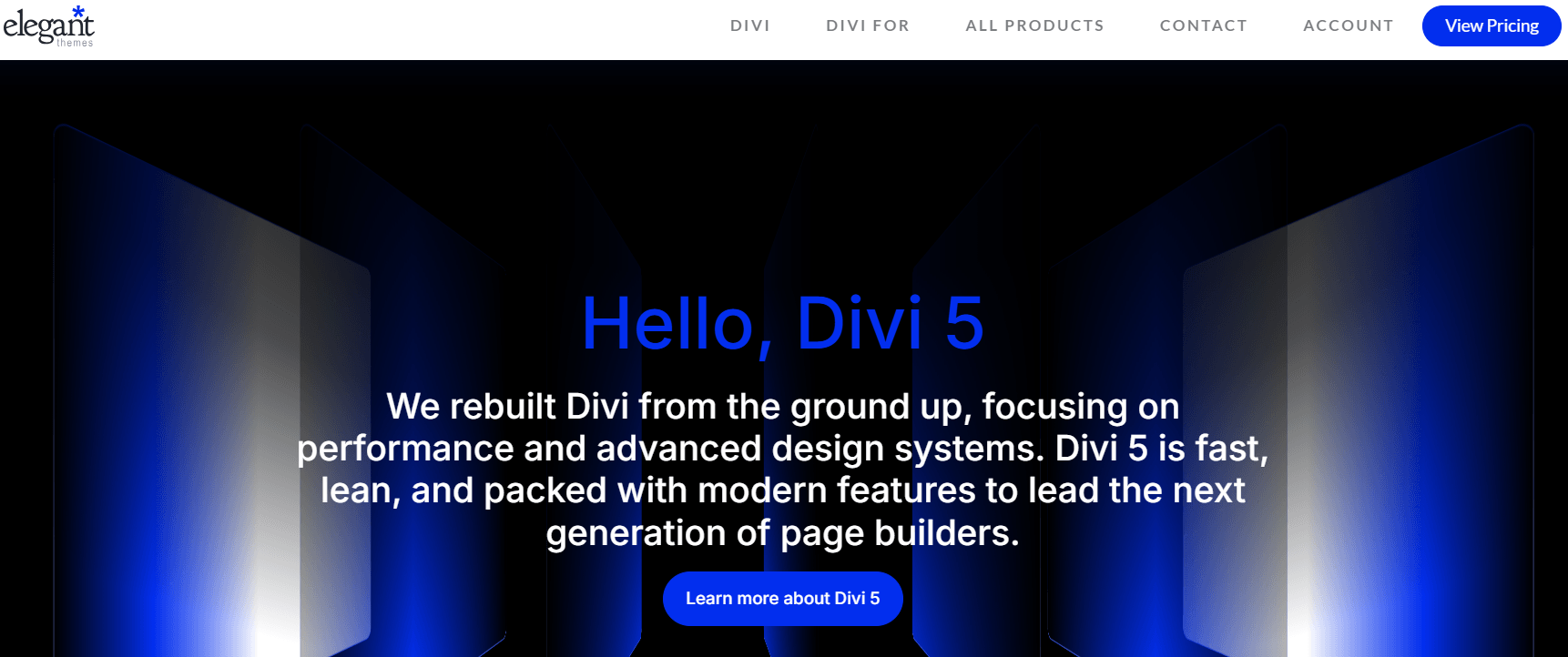
Divi by Elegant Themes is one of the most feature-rich WordPress page builders available, offering deep visual design control, a massive template library, and the best agency pricing model of any Elementor alternative.
Key Features:
- Visual drag-and-drop frontend and backend editing
- 200+ full website design packs and 2,000+ pre-built layouts
- Built-in A/B testing
- Divi AI for AI-generated content and layout suggestions
- Global elements and presets for consistent design across pages
- Full theme builder for headers, footers, and post templates
- WooCommerce integration
Best for: WordPress designers and agencies who want maximum visual control, a vast template library, and unlimited site licensing at a predictable cost.
Pricing: $89/year for unlimited sites, or a $249 one-time lifetime license for unlimited sites — significantly better agency value than Elementor Pro’s $399/year unlimited plan.
Limitation: Divi replaces the native WordPress editor with a proprietary environment and stores content in shortcode format — meaning migrating away from Divi is complex. Page load performance is heavier than native Gutenberg builders like aBlocks.
4. Bricks Builder — Best Developer-Friendly Elementor Alternative
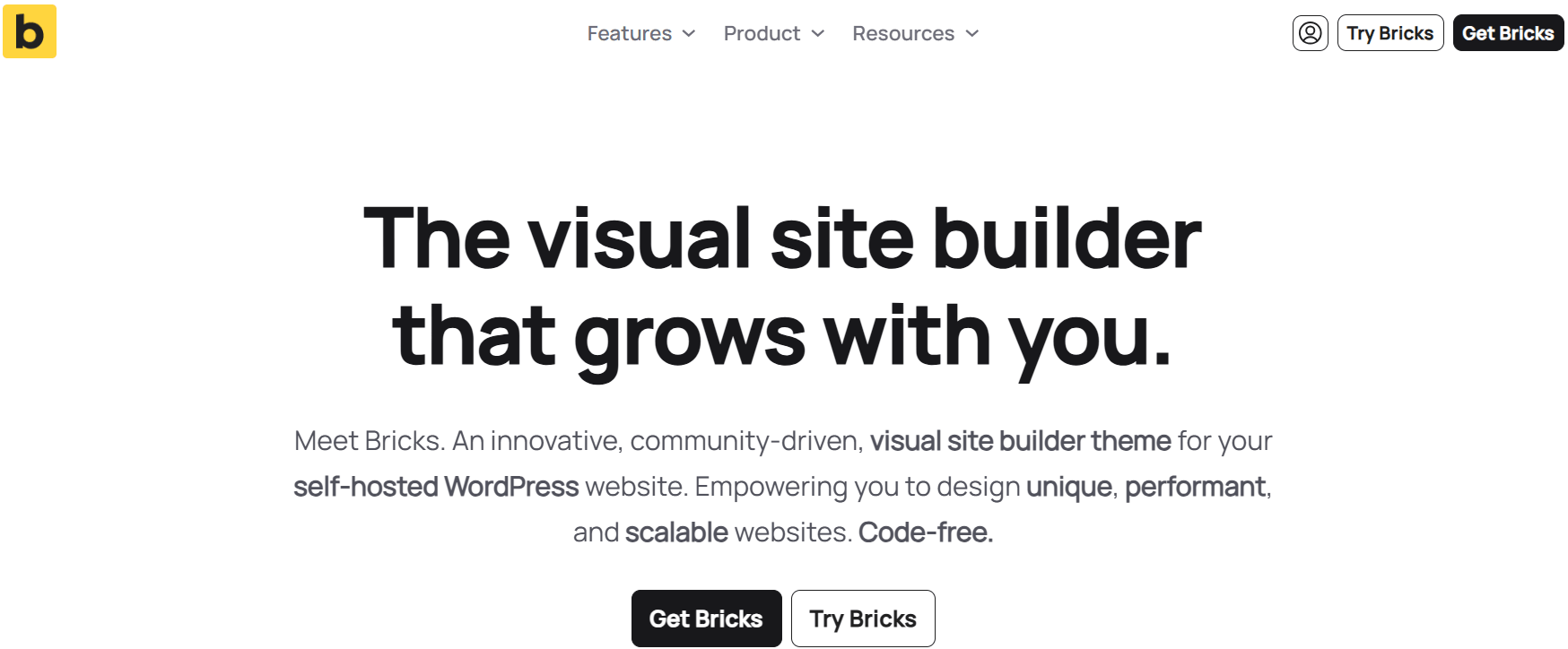
Bricks Builder has quickly become one of the most respected Elementor alternatives among WordPress developers, offering deep customisation, clean semantic code output, and strong dynamic data support with a one-time lifetime license.
Key Features:
- Visual frontend editing with real-time live preview
- Clean, semantic HTML output optimised for performance
- Dynamic data support with deep custom fields integration (ACF, Meta Box, Pods)
- Query loop builder for dynamic post and product listings
- Full theme building: headers, footers, archive templates, single post templates
- Custom CSS per element
- Developer-friendly with extensive hooks and filters
- WooCommerce builder included
Best for: WordPress developers and technically advanced site owners who want maximum design freedom, the cleanest possible code output, and deep integration with custom field data.
Pricing: One-time lifetime license at $149 for unlimited websites. No yearly subscription required.
Limitation: Bricks Builder has a steeper learning curve than Elementor or aBlocks and is better suited for developers than beginners. It does not use the native WordPress Gutenberg editor.
5. SiteOrigin Page Builder — Best Completely Free Elementor Alternative
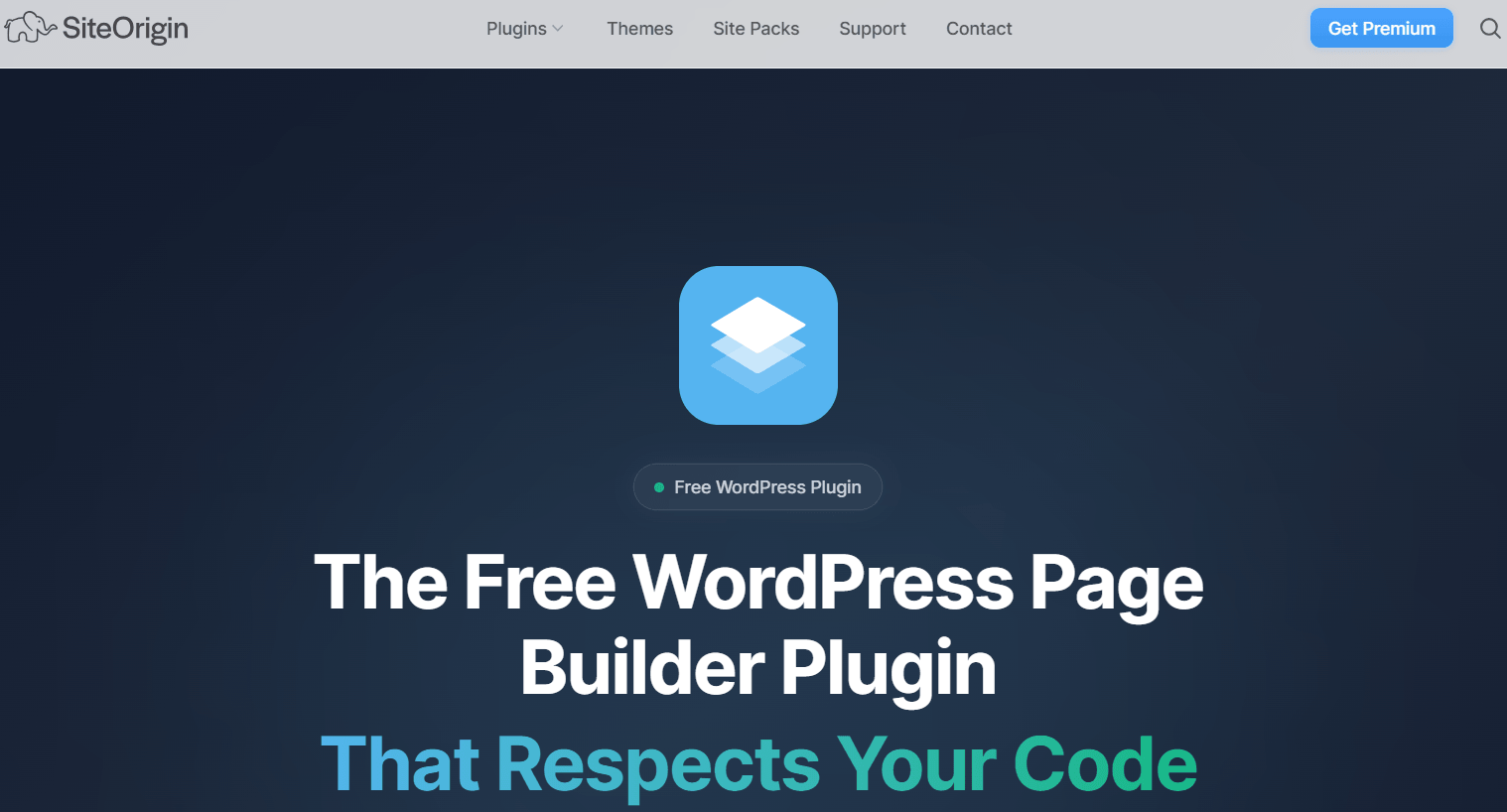
SiteOrigin Page Builder is one of the most established completely free WordPress page builders, with over 1 million active installs. It requires no paid version for core page building functionality.
Key Features:
- Completely free with no paid version required for basic use
- Works with any WordPress theme
- Row and widget-based drag-and-drop layout builder
- Live editing preview mode
- Compatible with all standard WordPress widgets
- History and undo support
Best for: WordPress users with zero budget who need a basic multi-column layout builder for simple pages and posts.
Pricing: Completely free. SiteOrigin Premium addon available for additional widgets and features.
Limitation: SiteOrigin is built on the older WordPress widget system rather than the modern block editor. It feels dated compared to block-based builders like aBlocks and lacks dynamic content, theme building, animation effects, and WooCommerce tools.
6. Oxygen Builder — Best Elementor Alternative for Performance-Critical Sites
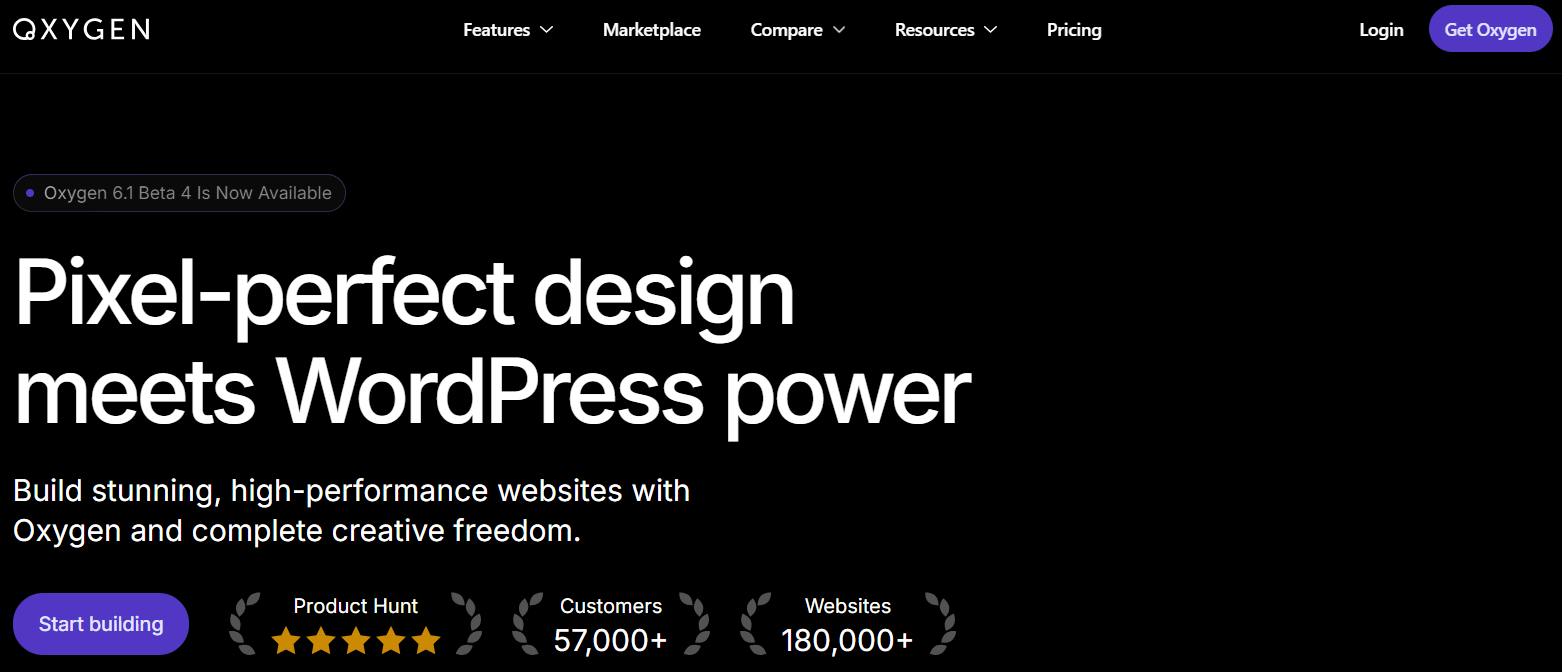
Oxygen Builder is a developer-oriented WordPress page builder that produces the leanest, fastest page output of any visual builder — giving you full control over every element of your site’s HTML and CSS.
Key Features:
- Replaces the WordPress theme layer entirely for full design control
- Produces extremely clean, minimal HTML and CSS
- Full site design: headers, footers, post templates, archives
- Dynamic data support
- WooCommerce integration
- Custom CSS and JavaScript per element
- One-time lifetime pricing
Best for: WordPress developers and performance-focused advanced users who need absolute control over code output and are willing to trade ease of use for speed.
Pricing: One-time lifetime license at $129 for unlimited sites.
Limitation: Oxygen Builder is not beginner-friendly — it requires solid HTML and CSS knowledge. It also replaces your WordPress theme entirely, creating significant migration complexity if you ever need to switch.
7. Brizy — Best Beginner-Friendly Free Elementor Alternative
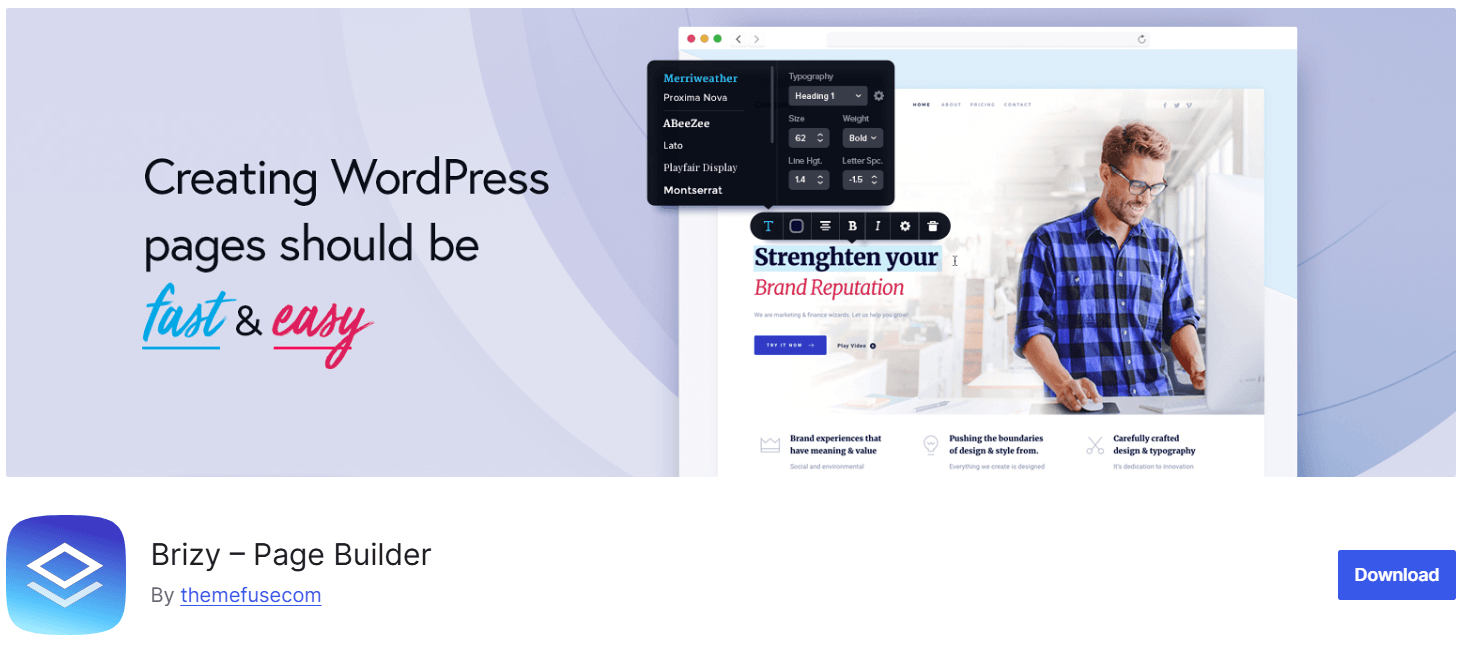
Brizy is a modern, clean WordPress page builder with an inline drag-and-drop editing experience that closely resembles Elementor’s workflow — making it one of the easiest transitions for users switching from Elementor.
Key Features:
- Clean drag-and-drop inline editing
- 500+ pre-designed page templates
- Free version with solid core features
- Responsive design controls
- WooCommerce integration (Pro)
- Popup builder (Pro)
- Cloud-based white-label version available
Best for: Beginners and small business owners who want a familiar Elementor-like editing experience at a lower price.
Pricing: Free version available. Brizy Pro starts at $49/year for one site.
Limitation: Advanced features — theme builder, popup builder, WooCommerce blocks — require the Pro plan. Page performance is heavier than native block builders like aBlocks.
8. GeneratePress — Best Lightweight Theme-Based Elementor Alternative
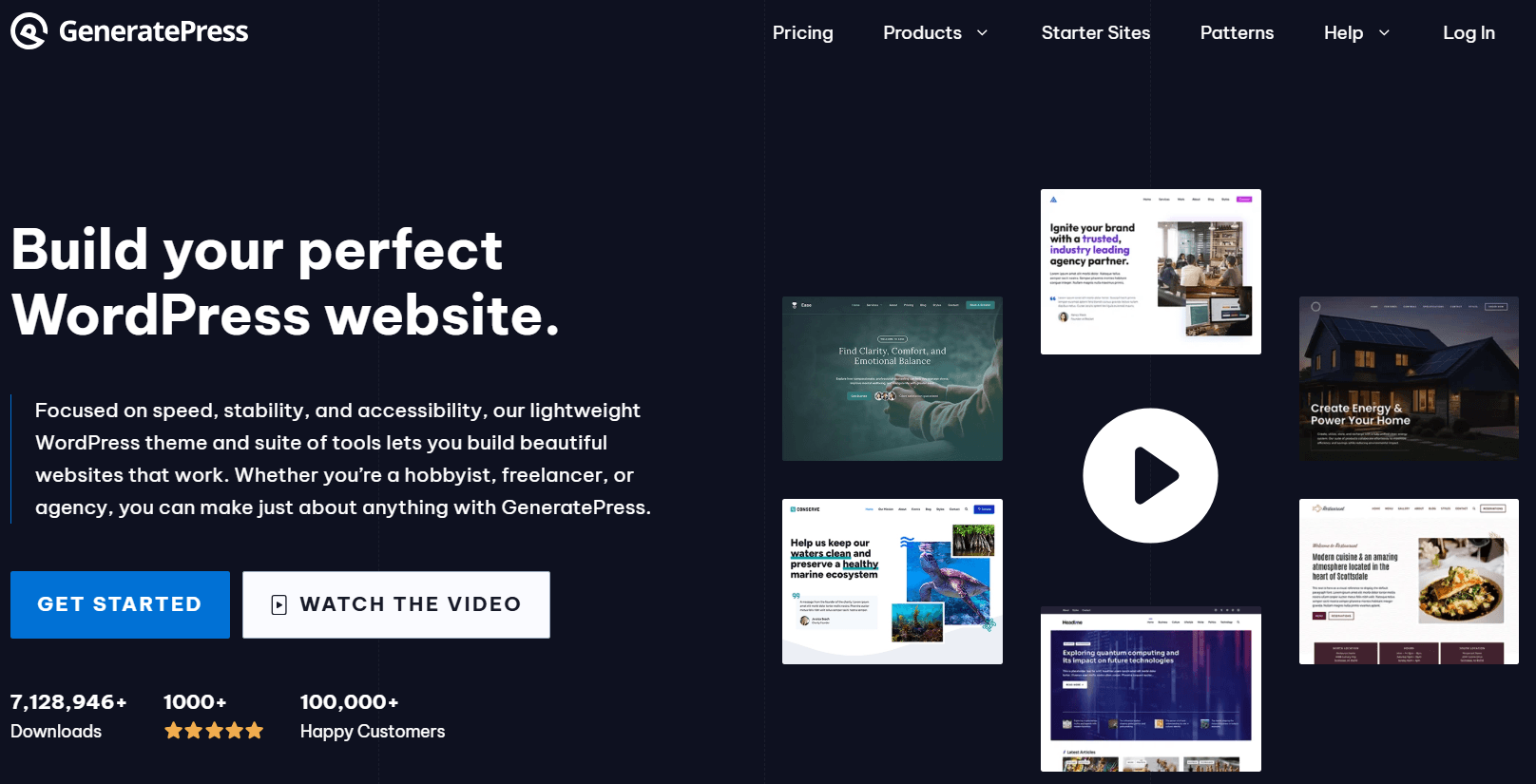
GeneratePress takes a different approach to the Elementor alternative question — it is a lightweight WordPress theme with a built-in site library and block-based customization, designed to work natively with the WordPress block editor rather than replacing it.
Key Features:
- Ultra-lightweight theme (under 30KB) with minimal CSS output
- Block-based site builder using native WordPress editor
- 60+ pre-built site templates for one-click import
- Full header, footer, and layout control via theme settings
- GenerateBlocks plugin for advanced block design
- Excellent Core Web Vitals scores out of the box
Best for: WordPress users who want the fastest-loading WordPress website possible and are comfortable using the native WordPress block editor with a well-designed, lightweight theme.
Pricing: GeneratePress free theme available on WordPress.org. GP Premium (theme + GenerateBlocks Pro) at $59/year for unlimited sites.
Limitation: GeneratePress is a theme, not a standalone page builder. You still need to use the WordPress block editor or an addon like GenerateBlocks for advanced layout design — it is less visually powerful than a full page builder like aBlocks or Elementor out of the box.
Quick Comparison: All 8 Elementor Alternatives at a Glance
|
Page Builder |
Best For |
Free Version |
Starting Price |
Native Block Editor |
Page Speed |
Free Version Limits |
|
Beaver Builder |
Stability and clean code |
Yes (limited) |
$99/year |
No |
Fast |
Very limited — no theme builder, no modules |
|
aBlocks |
All-in-one: blocks, theme, forms, animations |
Yes |
Free / $26/year or $49 LTD |
Yes — enhances it |
Very Fast |
100+ blocks free, most features included |
|
Divi |
Design flexibility, agency value |
No |
$89/year or $249 LTD |
No |
Medium |
No free version |
|
Bricks Builder |
Developer-first, clean output |
No |
$149 LTD |
No |
Very Fast |
No free version |
|
SiteOrigin |
Completely free, basic layouts |
Yes — fully free |
Free |
No |
Medium |
Basic widgets only, no dynamic content |
|
Oxygen Builder |
Maximum performance, full control |
No |
$129 LTD |
No |
Fastest |
No free version |
|
Brizy |
Beginner-friendly Elementor feel |
Yes (limited) |
$49/year |
No |
Medium |
No theme builder, no popup builde |
|
GeneratePress |
Lightweight theme + block building |
Yes |
$59/year |
Yes |
Very Fast |
No theme builder, no popup builde |
How to Choose the Best Elementor Alternative for Your WordPress Site
Choose Beaver Builder if you want a stable, proven drag-and-drop builder with the cleanest HTML output, strong agency support, and a long track record of WordPress compatibility.
Choose aBlocks if you want the best all-in-one Elementor alternative — 100+ advanced blocks, theme builder, popup builder, form builder, dynamic content, GSAP animations, and WooCommerce support in one lightweight, jQuery-free plugin that works inside the native WordPress editor at a fraction of Elementor Pro’s cost.
Choose Divi if you want maximum design variety, a huge template library, and the best unlimited-site pricing for agencies who want a familiar drag-and-drop workflow.
Choose Bricks Builder if you are a developer who wants the cleanest code output, deepest custom field integration, and a one-time unlimited-site lifetime license.
Choose SiteOrigin if your budget is exactly zero and your layout needs are basic — multi-column rows and standard widgets are all you need.
Choose Oxygen Builder if you are building performance-critical sites and need complete control over every byte of HTML and CSS output, and you have the developer skills to work without a block library.
Choose Brizy if you are switching from Elementor and want the most familiar editing experience at a lower price point with minimal relearning.
Choose GeneratePress if you want the fastest possible WordPress site using the native block editor with a well-optimized lightweight theme as the foundation.
Final Verdict: The Best Elementor Alternative in 2026
Elementor remains a capable page builder — but its performance overhead, jQuery dependency, yearly subscription pricing, and proprietary editor lock-in have pushed a large number of WordPress users to seek better alternatives in 2026.
For the best overall Elementor alternative, aBlocks is the strongest choice for most WordPress users. It is the only page builder that combines native WordPress block editor architecture, 100+ advanced blocks, full theme building, popup builder, form builder, dynamic content, GSAP animations, WooCommerce support, and smart asset loading — all in one lightweight, jQuery-free plugin with a free version and a lifetime deal starting at $49.
For agencies and designers who want maximum template variety, Divi offers the best unlimited-site value. For developers who want the cleanest possible code, Bricks Builder and Oxygen Builder are outstanding one-time-purchase options.
Whatever is driving you away from Elementor — speed, price, or lock-in — there is a stronger alternative waiting in 2026.
Frequently Asked Questions
What is the best free Elementor alternative for WordPress in 2026?
The best free Elementor alternative in 2026 is aBlocks. Its free version includes 100+ advanced blocks, theme builder, popup builder, form builder, dynamic content, and WooCommerce support — all built on the native WordPress block editor. For a completely free option with no paid upgrade required, SiteOrigin Page Builder covers basic layout needs at zero cost.
Which Elementor alternative is best for Core Web Vitals and page speed?
aBlocks and Bricks Builder both produce significantly faster pages than Elementor. aBlocks is jQuery-free and uses smart asset loading — only loading scripts for blocks that appear on each page. Oxygen Builder and GeneratePress produce the absolute minimum HTML output of any option, but both require more technical knowledge to use effectively.
Is there a lifetime deal alternative to Elementor?
Yes. aBlocks offers a lifetime deal starting at $49 one-time — covering 1-site through unlimited-site tiers. Bricks Builder is $149 lifetime for unlimited sites. Oxygen Builder is $129 lifetime for unlimited sites. Divi is $249 lifetime for unlimited sites. None require the yearly renewals Elementor Pro does.
What is the difference between aBlocks and Elementor?
aBlocks enhances the native WordPress block editor. Elementor replaces it with a proprietary environment. aBlocks is jQuery-free with smart asset loading for faster pages. Elementor loads its full CSS and JavaScript on every page. aBlocks includes theme builder, popup builder, form builder, dynamic content, and GSAP animations in its free and affordable Pro version — all Pro-only features in Elementor at $59–$399/year.
Can I switch from Elementor to aBlocks without rebuilding my entire site?
Switching page builders always requires rebuilding pages since Elementor content is stored in a proprietary format. However, aBlocks provides 53+ templates, 359+ patterns, and 267+ ready-to-use pages for fast rebuilding. All new content created in aBlocks is stored in standard WordPress block format, making future migrations far easier than Elementor’s proprietary shortcodes.
Which Elementor alternative is best for WooCommerce?
aBlocks includes 19 WooCommerce blocks — product grids, filters, cart elements, checkout customization, and order details — all built-in. Elementor requires the Pro plan for WooCommerce features. Bricks Builder and Divi also offer strong WooCommerce support.
Does aBlocks work without any coding knowledge?
Yes. aBlocks is designed for both beginners and developers. Non-technical WordPress users can build full websites using the visual block editor, pre-designed templates, and drag-and-drop layouts without writing any code. Developers can access custom CSS, developer hooks, and filters for deeper customization.