









ClickUp set out to be the one project management tool to replace them all — and in many ways, it delivered. A single workspace covering task management, docs, goals, time tracking, gantt chart views, automation, and real-time collaboration — all in one place. For teams that needed breadth, ClickUp was genuinely impressive.
But in 2026, a growing number of teams actively look for a clickup alternative. The reasons are familiar: clickup’s per-user pricing model compounds as teams grow, the platform’s sheer feature density creates a steep learning curve that slows adoption, and clickup isn’t always the right fit for teams that want simplicity, data sovereignty, or a flat-rate cost structure.
This guide covers the best clickup alternatives in 2026 — what each one genuinely excels at, where it falls short, and who it is built for. Whether you want a lightweight kanban board tool, a polished work management platform for client work, or a self-hosted WordPress-native solution with unlimited users and no SaaS lock-in, there is a strong option in this list.
Why Teams Look for ClickUp Alternatives
Before comparing tools, it is worth being direct about the specific pain points that drive teams away from ClickUp. These are the patterns that appear consistently in user feedback across review platforms:
Per-user pricing that grows without limit
ClickUp’s Unlimited plan costs $7/user/month, Business costs $12/user/month, and Business Plus runs $19/user/month. A team of 20 on Business pays $2,880/year. A team of 50 pays $7,200/year — and that figure climbs every time you add a contractor, client stakeholder, or part-time contributor. Unlike flat-rate alternatives, clickup offers no escape from per-user compounding as you scale.
Feature complexity that overwhelms rather than helps
ClickUp has a reputation for shipping features at a pace that outstrips usability. The result is a platform with 15+ project views, extensive custom field configuration, nested spaces and folders, and automation rules that require real investment to set up correctly. Teams that just want intuitive interface task tracking often find ClickUp more tool than they need — and spend more time configuring it than using it.
SaaS lock-in and data control concerns
Like all cloud-based project management software, ClickUp hosts your data on its servers. Teams in regulated industries or those with strong data sovereignty requirements find this a non-starter. There is no self-hosted option — if ClickUp changes its pricing or goes offline, your project data is at risk.
Automation limits on lower plans
ClickUp’s workflow automation capabilities are capped per plan. The free tier allows 100 automation runs per month. Even the Business plan caps automations — which pushes teams toward higher-cost plans just to streamline basic repetitive workflows.
| CLICKUP COST REALITY ClickUp Business: $12/user/month. A team of 10 = $1,440/year. A team of 20 = $2,880/year. A team of 50 = $7,200/year. Over 3 years, a 20-person team on Business spends $8,640 on ClickUp alone — before any integrations or premium add-ons. |
10 Best ClickUp Alternatives in 2026
1. Clariti AI-powered business communication platform
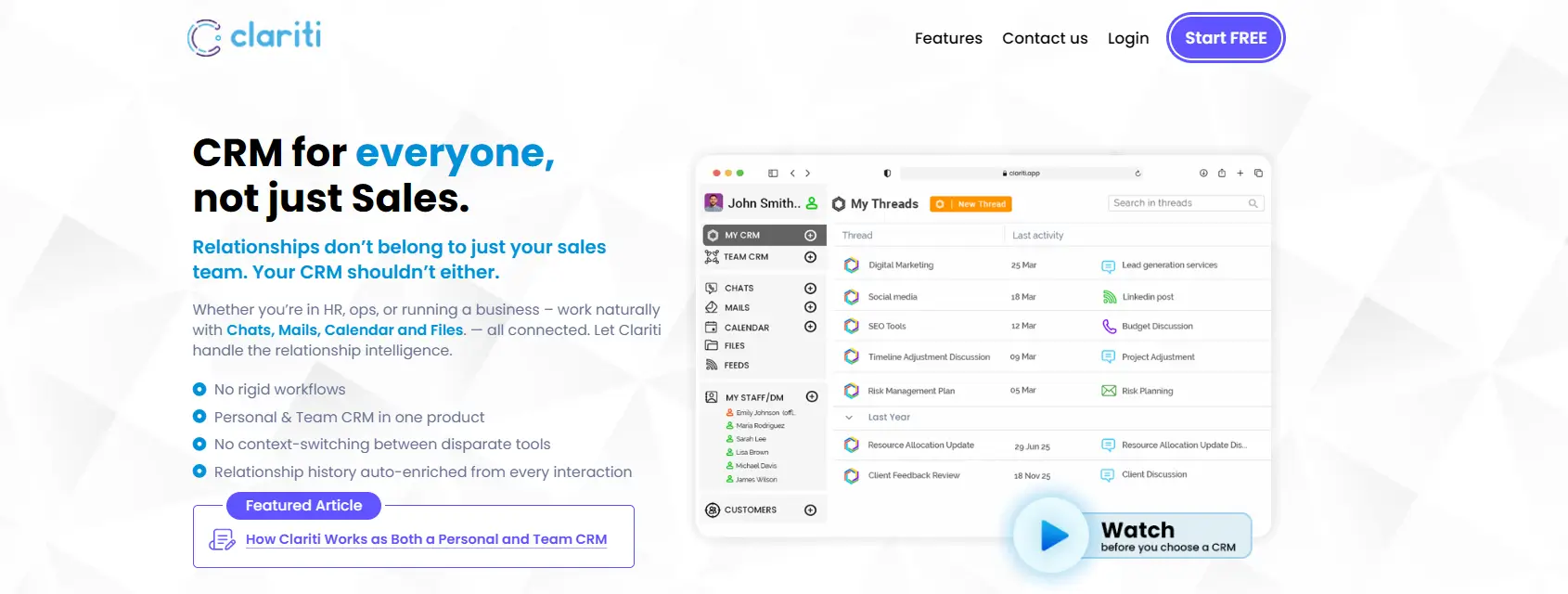
Clariti is an AI-powered business communication platform that brings emails, chats, files, meetings, tasks, and calendar events into a single contextual workspace called Hybrid Conversations. Instead of forcing teams to switch between multiple communication and productivity apps, Clariti organizes work around topics, preserving every discussion, decision, and customer interaction in one searchable place. By eliminating information silos and maintaining communication continuity, Clariti helps organizations improve collaboration, reduce context switching, and accelerate decision-making across hybrid and distributed teams.
| Best For: Hybrid teams, customer-facing organizations, and growing businesses that struggle with scattered communication across email, chat, meetings, and multiple SaaS tools, resulting in lost context, duplicated work, and slower decision-making. |
2. Asana — Best for Cross-Functional Teams and Workflow Automation
Asana is the most polished direct alternative to clickup for teams that want powerful workflow automation, beautiful timeline view and gantt chart visuals, and a genuinely user-friendly interface that non-technical team members adopt quickly. Where ClickUp can overwhelm with options, Asana guides users through structured project setup naturally.
Asana’s AI capabilities in 2026 — smart task summaries, automated status updates, workload balancing — are among the best in the category. Its native integration library covers Slack, GitHub, Salesforce, monday.com connectors, and hundreds more. The free plan is strong enough for small teams with basic task management needs. Paid plans start at $10.99/user/month — slightly more expensive than ClickUp’s entry tier, but the usability advantage justifies it for many teams.
The gap versus ClickUp: Asana lacks the pure breadth of ClickUp’s feature set — it does not include built-in docs, time tracking, or portfolio management at the same level. But for teams where manage projects without cognitive overload is the priority, Asana is the stronger day-to-day experience.
| BEST FOR Cross-functional teams — marketing, product, operations — who want structured project management with strong AI features and automation without ClickUp’s interface complexity. Free plan available; paid from $10.99/user/month. |
3. GemBoards — Best Self-Hosted ClickUp Alternative for WordPress Teams
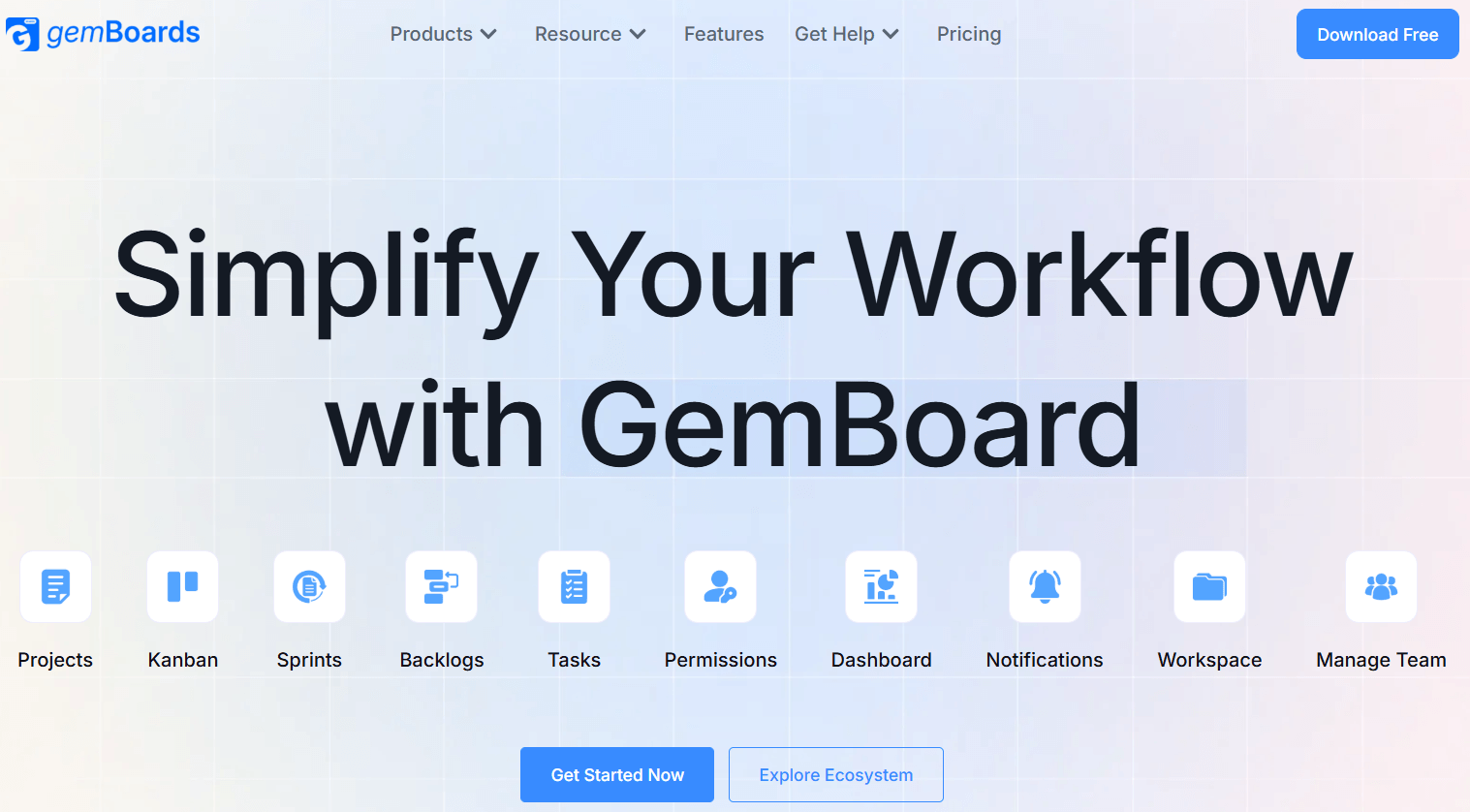
GemBoards is the most distinctive clickup alternative available in 2026 — and the only serious project management tool built natively inside WordPress. For product teams, digital agencies, SaaS companies, and client work teams already running on WordPress, GemBoards solves a problem that every other alternative ignores: why should your project management platform live in a separate ecosystem from your website, customer data, and team infrastructure — with a per-user bill that grows every time someone new joins?
Built by the Kodezen team — the same team behind Academy LMS, StoreEngine, ZenCommunity, and GemCRM — GemBoards is a self-hosted WordPress plugin that delivers every core feature that ClickUp’s Unlimited plan covers, but with unlimited users, no recurring subscription, and full data ownership on your own server.
Complete Feature Set — Nothing Left Out
GemBoards is not a simplified Kanban-only tool that asks you to give up functionality for the sake of affordability. Based on the official feature comparison published at gemboards.com, it matches ClickUp feature-for-feature across all the capabilities that teams that need real project management features rely on daily:
• Intuitive Kanban boards with drag-and-drop task management
• Scrum and sprint planning boards for agile workflows
• Gantt / timeline view for visual project scheduling
• Calendar view for deadline and milestone tracking
• Custom task statuses, labels, and priority levels
• Subtasks with nested organization
• Task dependencies — block, waiting-on, relates-to
• Due dates and recurring tasks
• Time tracking — built-in, no third-party plugin needed
• Built-in automation for task assignments, status transitions, and repetitive actions
• Dashboards and reporting with customizable views
• Docs / knowledge base for team documentation
• File attachments and task comments with @mentions
• Portfolio / multi-project management
• Role-based permissions using native WordPress user roles
• Activity logs and full audit history
• API access for custom integrations
• Template library for repeatable project structures
• Search and advanced filters across all boards and tasks
• Mobile-friendly responsive UI
• Native WordPress integration — connects to your existing plugins without extra apps
The Pricing Difference — Where GemBoards Wins Most Decisively
This is the argument that makes GemBoards impossible to ignore for any team doing the math. ClickUp charges per user per month — a structure that punishes growth. GemBoards charges a flat one-time lifetime license starting at $99. That covers unlimited users forever. No monthly bill. No annual renewal. No per-seat penalty when you add your tenth or fiftieth team member.
|
Comparison Factor |
GemBoards |
ClickUp Business ($12/user/mo) |
|
Pricing model |
One-time lifetime payment |
Per user / per month |
|
Starting price |
$99 one-time (lifetime) |
$12/user/month |
|
Unlimited users |
Yes — always included |
No — per-user cost |
|
Annual renewal |
Not required |
Required — perpetual cost |
|
Self-hosted |
Yes — on your WordPress server |
No — SaaS cloud only |
|
Data ownership |
Full — your server, your data |
Hosted by ClickUp |
|
Kanban boards |
Yes |
Yes |
|
Scrum / sprint boards |
Yes |
Yes |
|
Gantt / timeline view |
Yes |
Yes |
|
Calendar view |
Yes |
Yes |
|
Custom statuses & labels |
Yes |
Yes |
|
Subtasks |
Yes |
Yes |
|
Task dependencies |
Yes |
Yes |
|
Due dates & recurring |
Yes |
Yes |
|
Time tracking |
Yes — built-in |
Yes |
|
Built-in automation |
Yes — unlimited |
Capped per plan |
|
Docs / knowledge base |
Yes |
Yes |
|
Portfolio management |
Yes |
Power-Ups |
|
Dashboards & reporting |
Yes |
Yes |
|
API access |
Yes |
Yes |
|
Templates |
Yes |
Yes |
|
File attachments |
Yes |
Yes |
|
Activity log |
Yes |
Yes |
|
Mobile-friendly UI |
Yes |
Yes |
|
Native WordPress integration |
Yes — seamless |
No — requires apps |
|
Integrations |
WordPress-native + API |
Marketplace apps |
|
WordPress multisite |
Yes — included |
No |
|
Offline access |
Yes |
Limited |
|
Enterprise features |
Yes |
Hosted tier |
|
Scaling cost |
Zero — flat forever |
Grows per user |
|
10 users — 1 year |
$99 total (one-time) |
$1,440/year |
|
20 users — 1 year |
$99 total (one-time) |
$2,880/year |
|
50 users — 1 year |
$99 total (one-time) |
$7,200/year |
|
10 users — 3 years |
$99 total |
$4,320 |
|
20 users — 3 years |
$99 total |
$8,640 |
|
50 users — 3 years |
$99 total |
$21,600 |
Who GemBoards Is Built For
GemBoards is purpose-built for WordPress-based product teams, client work agencies, internal marketing teams, and software teams at WordPress-based companies who want ClickUp-level project management features without per-user billing or SaaS infrastructure dependency. It is the choose clickup alternative for every team that reached the point where ClickUp’s cost structure stopped making sense.
It also stands out for organizations where data sovereignty matters — regulated industries, agencies with sensitive client work, and teams that remember Atlassian’s server license elimination and want a platform they can never be locked out of.
| BEST FOR WordPress-based teams, agencies, and SaaS companies who want a complete ClickUp-equivalent project management platform with unlimited users, full self-hosted data ownership, built-in automation, and predictable flat pricing. Lifetime license starts at $99 (unlimited users). Free tier available. 14-day money-back guarantee. |
4. Monday.com — Best for Visual Work Management and Client Reporting
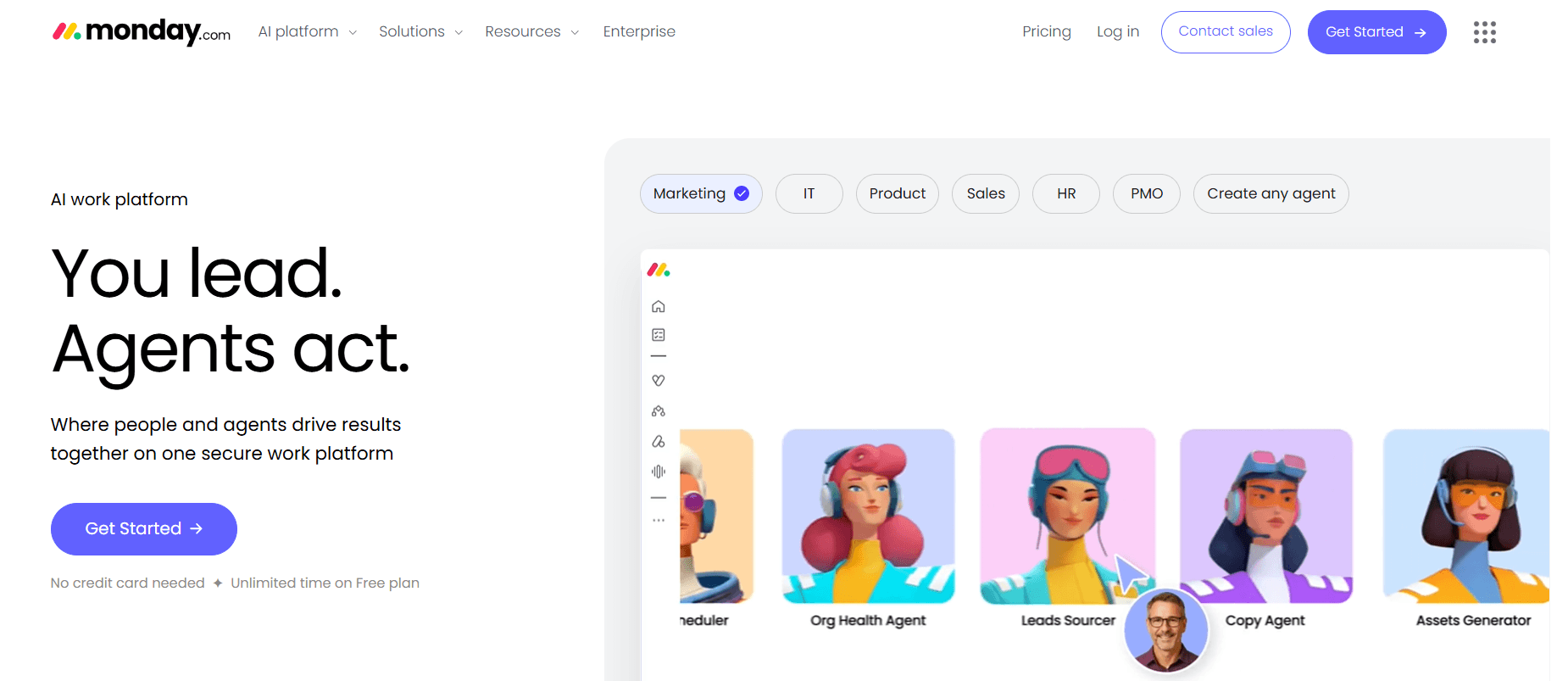
Monday.com is one of the most visually polished work management platform options available and a strong clickup alternative for teams where visual clarity and client-facing reporting matter. Its color-coded boards, flexible multiple project views (Kanban, Gantt, timeline, calendar, chart), and intuitive drag-and-drop interface make it one of the most approachable enterprise-grade tools in the category.
Monday’s workflow automation is genuinely powerful — trigger-based rules for task assignment, status changes, due date alerts, and cross-board dependencies are all configurable without code. Its resource allocation and workload views help managers manage projects across multiple teams without losing visibility.
The limitation compared to ClickUp is depth: Monday’s doc capabilities, time tracking, and developer-focused features are less mature. And like ClickUp, it is per-user SaaS — pricing starts at $9/user/month (minimum 3 seats) and compounds as teams grow. For asana or monday comparisons, Monday edges ahead on visual reporting; Asana edges ahead on task workflow depth.
| BEST FOR Teams that need highly visual project dashboards, strong client reporting, and polished automation without developer-level configuration. Minimum 3 seats; paid from $9/user/month. |
5. Trello — Best Simple Kanban Alternative to ClickUp
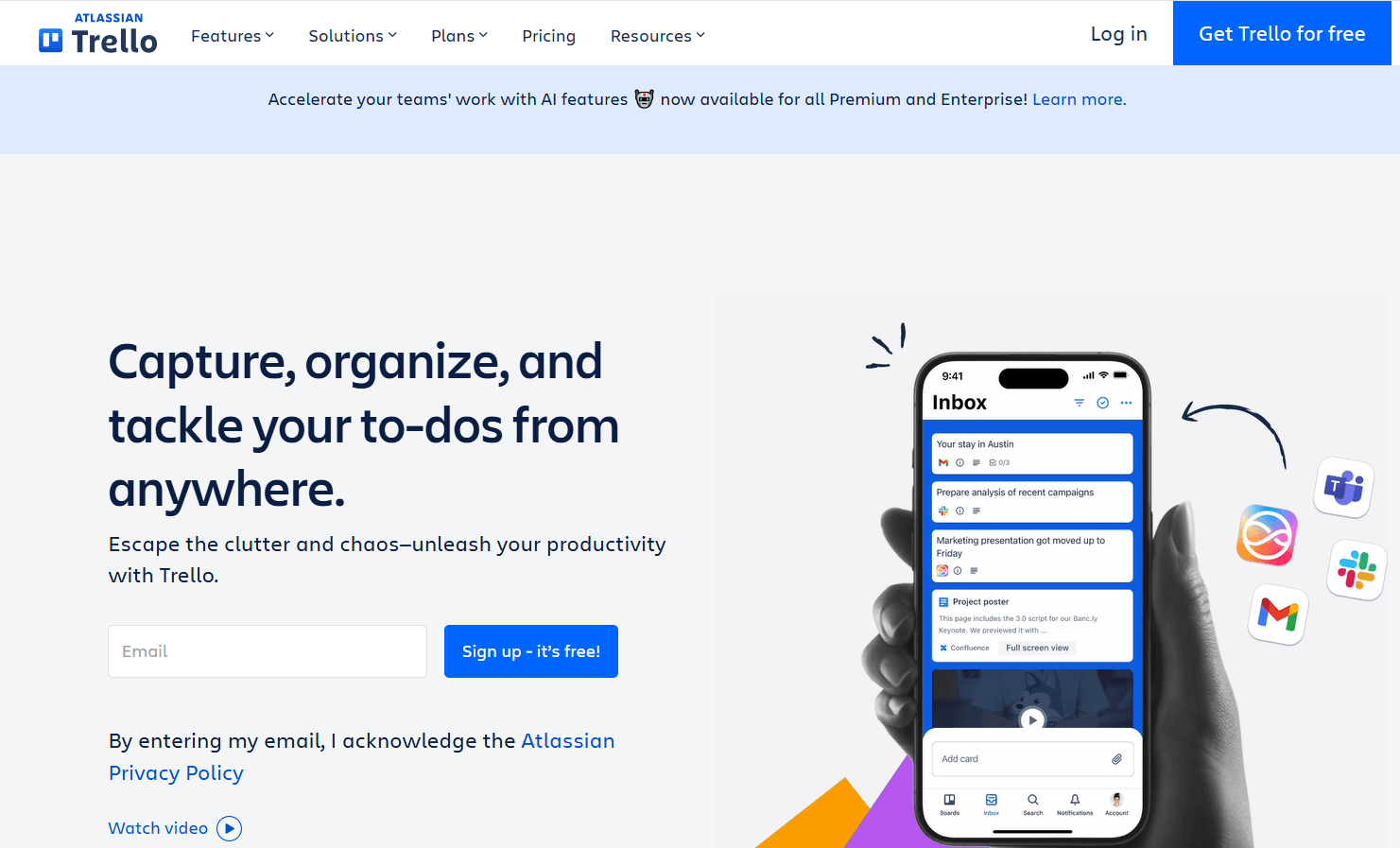
Trello is the antidote to ClickUp’s complexity. If your team primarily needs a clean kanban board — move cards from To Do to In Progress to Done — Trello does that better than any tool in this list. Zero configuration, minimal onboarding, maximum clarity.
Trello’s free plan is genuinely capable for small teams: unlimited cards and team collaboration, 10 boards per workspace, and a solid set of Power-Ups (integrations and view extensions) including gantt via butler automation. Trello offers solid native integrations with Slack, GitHub, Google Drive, and others without requiring expensive tiers.
The honest limitation: clickup lacks nothing that Trello fills. It is the reverse — Trello is what you use when ClickUp has too much. Unlike clickup, Trello has no native time tracking, no gantt chart view, limited subtasks, and no portfolio management. For complex project management, it is not the right tool.
| BEST FOR Small teams and individuals who need the simplest possible Kanban board. Free plan covers most small team needs. Upgrade to Standard ($5/user/month) or Premium ($10/user/month) for advanced views and automation. |
6. Wrike — Best for Enterprise Project Management and Resource Planning
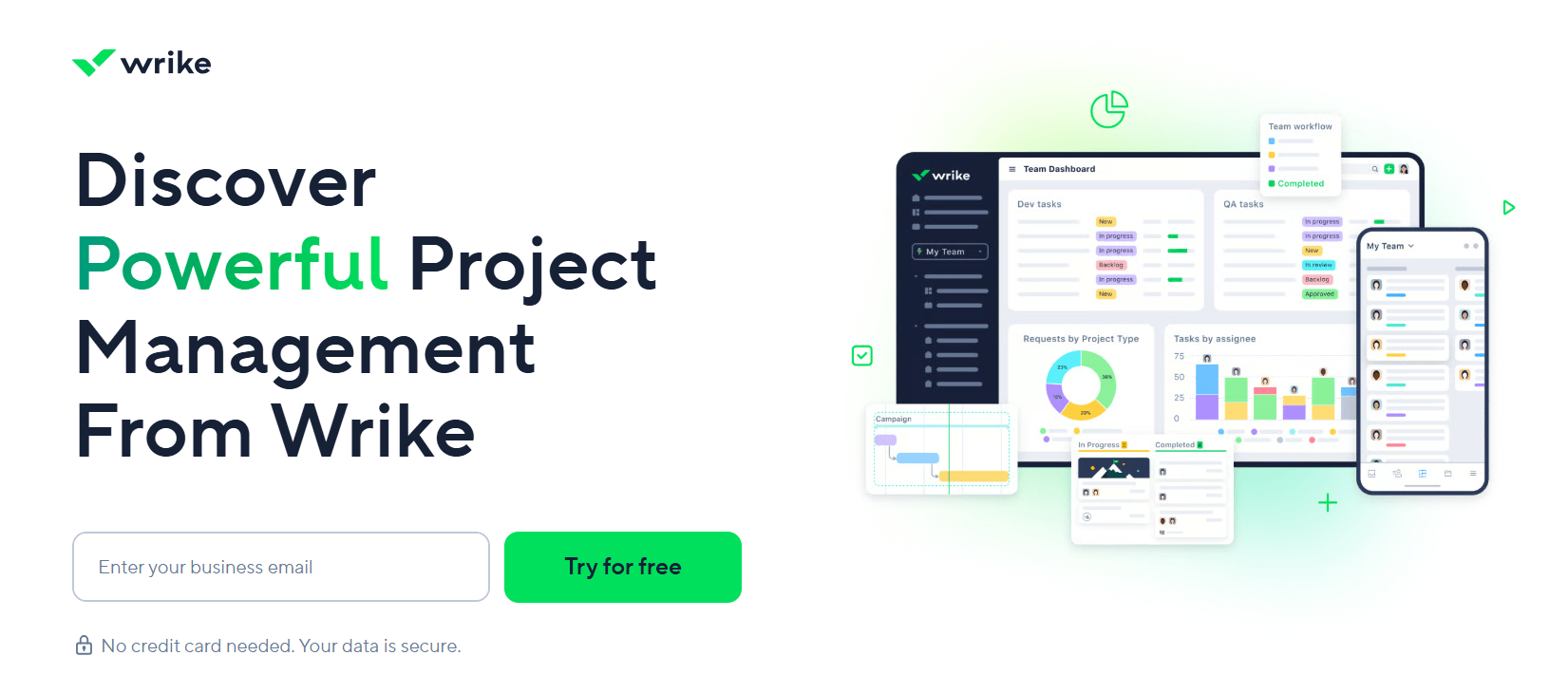
Wrike is the strongest enterprise-grade clickup alternative for large organizations with complex resource allocation, cross-departmental collaboration, and compliance requirements. It handles multi-team workflow management, advanced gantt chart scheduling, proofing and approval workflows, and detailed advanced reporting — all at a level of sophistication that ClickUp’s broader audience focus means it does not match.
Wrike’s resource management features — capacity planning, workload visualization, and time-budgeting — are genuinely best-in-class among SaaS project management software options. It also has strong compliance certifications (SOC 2, HIPAA, GDPR) that make it viable for regulated industries where other tools are not.
The downside: Wrike is priced for enterprise. Its free plan is limited. Paid plans start at $9.80/user/month on Team (2–25 users), climbing steeply for Business and Enterprise tiers. For compared to clickup, Wrike is deeper for enterprise use cases but less accessible for small and mid-size teams.
| BEST FOR Large organizations with complex cross-departmental projects, resource planning needs, and compliance requirements. Pricing from $9.80/user/month (Team). Not ideal for small teams or simple project tracking. |
7. Airtable — Best for Flexible Database-Driven Project Management
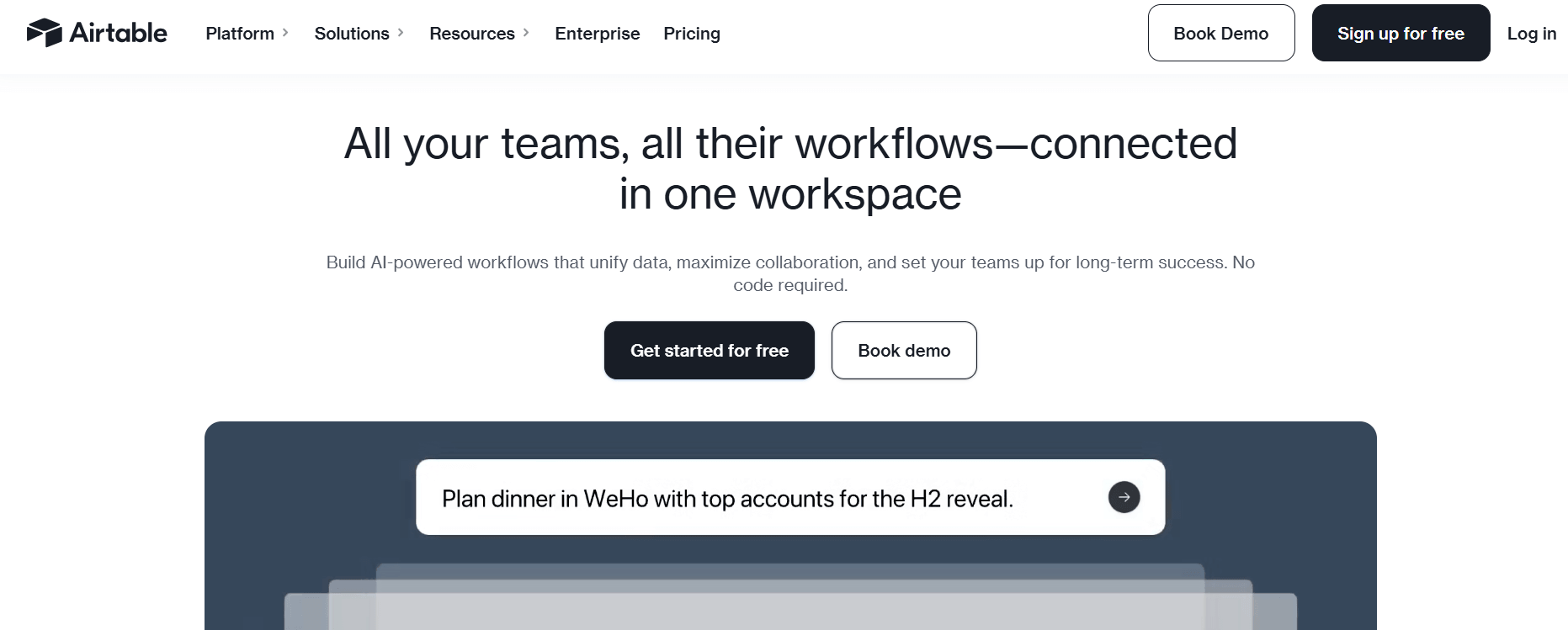
Airtable is the most flexible alternative to clickup for teams that think in terms of databases rather than task lists. It combines a spreadsheet-like interface with relational database power, giving teams the ability to build highly customizablework management tools — product roadmaps, content calendars, CRM pipelines, bug trackers, event planners — without writing code.
Airtable supports multiple project views — grid (spreadsheet), Kanban, gantt, calendar, gallery, and form — and its automation engine can trigger actions across bases and with third-party apps. Its free plan allows unlimited users per workspace but caps records per base at 1,000 (increasing on paid plans).
Where Airtable falls behind ClickUp for traditional project management: it does not have native subtasks or dependency tracking in the same clean way, and features like sprint planning and scrum boards require manual configuration. It is an excellent tool when you lets you build custom workflows — and a frustrating one when you just need standard project management out of the box.
| BEST FOR Teams that want database-style flexibility to build custom project management tools — content teams, product operations, and data-driven workflows. Free plan available; paid from $20/user/month (Team). |
8. Zoho Projects — Best Budget-Friendly ClickUp Alternative
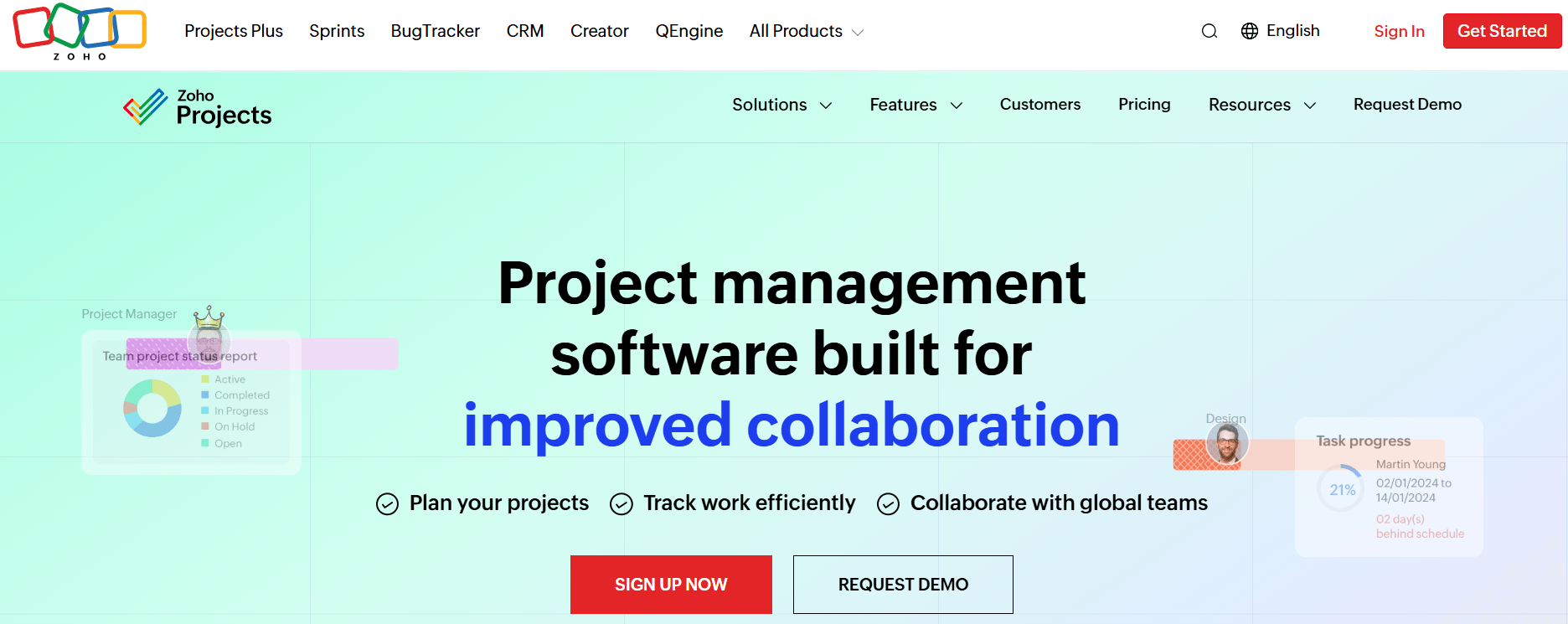
Zoho Projects is the most cost-effective traditional project management software option among SaaS alternatives. At $4–$9/user/month depending on plan, it undercuts ClickUp meaningfully and includes gantt chart views, time tracking, task management, subtasks, dependency management, resource allocation, and baseline tracking at a fraction of competitor pricing.
Zoho Projects is part of the broader Zoho ecosystem — which means tight native integration with Zoho CRM, Zoho Books, Zoho Desk, and others. For teams already using Zoho products, this makes it a seamless fit. For teams outside the Zoho ecosystem, the integration story is less compelling.
The honest limitation: Zoho Projects’ UI is functional but dated compared to Asana, Monday, or ClickUp. Ease of use lags behind the modern tools in this list. But for price-sensitive teams that need robust project management without ClickUp’s cost, it punches well above its price point.
| BEST FOR Budget-conscious teams and Zoho ecosystem users who want comprehensive project management features at the lowest per-user cost among SaaS alternatives. Paid plans from $4/user/month; free plan available. |
9. Notion — Best for Teams That Want Docs + Projects in One Place
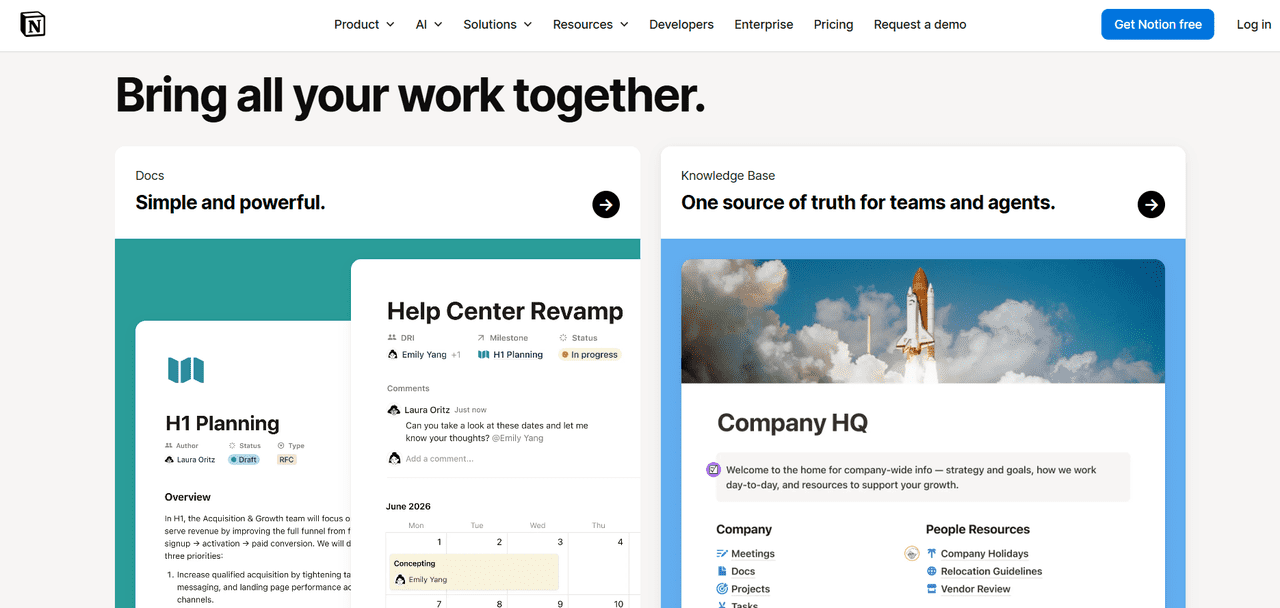
Notion has evolved from a note-taking tool into a genuine project management platform and one of the most-discussed clickup alternatives for 2026. Its block-based editor handles docs, kanban board views, databases, roadmaps, and wikis in a unified workspace — making it a strong choice for teams where written documentation and project tracking need to coexist closely.
Notion’s AI features in 2026 are genuinely useful: document summarization, auto-generated project briefs, and database-powered task views with custom field filtering. The free plan is generous — unlimited doc and page creation, basic task tracking, and up to 10 guests.
Where Notion falls short as a pure clickup alternative: it still lacks mature time tracking, gantt chart views, and advanced features like sprint velocity tracking and resource allocation. It is the best option when docs are central to how your team works — not the best option when structured project execution is the primary need.
| BEST FOR Teams where knowledge management and project tracking need to live in the same tool. Strong free plan. Paid from $10/user/month. Best for writing-heavy teams, startups, and content operations. |
10. Jira — Best for Engineering and DevOps Teams
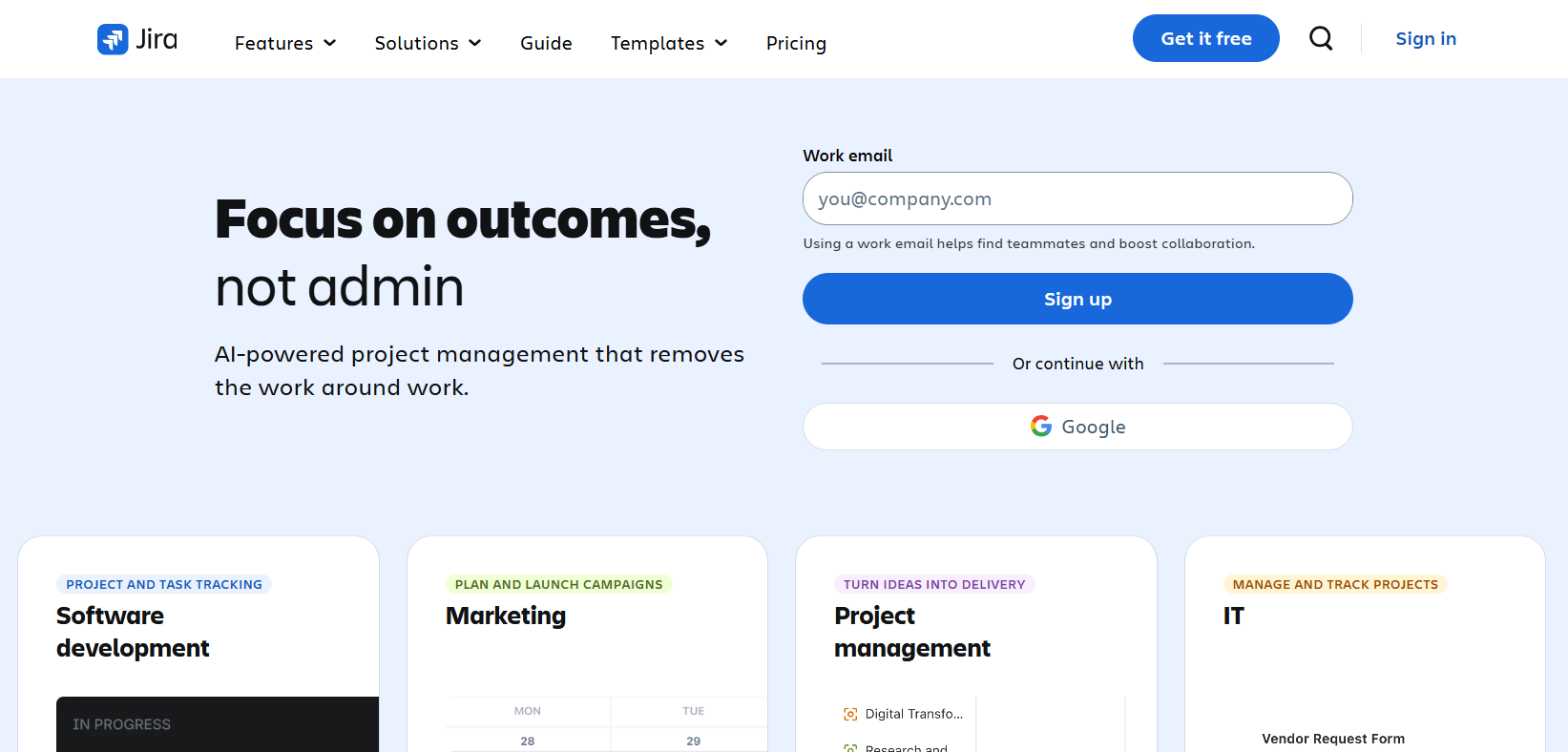
Jira is the definitive agile project management tool for software engineering teams. Its sprint boards, backlog management, bug tracking, and deep integration with GitHub, Bitbucket, and DevOps pipelines make it the natural choice for teams that need code-to-task visibility that ClickUp’s broader feature set cannot fully replicate.
For pure software development workflows — sprint planning, issue tracking, release management — Jira remains the most mature tool in the market. But for cross-functional teams, project managers, or anyone outside of engineering, Jira’s complexity is overkill and its per-user pricing structure carries the same scaling pain points as ClickUp.
| BEST FOR Engineering and DevOps teams who need deep code-project integration, sprint management, and issue tracking. Free for up to 10 users; Standard from $7.75/user/month. |
11. Linear — Best Lightweight Project Management for Software Teams
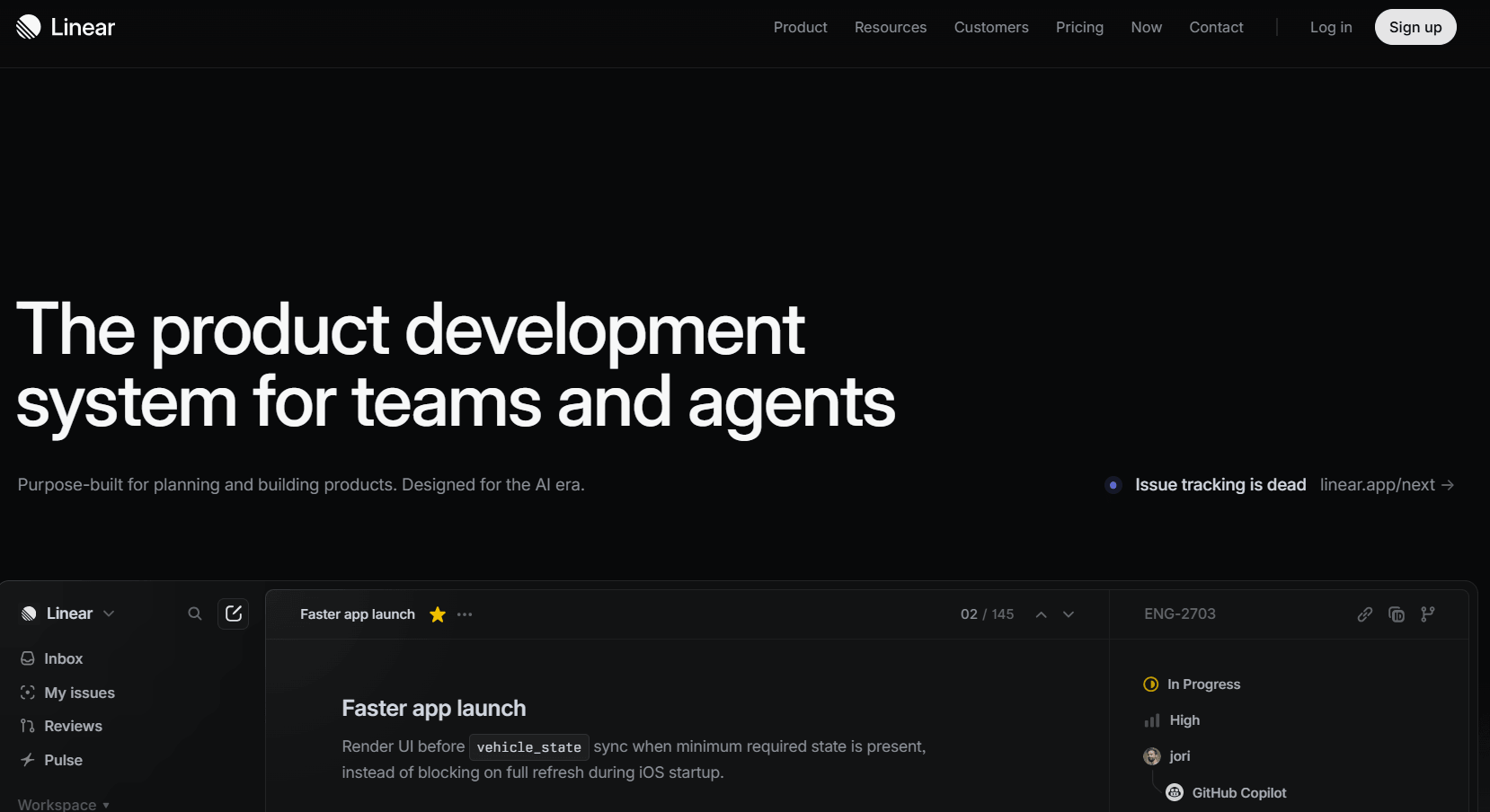
Linear is the modern antidote to both ClickUp and Jira for software teams. Built with keyboard-first navigation, it makes task management fast and frictionless — sprint cycles, kanban board views, dependency tracking, GitHub/GitLab integration, and AI-assisted issue triaging come together in an interface that takes minutes to learn rather than days.
For teams that found ClickUp too slow and Jira too complex, Linear is the cleanest middle ground. It does not try to replace Asana or Monday for non-technical teams — it is explicitly a software team tool, and its opinions about workflow are part of why it works so well. Paid plans start at $8/user/month.
| BEST FOR Software development teams who want a fast, keyboard-driven project management experience with deep GitHub/GitLab integration and a minimal learning curve. Free for small teams; paid from $8/user/month. |
ClickUp Alternatives at a Glance — 2026
|
Platform |
Type |
Free Plan? |
Starts At |
Best For |
|
Clariti |
Hosted SaaS |
Yes (limited contacts, storage, group size) |
Basic ~$8/user/year, Premium ~$11/user/year (pro pricing vary kore) |
Context-driven collaboration, no rigid workflows, relationship intelligence across mails/chats/files/calendar — silo bhenge kaj kora. |
|
Asana |
Hosted SaaS |
Yes |
$10.99/user/mo |
Cross-functional, AI-powered workflows |
|
GemBoards |
WP Plugin (OSS) |
Yes |
$99 lifetime |
WP teams, unlimited users, flat pricing |
|
Monday.com |
Hosted SaaS |
Yes |
$9/user/mo |
Visual work management, client reporting |
|
Trello |
Hosted SaaS |
Yes |
$5/user/mo |
Simple Kanban, small teams |
|
Wrike |
Hosted SaaS |
Limited |
$9.80/user/mo |
Enterprise resource planning, compliance |
|
Airtable |
Hosted SaaS |
Yes |
$20/user/mo |
Database-driven, custom workflows |
|
Zoho Projects |
Hosted SaaS |
Yes |
$4/user/mo |
Budget-conscious, Zoho ecosystem users |
|
Notion |
Hosted SaaS |
Yes |
$10/user/mo |
Docs + project management combined |
|
Jira |
Hosted SaaS |
Yes (10 users) |
$7.75/user/mo |
Engineering and DevOps teams |
|
Linear |
Hosted SaaS |
Yes |
$8/user/mo |
Software teams, keyboard-first UX |
Choosing the Right ClickUp Alternative
No single tool is right for every team. Here is a practical decision guide based on your specific situation:
WordPress-based team wanting unlimited users and self-hosted control?
• GemBoards — $99 lifetime, no per-user cost, full feature set, native WordPress integration
Need polished workflow automation with a user-friendly interface?
• Asana — most approachable UX, strong AI features, best for cross-functional teams
Want highly visual boards with strong client reporting?
• Monday.com — best visual dashboards, strong automation, great for client-facing work
Want the simplest possible Kanban board?
• Trello — lowest learning curve, great free plan, zero configuration overhead
Managing enterprise projects with complex resource planning?
• Wrike — best resource allocation, compliance-grade features, enterprise-ready
Need database-style flexibility for custom workflows?
• Airtable — most flexible structure, great for content and operations teams
Budget-constrained team inside the Zoho ecosystem?
• Zoho Projects — most affordable per-user SaaS option with comprehensive features
Docs and project management need to live together?
• Notion — best knowledge management + project tracking combo
Engineering team needing deep code integration?
• Jira — best for sprint management and DevOps workflows
• Linear — best lightweight alternative to Jira for software teams
| The best ClickUp alternative is not the tool with the most features — it is the one your whole team will open every morning without feeling like they need a manual.— GemBoards, 2026 |
Final Thoughts: Discover the Best ClickUp Alternative for Your Team
ClickUp built an impressive product — but “impressive” and “right for you” are not the same thing. For teams that value simplicity over breadth, data ownership over convenience, or flat-rate pricing over per-user compounding, the best clickup alternatives in 2026 offer everything that matters — without the things that frustrate.
If you are a WordPress-based team looking for a single source of truth that lives on your own server, covers every project management feature your team needs, and never charges you more for adding a new team member, GemBoards is the strongest option available. If you want polished cross-functional workflows with strong AI, Asana leads the field. For visual client work management, Monday.com delivers. For engineering teams, Jira and Linear both outperform ClickUp in their respective strengths.
Match the tool to your team’s actual workflow, technical comfort, and growth trajectory — and you will find the project management solution that your team actually wants to use every single day.