








Project management software has evolved significantly over the past few years. While Trello remains one of the most recognized project management tools, many teams are now looking for a Trello alternative that offers more advanced project management features, better workflow automation, deeper customization, and stronger scalability.
Whether you’re managing a startup, agency, software development team, or enterprise organization, choosing the right project management platform can directly impact productivity, collaboration, and project success.
In this guide, we’ll compare the best Trello alternatives in 2026, including free, paid, and open source options, to help you find the right solution for your team.
Trello Alternatives at a Glance
|
Tool |
Best For |
Free Plan |
Open Source |
Gantt Charts |
Automation |
Ease of Use |
|
ClickUp |
All-in-one work management |
Yes |
No |
Yes |
Advanced |
Medium |
|
GemBoards |
WordPress users & visual project management |
Yes |
No |
Roadmap |
Built-in |
Easy |
|
Asana |
Team collaboration |
Yes |
No |
Yes |
Advanced |
Easy |
|
Wrike |
Enterprise project management |
Limited |
No |
Yes |
Advanced |
Medium |
|
Airtable |
Spreadsheet-based workflows |
Yes |
No |
Limited |
Medium |
Easy |
|
Jira |
Agile software teams |
Yes |
No |
Yes |
Advanced |
Complex |
|
OpenProject |
Open source project management |
Yes |
Yes |
Yes |
Moderate |
Medium |
Why Teams Need a Trello Alternative
Trello popularized the Kanban board approach to task management.
However, as organizations grow, teams often switch from Trello because Trello lacks several capabilities needed for complex project management.
Common limitations include:
- Limited resource planning
- Basic reporting
- Limited task dependencies
- Restricted project roadmaps
- Limited work management capabilities
- Scalability challenges for larger teams
If your team is growing, you may need a Trello alternative that supports advanced reporting, project progress tracking, workflow automation, and robust project management.
1. ClickUp — Best Overall Trello Alternative

ClickUp has become one of the most popular alternatives to Trello because it combines task management, documentation, project planning, goal tracking, dashboards, and reporting in a single platform.
Key Features
- Kanban boards
- Gantt charts
- Timeline views
- Task dependencies
- Resource planning
- Advanced reporting
- Unlimited projects
- Automation workflows
Pros
- Comprehensive feature set
- Suitable for agile teams
- Strong free tier
- Extensive integrations
Cons
- Steeper learning curve
- Can feel overwhelming for small teams
Pricing
- Free Forever Plan
- Unlimited Plan
- Business Plan
- Enterprise
Best for teams that need a highly customizable project management software solution.
2. GemBoards — Best Trello Alternative for WordPress Users
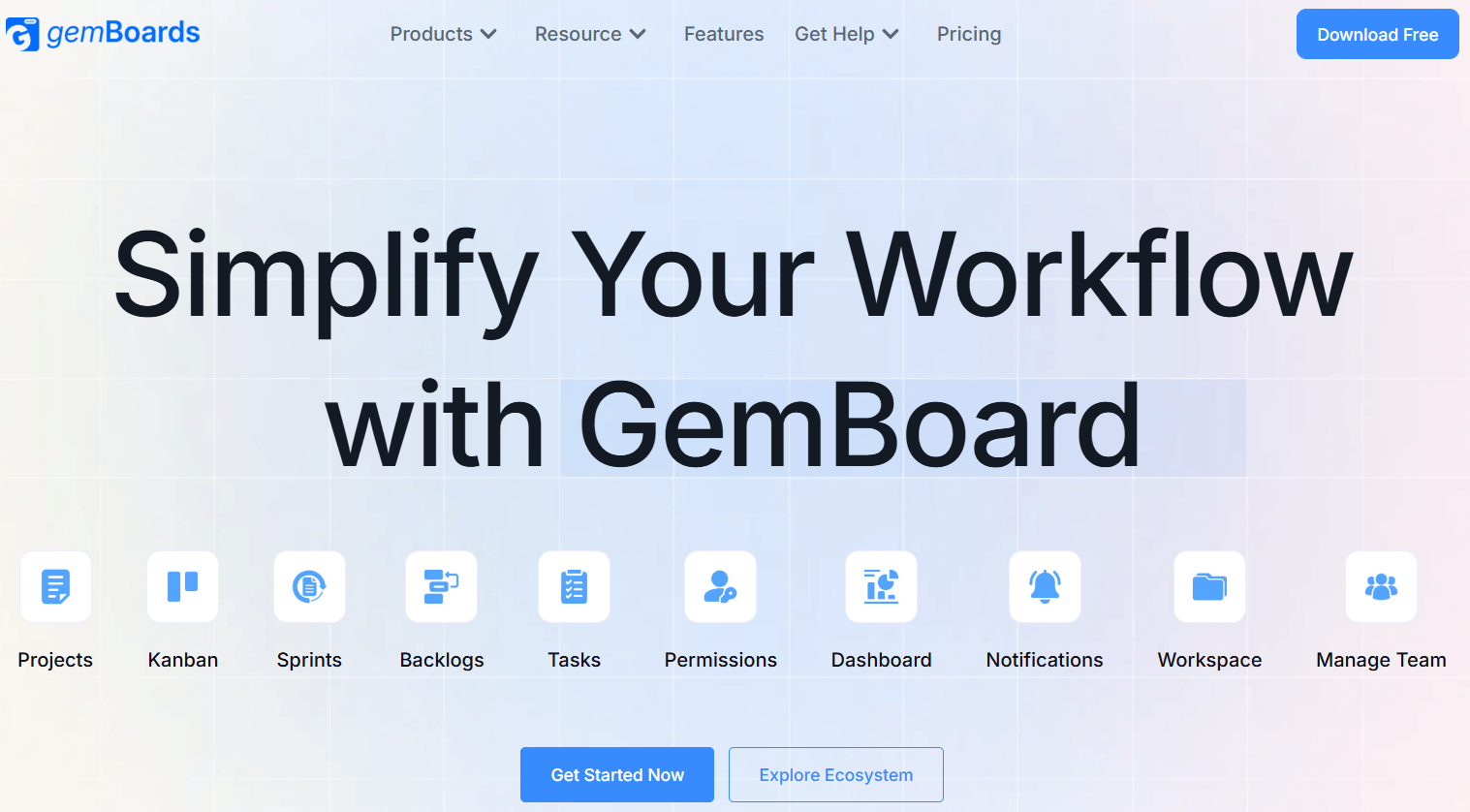
If you’re looking for a Trello alternative that works directly inside WordPress, GemBoards stands out as one of the most unique project management platforms available in 2026.
Unlike many project management tools that require users to leave their existing environment, GemBoards brings project management directly into WordPress.
This makes it particularly attractive for agencies, product teams, marketing teams, educators, and businesses already operating within the Kodezen ecosystem.
What Makes GemBoards Different?
Most alternatives focus solely on task management.
GemBoards focuses on managing projects where your work already happens.
Instead of constantly switching between multiple applications, teams can manage projects, workflows, content production, and collaboration directly from their WordPress website.
This dramatically reduces context switching and improves productivity.
Key Features
Visual Kanban Boards
GemBoards provides a modern Kanban board experience similar to Trello while offering greater workflow flexibility.
Drag-and-Drop Workflow Management
Move tasks between stages effortlessly while maintaining visibility across projects.
Custom Workflows
Create workflows that match your team’s unique processes.
Task Dependencies
Track task relationships and project progress more effectively.
Team Collaboration
Assign tasks, manage responsibilities, and monitor project status.
Product Roadmaps
Plan product launches, feature releases, and long-term project strategies.
WordPress-Native Experience
Unlike many project management software platforms, GemBoards works directly within WordPress.
Ecosystem Compatibility
One of GemBoards’ strongest advantages is its compatibility with the broader Kodezen ecosystem.
It works naturally alongside:
- Academy LMS
- GemCRM
- StoreEngine
- aBlocks
- GameEngine
This creates a unified environment for education businesses, agencies, and online entrepreneurs.
Why Businesses Choose GemBoards
Reduced Tool Sprawl
Many organizations use:
- Trello
- CRM software
- Documentation tools
- Content planning software
GemBoards helps consolidate workflows.
Better Workflow Visibility
Visual project planning helps teams stay aligned.
Lower Total Cost of Ownership
Fewer third-party subscriptions mean lower long-term costs.
Easier Team Adoption
The interface remains simple while offering advanced functionality.
Pricing
GemBoards offers a free plan available for users getting started.
Premium plans unlock additional features for growing teams.
For WordPress users, GemBoards provides one of the best value propositions among project management tools in 2026.
3. Asana – Best for Team Collaboration and Workflow Management
Asana is one of the most popular project management platforms for teams that need structured workflows, cross-functional collaboration, and project visibility. While Trello focuses primarily on Kanban boards, Asana provides multiple project views and advanced work management features that help teams organize complex projects more effectively.
Key Features
- Multiple project views (List, Board, Timeline, Calendar)
- Task dependencies
- Workflow automation
- Project milestones
- Team workload management
- Custom fields
- Advanced reporting dashboards
- Project templates
Pros
- User-friendly interface
- Excellent collaboration features
- Strong workflow automation capabilities
- Great for marketing, operations, and product teams
- Scales well as teams grow
Cons
- Advanced features require paid plans
- Can become expensive for larger teams
- Learning curve for new users
Pricing
- Free Plan Available
- Starter Plan
- Advanced Plan
- Enterprise Plan
Best For
Asana is ideal for organizations that need a balance between ease of use and advanced project management features. It’s especially useful for marketing teams, agencies, and companies managing multiple projects simultaneously.
4. Wrike – Best for Enterprise Project Management

Wrike is designed for businesses that require advanced resource management, reporting, and project planning capabilities. Compared to Trello, Wrike offers a more comprehensive project management system that helps organizations manage large-scale projects and cross-department collaboration.
Key Features
- Gantt charts
- Resource planning
- Advanced reporting
- Time tracking
- Project forecasting
- Workflow automation
- Custom dashboards
- Approval workflows
Pros
- Powerful reporting and analytics
- Excellent resource management tools
- Strong enterprise-grade features
- Customizable workflows
- Good scalability
Cons
- Higher pricing compared to Trello
- More complex setup process
- Can be overwhelming for small teams
Pricing
- Free Plan Available
- Team Plan
- Business Plan
- Enterprise Plan
- Pinnacle Plan
Best For
Wrike is best suited for enterprises, large agencies, IT departments, and organizations that require advanced reporting, workload management, and resource allocation.
5. Airtable – Best for Spreadsheet-Based Project Management
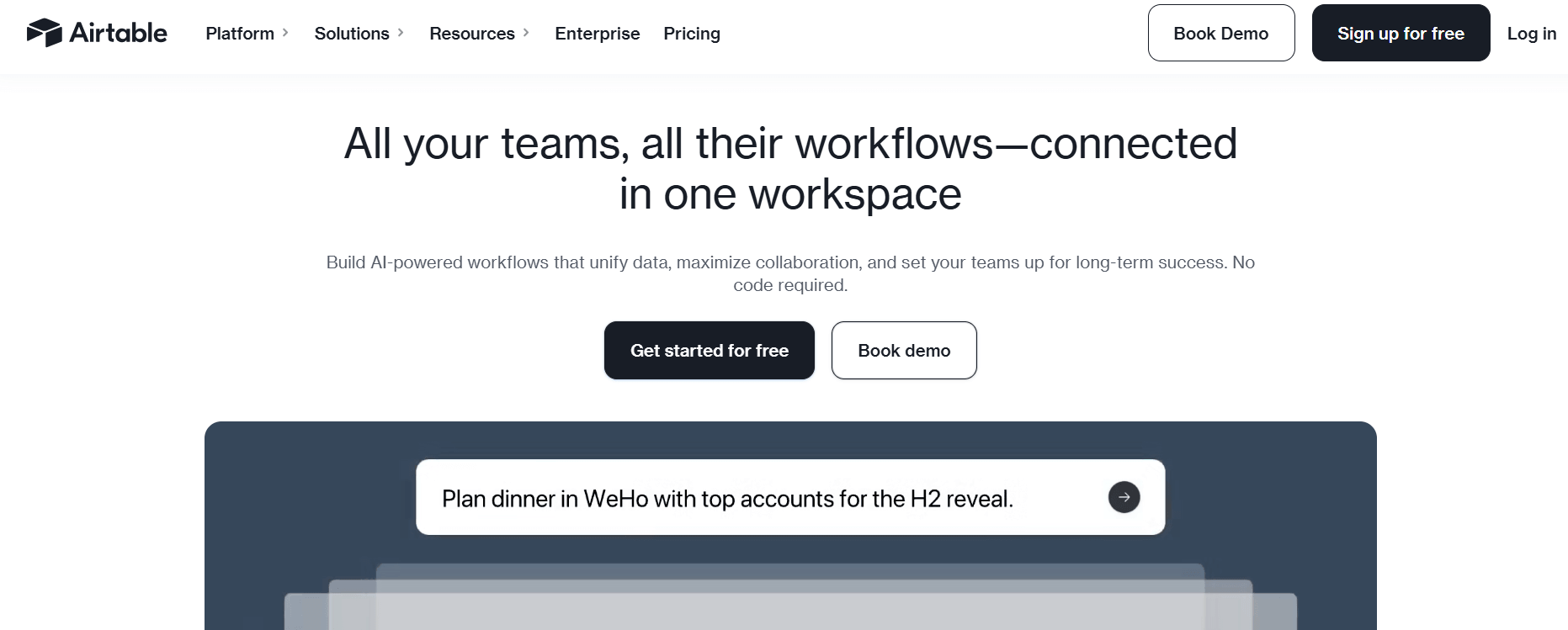
Airtable combines the familiarity of spreadsheets with the power of modern project management software. Unlike Trello’s card-based system, Airtable allows teams to organize projects, content calendars, databases, and workflows in a highly flexible structure.
Many teams choose Airtable when they need more customization than Trello provides.
Key Features
- Spreadsheet-style database
- Multiple project views
- Kanban boards
- Calendar view
- Forms
- Automation workflows
- Relational databases
- Custom dashboards
Pros
- Extremely customizable
- Great for content planning and operations
- User-friendly interface
- Powerful data organization capabilities
- Strong integration ecosystem
Cons
- Advanced features can become expensive
- May feel like a database rather than a project management tool
- Limited resource planning features
Pricing
- Free Tier Available
- Team Plan
- Business Plan
- Enterprise Scale Plan
Best For
Airtable is perfect for content teams, marketing departments, editorial workflows, product planning, and organizations managing large amounts of structured information.
6. Jira – Best for Agile Development Teams
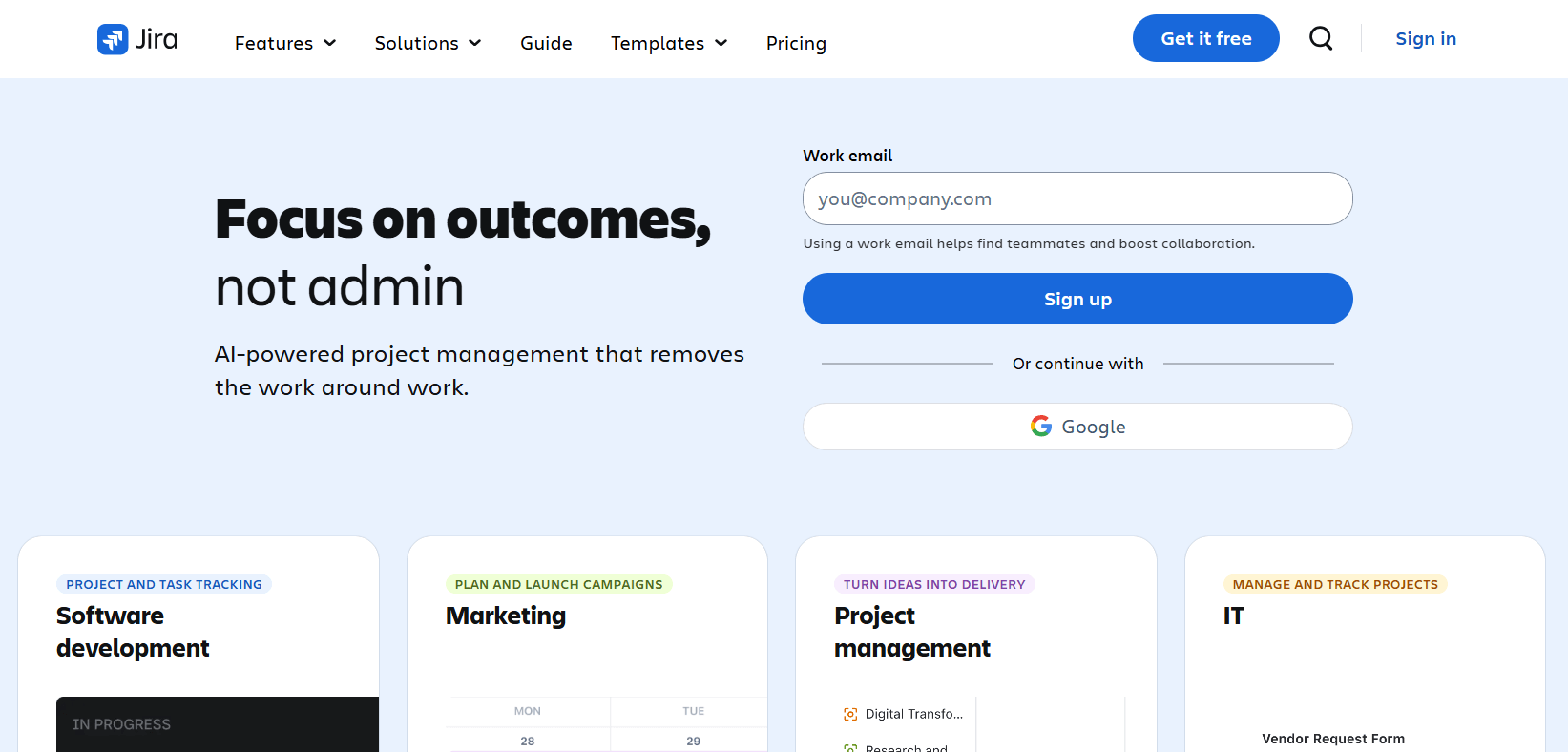
Jira is one of the most widely used project management tools for software development teams. Developed by Atlassian, Jira is specifically built around Agile project management methodologies and offers advanced features for sprint planning, issue tracking, and software development workflows.
While Trello and Jira are both owned by Atlassian, Jira is significantly more powerful for technical teams.
Key Features
- Scrum boards
- Kanban boards
- Sprint planning
- Issue tracking
- Roadmaps
- Advanced reporting
- Bug tracking
- Release management
Pros
- Excellent Agile project management capabilities
- Industry-standard for software development
- Advanced reporting and analytics
- Strong integration ecosystem
- Highly scalable
Cons
- Steeper learning curve
- Complex interface for non-technical users
- Overkill for simple project management needs
Pricing
- Free Plan Available
- Standard Plan
- Premium Plan
- Enterprise Plan
Best For
Jira is ideal for software development teams, engineering organizations, DevOps teams, and businesses that follow Agile or Scrum methodologies.
7. OpenProject – Best Open Source Trello Alternative
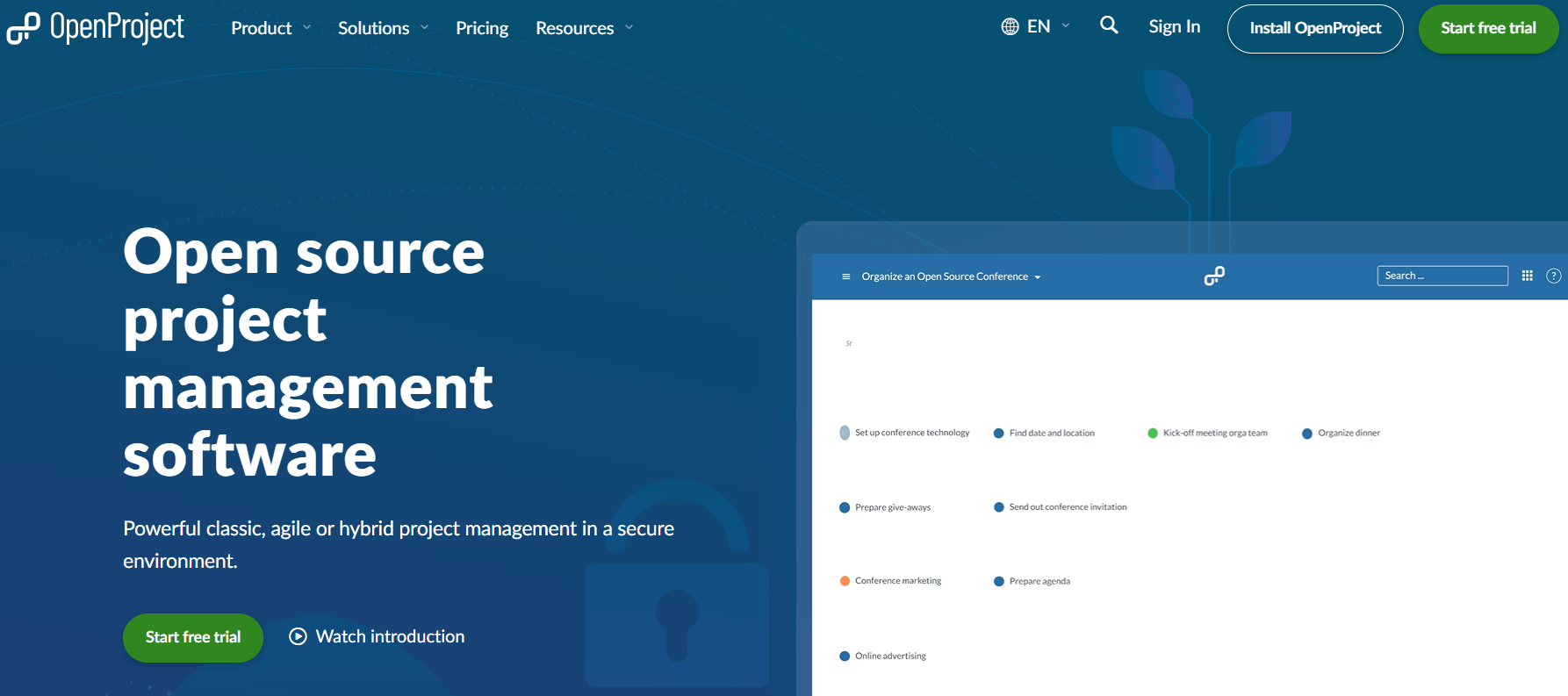
If you’re looking for an open source alternative to Trello, OpenProject is one of the strongest options available in 2026. Unlike proprietary project management platforms, OpenProject gives organizations complete control over their data through self-hosted deployment options.
This makes it particularly attractive for companies with strict security, privacy, and compliance requirements.
Key Features
- Self-hosted deployment
- Agile project management
- Gantt charts
- Project roadmaps
- Resource planning
- Time tracking
- Task management
- Team collaboration tools
Pros
- Open source project management software
- Full ownership of project data
- Highly customizable
- Strong security and privacy controls
- Active community support
Cons
- Requires technical knowledge for setup
- Self-hosting may increase maintenance requirements
- Less polished user experience compared to SaaS alternatives
Pricing
- Community Edition (Free)
- Cloud Plans
- Enterprise Support Options
Best For
OpenProject is best for government organizations, educational institutions, enterprises with compliance requirements, and teams looking for a self-hosted project management solution with complete data ownership.
Why GemBoards Still Stands Out
While Asana, Wrike, Airtable, Jira, and OpenProject are all strong alternatives to Trello, they often require teams to adopt separate platforms and manage multiple integrations.
GemBoards takes a different approach.
Instead of forcing teams to work outside their existing environment, GemBoards brings project management directly into WordPress. For businesses already using WordPress, Academy LMS, GemCRM, StoreEngine, or other Kodezen products, this creates a more streamlined workflow with lower costs, reduced tool sprawl, and better ecosystem compatibility.
This makes GemBoards one of the most practical and cost-effective Trello alternatives for WordPress users in 2026.
How to Choose the Right Trello Alternative
The right Trello alternative depends on your team needs.
Choose ClickUp If
You want an all-in-one work management platform.
Choose GemBoards If
You use WordPress and want project management where your work already happens.
Choose Asana If
You prioritize collaboration and ease of use.
Choose Wrike If
You need enterprise-level reporting and resource planning.
Choose Jira If
You’re managing software development projects.
Choose OpenProject If
You need a self-hosted open source project management solution.
Final Verdict: What Is the Best Trello Alternative in 2026?
For most teams, ClickUp remains the most feature-rich Trello alternative.
However, for WordPress users, agencies, course creators, and businesses already using the Kodezen ecosystem, GemBoards offers a compelling alternative that combines project management, workflow organization, and ecosystem integration in one place.
The best Trello alternative is ultimately the one that matches your workflow, team structure, budget, and future growth plans.
Before making a decision, evaluate:
- Scalability
- Integrations
- Customization
- Security
- Reporting
- Total cost of ownership
- User experience
Choosing the right project management software today can save your team hundreds of hours and thousands of dollars in the future.
Frequently Asked Questions
What is the best Trello alternative in 2026?
The best Trello alternative depends on your workflow and team requirements. For all-in-one project management, ClickUp is a popular choice due to its extensive project management features, automation, and reporting capabilities. For WordPress users, GemBoards is a strong alternative because it combines task and project management directly inside WordPress, reducing the need for multiple tools and integrations.
Why do teams switch from Trello to other project management tools?
Many teams switch from Trello as their projects become more complex. While Trello is excellent for simple Kanban board workflows, it lacks advanced features such as resource planning, detailed analytics, advanced reporting, task dependencies, and comprehensive work management tools. Growing teams often need more robust project management software that can scale with their business needs.
Are there any free alternatives to Trello?
Yes, there are several free alternatives to Trello available in 2026. ClickUp, Asana, Airtable, Jira, OpenProject, and GemBoards all offer a free plan or free tier. These tools provide various levels of task management, workflow automation, project tracking, and collaboration features, making them suitable for individuals, startups, and small teams looking to manage projects without a large budget.
Is there an open source alternative to Trello?
Yes. OpenProject is one of the best open source alternatives to Trello. It offers self-hosted deployment, project tracking, agile boards, Gantt charts, resource management, and extensive customization options. Organizations that prioritize data ownership, security, compliance, and flexibility often choose open source project management platforms over proprietary solutions.