








Jira has been the default answer for agile project management for over two decades. It is deeply embedded in software development culture — sprint planning, backlog grooming, bug tracking, and scrum board workflows all have Jira’s fingerprints on them. For large engineering teams inside enterprise organizations, it remains a capable tool.
But in 2026, a growing number of development teams, small teams, and agile teams are actively look for a jira alternative. The reasons are consistent: Jira’s per-user pricing scales painfully as growing teams expand, the interface is overloaded with configuration options that most teams never use, and the atlassian ecosystem increasingly bundles tools together in ways that push teams toward higher-cost plans. The phrase “atlassian killed” features that users relied on — like Atlassian’s sunsetting of server licenses — made many teams reconsider their dependency entirely.
The good news is that in 2026, the best jira alternatives available today are genuinely excellent. Whether you want an open-source jira alternative you can self-host, a lightweight kanban board tool for a small product team, or a modern project management platform that scales without per-user billing, there is a strong option for your situation. This guide covers the best jira alternatives in 2026 — what each one does well, what it costs, and who it is built for.
Why Teams Look for a Jira Alternative
Before diving into the alternatives, it is worth being specific about what drives teams away from Jira. These are not isolated complaints — they are structural issues with the platform that affect teams of all sizes:
Per-user pricing that compounds as you grow
Jira Cloud charges per user per month — $7.75 on Standard, $15.25 on Premium. A team of 20 on Standard pays $1,860/year. A team of 50 pays $4,650/year. As growing teams add members — contractors, stakeholders, part-time contributors — the jira cloud bill grows automatically. There is no ceiling until you hit Enterprise pricing, which is custom (and expensive).
Steep learning curve and UI overload
Jira’s interface is built for devops teams running complex multi-project workflow automation at enterprise scale. For a project management tool handling straightforward task management, sprint planning, and kanban board views, the density of configuration options creates friction rather than clarity. New team members often need significant onboarding time before they can use it effectively.
Atlassian ecosystem lock-in
The atlassian product suite — Jira, Confluence, Trello, Bitbucket — works best when you are all-in on their ecosystem. Pricing for integration with non-Atlassian tools often requires paid apps from the Atlassian marketplace. And since atlassian killed self-managed server licenses in 2024, teams that previously controlled their own data center deployments were forced onto cloud plans — with no path back to on-premise.
Overkill for small and mid-size teams
Most small teams and software teams use roughly 20% of Jira’s features. The rest sits unused — but you are still paying for it, and navigating around it, every single day. Simpler project management software options handle scrum and kanban boards, custom fields, and due dates with a fraction of the configuration overhead.
| JIRA COST REALITY Jira Standard costs $7.75/user/month. A team of 10 pays $930/year. A team of 20 pays $1,860/year. A team of 50 pays $4,650/year — and that figure compounds annually with no end. Over three years, a 20-person team spends $5,580 on Jira alone before any add-ons, Confluence licenses, or Atlassian Marketplace apps. |
Best Jira Alternatives in 2026
1. ClickUp— Best All-in-One Project Management Alternative to Jira

ClickUp is the most comprehensive jira alternative for teams that want a genuinely unified project management platform. It consolidates task management, gantt chart views, kanban board, time tracking, sprint planning, goals, docs, and workflow automation into a single workspace. Where Jira requires multiple Atlassian products to cover the same ground, ClickUp does most of it natively.
The free plan is genuinely usable — it supports unlimited tasks and projects with most core features included. Custom fields, multiple view types (list, board, gantt chart, timeline, calendar), and dependency tracking come standard. The ai features added in recent updates — AI task summaries, automated status updates, and smart backlog prioritization — add meaningful value without requiring separate tools.
ClickUp’s integration library is also substantial: github, gitlab, microsoft teams, Slack, and hundreds more are all natively supported. For software development teams that need code-to-task visibility, ClickUp’s GitHub and GitLab integrations are especially strong. Paid plans start at $7/user/month — competitive with Jira — but the free plan covers most needs for small teams.
| BEST FOR Teams that want the broadest feature set in a single workspace — combining task management, docs, goals, sprints, and automations without switching between multiple Atlassian products. Free plan available; paid from $7/user/month. |
2. GemBoards — Best Open-Source WordPress-Native Jira Alternative
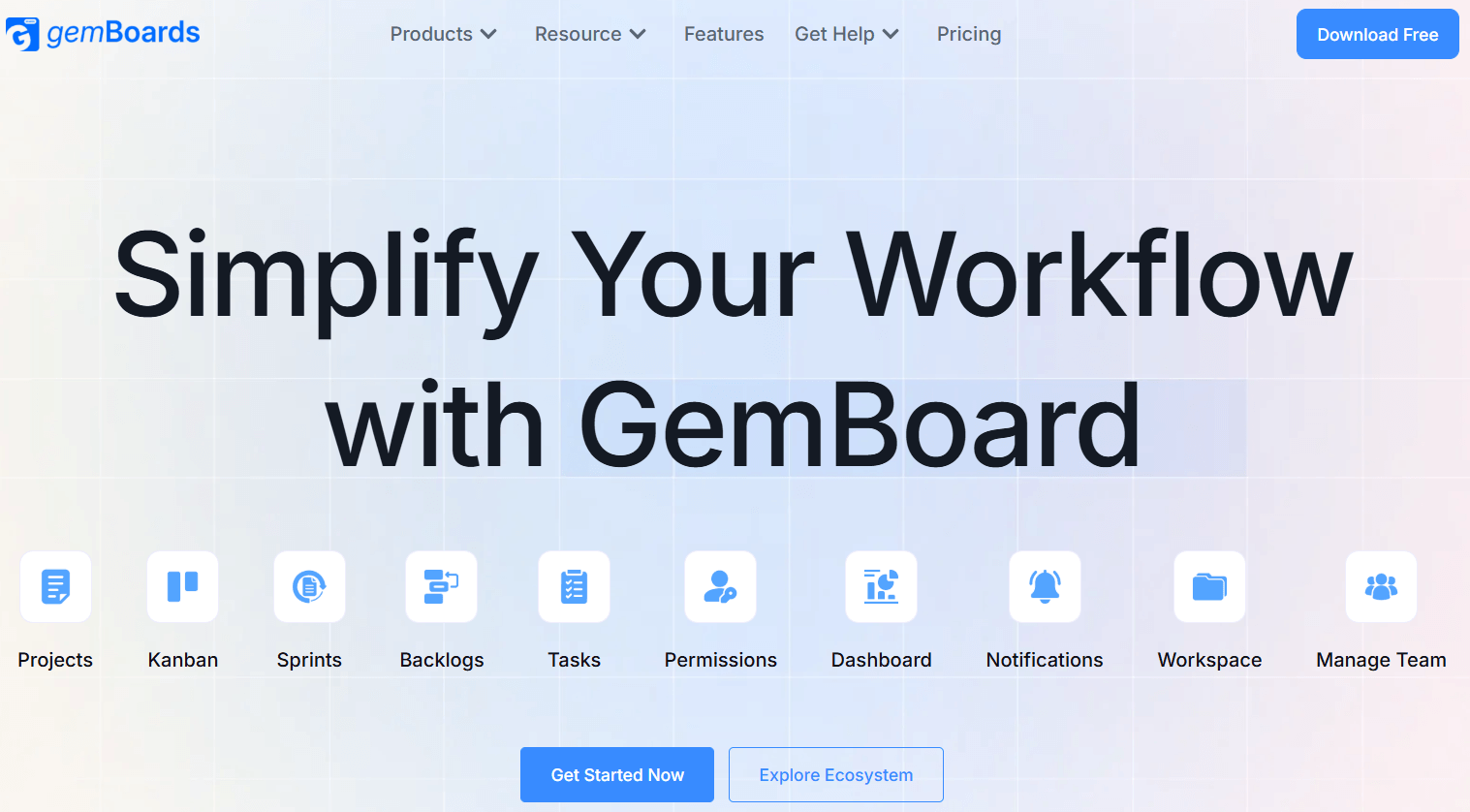
GemBoards is the most distinctive open-source jira alternative available in 2026 — and the only serious project management tool built natively inside WordPress. For product teams, agencies, and SaaS companies already running on WordPress, GemBoards solves a problem that every other alternative ignores: why should your project management platform live in a separate ecosystem from your website, customer data, and team infrastructure?
Built by the Kodezen team — the same team behind Academy LMS, StoreEngine, ZenCommunity, and aBlocks — GemBoards integrates directly with WordPress user roles and permissions, meaning your existing team team members are already set up. No separate user management. No third-party integration. No SaaS login. Everything lives on your own server, under your full control.
Core Features That Replace Jira’s Essential Capabilities
GemBoards covers all the task management essentials that agile teams rely on — without Jira’s configuration complexity or per-user billing:
• Unlimited Kanban boards with custom columns and task statuses
• Scrum and sprint planning boards for agile workflows
• Drag-and-drop task management with visual progress tracking
• Custom task statuses, priority levels, and due dates
• Team member assignment, collaboration comments, and file attachments
• Activity history log for full project audit trails
• Role-based permissions using native WordPress user roles
• Email notifications and built-in in-app notifications
• API access for custom integrations and automations
• Multi-site support via WordPress Multisite — no extra cost
• Mobile-responsive UI for on-the-go project management
• Search and advanced filters across all boards and tasks
The Pricing Advantage: Why This Changes Everything
This is where GemBoards makes its strongest case as an alternative to jira. Jira charges per user per month — a model that compounds relentlessly as your team grows. GemBoards charges a flat rate with a open-source lifetime license option starting at $99. That covers unlimited users. Forever. No per-user penalties. No annual renewal required.
The cost difference over time is not marginal — it is structural. A team of 10 on Jira Standard pays $930/year. The same team on GemBoards pays $99 — once. Over three years, that is $2,790 spent on Jira vs $99 on GemBoards. A team of 20 spends $5,580 on Jira over three years. GemBoards: still $99.
|
Factor |
GemBoards |
Jira Cloud (Standard) |
|
Platform type |
WordPress plugin (self-hosted) |
Hosted SaaS (Atlassian cloud) |
|
Open source / self-hosted |
Yes — your server, your data |
No — SaaS only |
|
WordPress native |
Yes — native user roles & perms |
No — separate ecosystem |
|
Kanban boards |
Unlimited |
Yes |
|
Scrum / sprint boards |
Yes |
Yes |
|
Custom task statuses |
Yes |
Yes |
|
Drag-and-drop interface |
Yes |
Yes |
|
Due dates & priorities |
Yes |
Yes |
|
Role-based permissions |
WordPress-native, easy |
Jira roles, complex |
|
File attachments |
Yes |
Yes |
|
Activity history log |
Yes |
Yes |
|
API access |
Yes |
Yes |
|
Mobile responsive |
Yes |
Yes |
|
Multi-site support |
Yes (WP Multisite) |
No |
|
Reporting tools |
Yes |
Advanced (Premium) |
|
Workflow engine |
Simple and intuitive |
Advanced and complex |
|
Setup complexity |
Low |
High |
|
Learning curve |
Easy |
Steep |
|
SaaS lock-in |
None — you own everything |
Yes |
|
Data ownership |
Full — hosted on your server |
Atlassian-hosted |
|
Pricing model |
Flat / lifetime ($99 one-time) |
Per user / per month |
|
10 users — 1 year cost |
$99 one-time |
$930/year |
|
20 users — 1 year cost |
$99 one-time |
$1,860/year |
|
50 users — 1 year cost |
$99 one-time |
$4,650/year |
|
10 users — 3 year cost |
$99 total |
$2,790 total |
|
20 users — 3 year cost |
$99 total |
$5,580 total |
|
50 users — 3 year cost |
$99 total |
$13,950 total |
|
Annual renewal required |
No |
Yes — perpetual cost |
|
Free tier |
Yes — unlimited users |
Free up to 10 users |
Who GemBoards Is Built For
GemBoards is purpose-built for teams of all sizes that are already inside the WordPress ecosystem or are willing to build on it. Product teams, software teams at WordPress-based SaaS companies, digital agencies managing client projects, internal marketing teams, and development teams who want self-hosted agile project management without paying per user every single month.
It is also the strongest choice for organizations where data sovereignty matters — teams in regulated industries, agencies handling sensitive client work, and companies that were burned by Atlassian’s server license elimination and want to ensure they never lose access to their project management solution again.
| BEST FOR WordPress-based product teams, agencies, and SaaS companies who want Kanban + scrum project management with unlimited users, full data ownership, and predictable flat pricing — without per-user billing shock. Free tier available. Lifetime license starts at $99 (unlimited users, no annual renewal). 14-day money-back guarantee. |
3. Asana— Best for Cross-Functional Team Collaboration
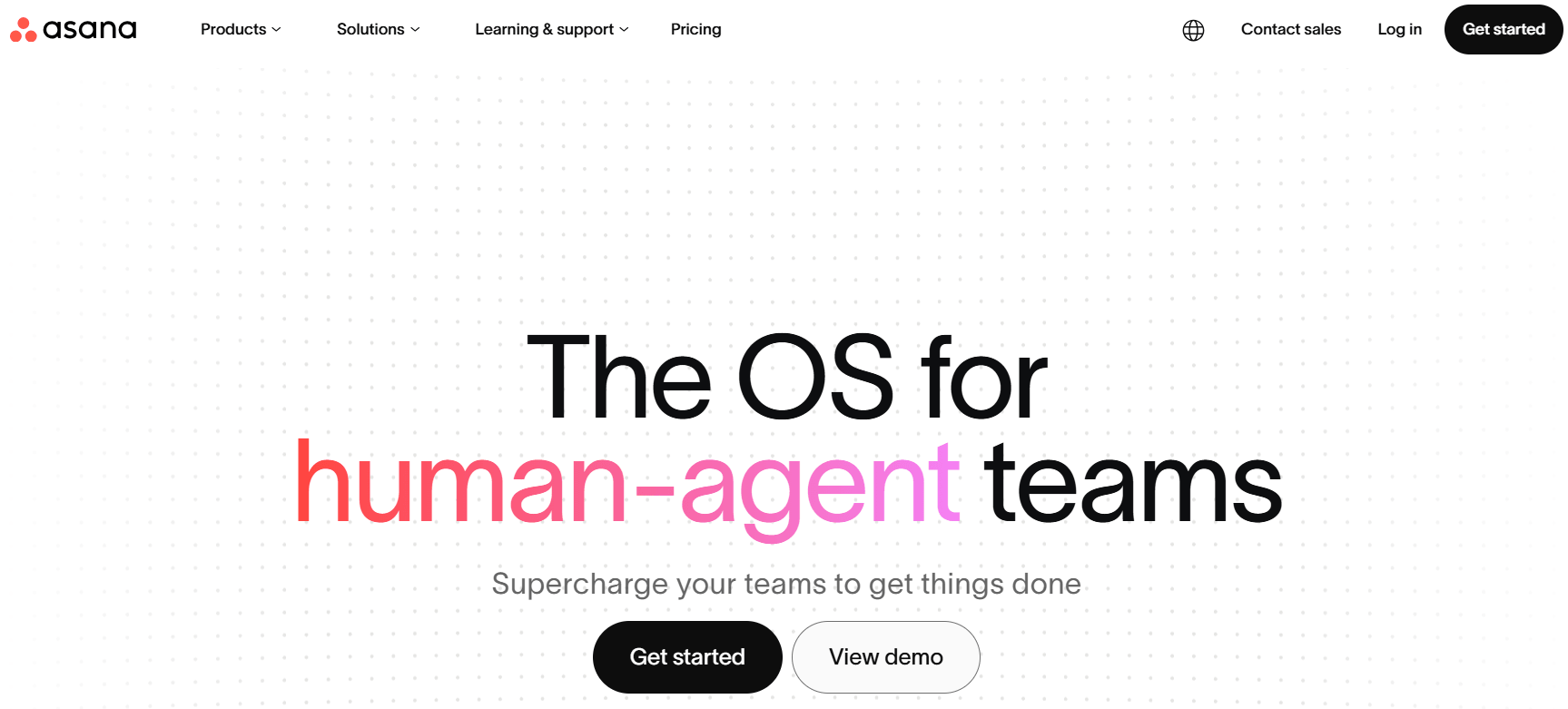
Asana is one of the most polished project management software options available, and it consistently outperforms Jira in terms of ease of use and cross-functional team adoption. Its interface is clean and approachable for non-technical team members — marketing, design, operations, and product teams all get up to speed quickly without onboarding sessions.
Asana supports task management, milestone tracking, gantt chart views (Timeline), workflow automation, custom fields, and a genuinely strong integration library — including github, Slack, microsoft teams, Salesforce, and hundreds more. Its ai features in 2025–2026 — smart task drafting, workload balancing, and automated project status updates — are among the best in the category.
The limitation for agile teams and software development teams specifically: Asana lacks native sprint planning and scrum board workflows that Jira handles natively. It is excellent for project planning and resource allocation but less suited for pure agile project management tool use cases. Free plan available; paid plans start at $10.99/user/month.
| BEST FOR Cross-functional teams where non-technical members need to collaborate on projects — marketing, design, operations, and product. Strong AI features and broad integrations. Free plan available; paid from $10.99/user/month. |
4. Trello — Best Simple Kanban Alternative to Jira
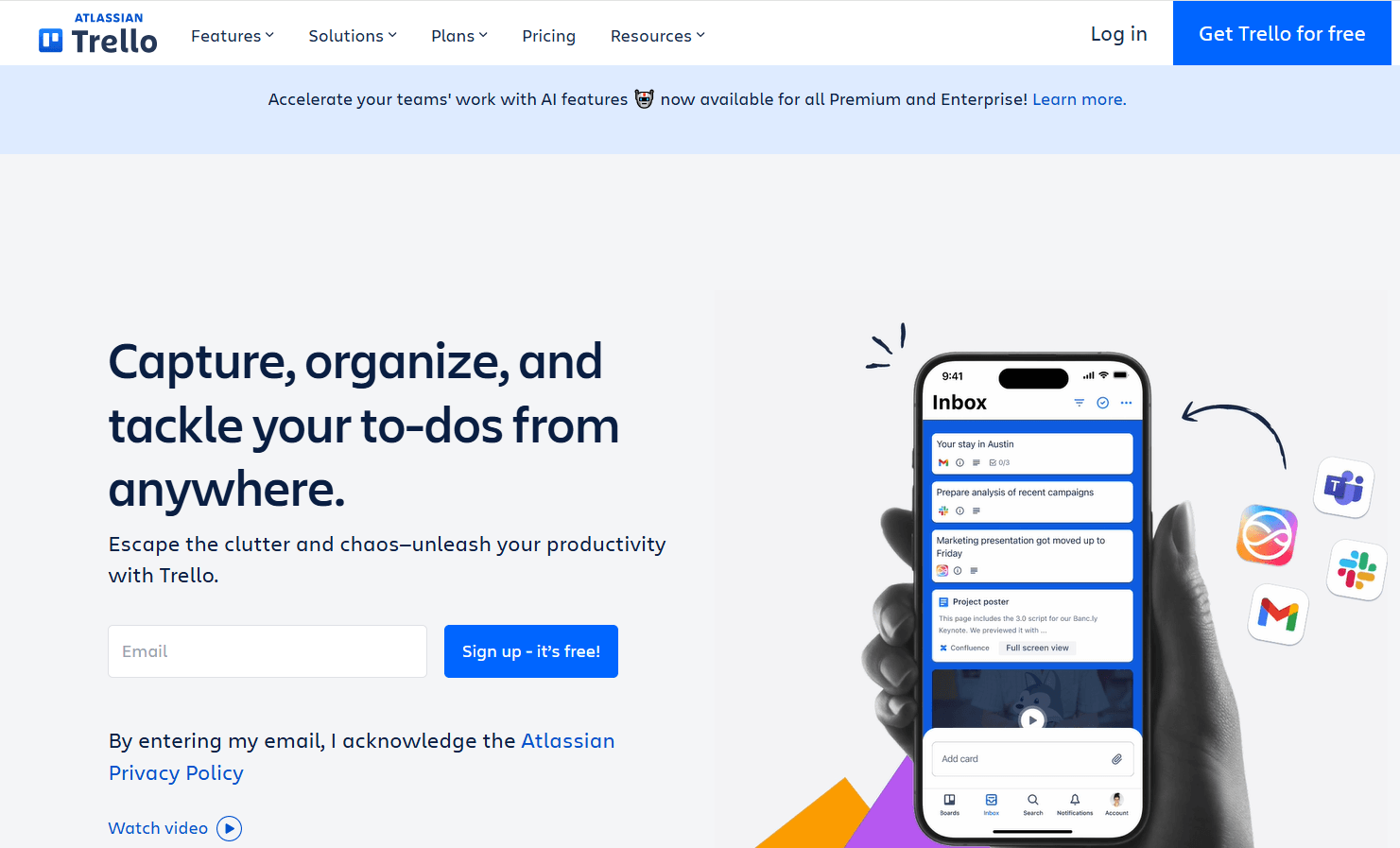
Trello is the most immediately accessible jira alternative for teams that find Jira overwhelming. It strips project management down to its simplest form: boards, lists, and cards. Drag a card from one column to another. That is it. There is no sprint configuration, no scrum board setup wizard, no workflow engine to configure. You open it and start working.
Trello’s free plan is genuinely usable — unlimited cards, unlimited team members, and 10 boards per workspace. Power-Ups (integrations and add-ons) extend its capabilities: time tracking, gantt chart views via Butler automation, github integration, and more. It belongs to atlassian — same parent company as Jira — which means deep jira importer support if you are moving data between systems.
The honest limitation: Trello is a kanban board tool, not a full project management platform. Backlog management, sprint planning, dependency tracking, and advanced issue tracking are not its strengths. For software development teams that need those capabilities, Trello quickly becomes insufficient.
| BEST FOR Small teams and individuals who want the simplest possible Kanban board tool with a gentle learning curve. Free plan is solid for most small team needs. Scales poorly for complex agile workflows or large development projects. |
5. GitLab — Best Open-Source Jira Alternative for DevOps Teams

GitLab is the most complete open source jira alternative for engineering teams and devops workflows. Where Jira handles project management and requires separate tools for code — github, Bitbucket — GitLab is a single platform that covers code hosting, CI/CD pipelines, issue tracking, kanban board views, milestone tracking, and sprint planning natively.
GitLab’s open-source Community Edition is completely free to self-host with unlimited users. The GitLab.com hosted version offers a free tier with robust bug tracking, boards, and CI/CD for software teams up to a reasonable usage limit. For teams where code and project management tool features need to live in the same system, GitLab eliminates the integration overhead that comes with Jira + github setups.
The tradeoff: GitLab is developer-first. Non-technical team members — designers, marketers, project managers — often find it less accessible than Asana or ClickUp. And self-hosting GitLab requires meaningful infrastructure management. But for pure software development teams who want an open-source jira alternative with zero per-user cost, nothing else comes close.
| BEST FOR Engineering and DevOps teams who want code + project management in one open-source platform. Free to self-host (Community Edition). GitLab.com has a free tier for hosted use. Not suitable for non-technical team members managing non-code projects. |
6. Linear — Best Modern Project Management Tool for Software Teams
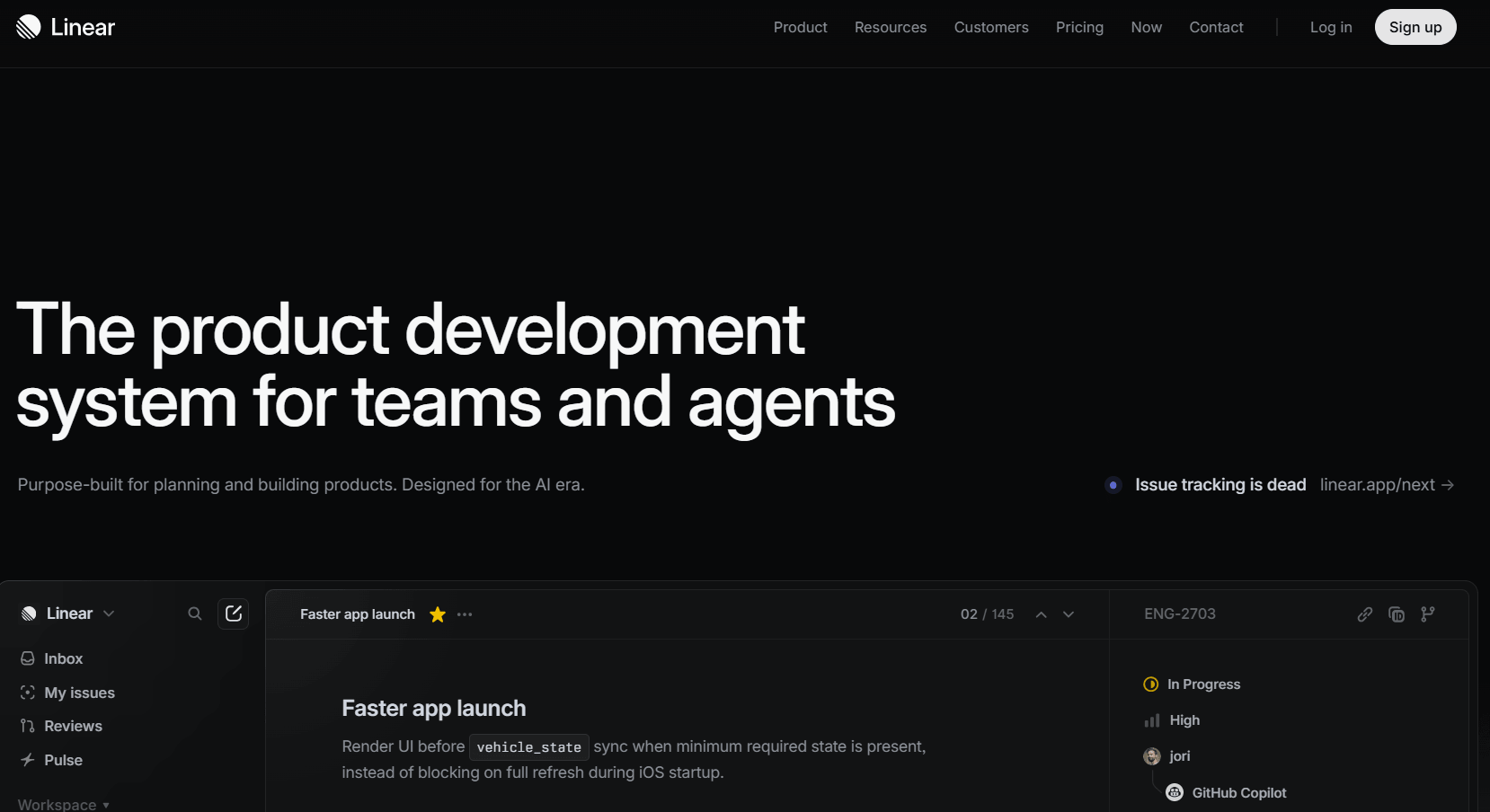
Linear is the most design-forward project management software for software development teams in 2026. It was built by former engineers from Airbnb and Coinbase with one explicit goal: fix everything that is wrong with Jira’s UX. The result is a keyboard-shortcut-driven, blazingly fast project management tool that makes sprint planning, backlog management, and scrum board workflows feel effortless compared to Jira.
Linear’s kanban board and cycle (sprint) views are elegant and fast. Github and gitlab integrations are deep — pull requests automatically update issue statuses. Ai features assist with writing issue descriptions, triaging bugs, and auto-assigning custom fields. The tool is opinionated — it does not try to be everything — which is precisely what makes it excellent for engineering teams who found Jira’s configurability a burden rather than a benefit.
Linear starts free for up to 250 issues and has no meaningful free tier beyond that. Paid plans start at $8/user/month. It is a hosted SaaS — you do not own your data or self-host. But for software teams prioritizing developer experience above all else, it is the most compelling modern alternative to Jira available.
| BEST FOR Software development and engineering teams who want the cleanest, fastest project management experience with deep GitHub/GitLab integration and AI features. Free up to 250 issues; paid from $8/user/month. SaaS only — no self-hosting option. |
All Jira Alternatives at a Glance — 2026
|
Platform |
Type |
Open Source? |
Free Plan? |
Pricing |
Best For |
|
ClickUp |
Hosted SaaS |
No |
Yes |
$7/user/mo |
All-in-one, broad teams |
|
GemBoards |
WP Plugin (OSS) |
Yes |
Yes |
$99 lifetime |
WP teams, unlimited users, flat pricing |
|
Asana |
Hosted SaaS |
No |
Yes |
$10.99/user/mo |
Cross-functional teams |
|
Trello |
Hosted SaaS |
No |
Yes |
$5/user/mo |
Simple Kanban, small teams |
|
GitLab |
OSS / SaaS |
Yes |
Yes |
Free self-host |
Engineering & DevOps teams |
|
Linear |
Hosted SaaS |
No |
Limited |
$8/user/mo |
Software teams, developer UX focus |
Choosing the Right Jira Alternative for Your Team
No single alternative is right for every team. Here is a practical framework based on your specific situation:
WordPress-based team wanting self-hosted, unlimited-user project management?
• GemBoards — flat $99 lifetime, no per-user cost, native WordPress integration
Need the broadest feature set with AI in a single workspace?
• ClickUp — most comprehensive free plan, all-in-one, strong AI features
Cross-functional team with non-technical members?
• Asana — most approachable UI, strong workflow automation, excellent AI
Want the simplest possible Kanban tool?
• Trello — lowest learning curve, great free plan for small teams
Engineering team wanting code + project management in one open-source platform?
• GitLab — free self-hosted Community Edition, CI/CD built in
Need maximum developer UX with deep GitHub integration?
• Linear — fastest, cleanest interface for software teams
| The best Jira alternative is not the one with the most features — it is the one your whole team will actually open every morning without dreading it.— GemBoards, 2026 |
Final Thoughts: Discover the Best Jira Alternative for Your Team
Jira earned its reputation for good reasons — and for large engineering teams with complex devops workflows and dedicated Jira administrators, it may still be the right tool. But for the majority of software teams, agile teams, and growing teams in 2026 — teams that want clarity, speed, and predictable cost — the best jira alternatives available today offer everything Jira does for the workflows that matter, without the bloat, the per-user billing, and the enterprise-first complexity.
If you want the single most cost-effective option for a WordPress-based team with unlimited users, GemBoards is the clear answer — $99 once, no renewals, full self-hosted data ownership. If you want the broadest feature set with strong ai capabilities, ClickUp‘s free plan is hard to beat. For pure software development teams who want developer-first UX, Linear is the most compelling modern option. And for teams that need true open-source flexibility with code and project management unified, GitLab‘s free self-hosted edition remains unmatched.
Match the tool to your team size, technical comfort, data ownership requirements, and workflow complexity — and you will find the right project management solution that your team actually wants to use every day.
Frequently Asked Questions
What is the best free Jira alternative?
ClickUp has the most generous free plan — unlimited tasks and members with most core features included. GemBoards offers a free tier with unlimited users and all core Kanban and task management features. GitLab is free to self-host with full project management and code management combined. Trello’s free plan is solid for small teams needing simple Kanban boards.
What is the best open-source Jira alternative?
GitLab is the strongest open-source Jira alternative for engineering and DevOps teams — it covers code hosting, CI/CD, issue tracking, and project management in one platform. GemBoards is the best open-source option for WordPress-based teams, offering flat-rate unlimited-user licensing with self-hosted data ownership. Is GemBoards a good Jira alternative?
Yes — especially for teams already running on WordPress or organizations looking to eliminate per-user billing entirely. GemBoards provides Kanban boards, scrum/sprint management, task tracking, custom statuses, role-based permissions, and team collaboration features in a single WordPress plugin. The lifetime license at $99 covers unlimited users — a team of 50 pays $99 total vs $4,650/year on Jira Standard.
How does ClickUp compare to Jira?
ClickUp is generally more approachable than Jira with a broader free plan and a more unified feature set. It handles task management, docs, goals, time tracking, and sprint planning in one workspace without requiring multiple Atlassian products. For pure software development workflows with deep DevOps integration, Jira is still stronger. For cross-functional teams and general project management, ClickUp outperforms Jira significantly.
What happened to Jira server licenses?
Atlassian ended support for server licenses in February 2024, forcing teams who previously self-hosted Jira on their own infrastructure to migrate to Jira Cloud (SaaS) or Jira Data Center (enterprise, very expensive). This decision drove significant numbers of teams to look for self-hosted alternatives — particularly open-source options like GitLab and GemBoards — where they maintain full control over their infrastructure.
Which Jira alternative is best for small teams?
For small teams of 1–10 people: Trello for simple Kanban needs, ClickUp’s free plan for broader project management, or GemBoards for WordPress-based teams wanting self-hosted control at flat pricing. GemBoards is particularly compelling for small and growing teams because its pricing never increases regardless of how many users you add.
Is there a self-hosted Jira alternative?
Yes — several strong ones. GemBoards runs on your own WordPress server with full data ownership and no SaaS dependency. GitLab Community Edition is a free, fully open-source self-hosted option with code and project management combined. Plane.so is another newer open-source self-hosted project management tool worth evaluating.