

Choosing the right WordPress membership plugins is essential when you want to sell online courses, offer exclusive learning resources, or build a subscription-based education website. A membership website lets you control who can access your content, create different subscription plans, and generate recurring revenue for your online learning business.
However, not every membership plugin includes a complete Learning Management System (LMS). Some plugins focus on membership management and payment processing, while others provide course creation, student enrollment, quizzes, and progress tracking.
In this guide, we’ll explore the best WordPress membership plugins for online courses, compare their key features, and explain how you can combine a membership plugin with Academy LMS to build a membership-based learning website.
WordPress Membership Plugins Comparison
Before choosing a membership plugin, compare its main purpose, pricing model, and compatibility with your existing learning platform.
|
Plugin |
Main purpose |
Free core |
Best suited for |
|
MemberPress |
Memberships, subscriptions, and content protection |
No |
Integrated premium membership websites |
|
Paid Memberships Pro |
Membership levels and access management |
Yes |
Flexible membership websites |
|
StoreEngine Membership |
Membership management and restricted content access |
Check current offering |
WordPress stores and membership-based businesses |
|
SureMembers |
Content restriction and access rules |
Check current offering |
Flexible content-access setups |
|
Restrict Content Pro |
Membership levels, subscriptions, and content restriction |
Check current offering |
Paid membership websites and subscription-based content |
What Are WordPress Membership Plugins?
WordPress membership plugins allow website owners to restrict access to selected content and provide exclusive benefits to registered members. Depending on the plugin, you can create free memberships, sell paid subscriptions, protect online courses, and manage member accounts.
For example, an educational website might offer three membership levels:
A suitable membership plugin helps you manage these access levels without manually granting permission to every student.
When combined with a WordPress LMS plugin, membership functionality becomes even more useful. You can manage subscriptions and content access while using your LMS to organize lessons, deliver assessments, and track student progress.
Best WordPress Membership Plugins for Online Courses
The best membership plugin depends on your business model, budget, payment requirements, and existing WordPress setup. Here are five options worth considering.
1. MemberPress
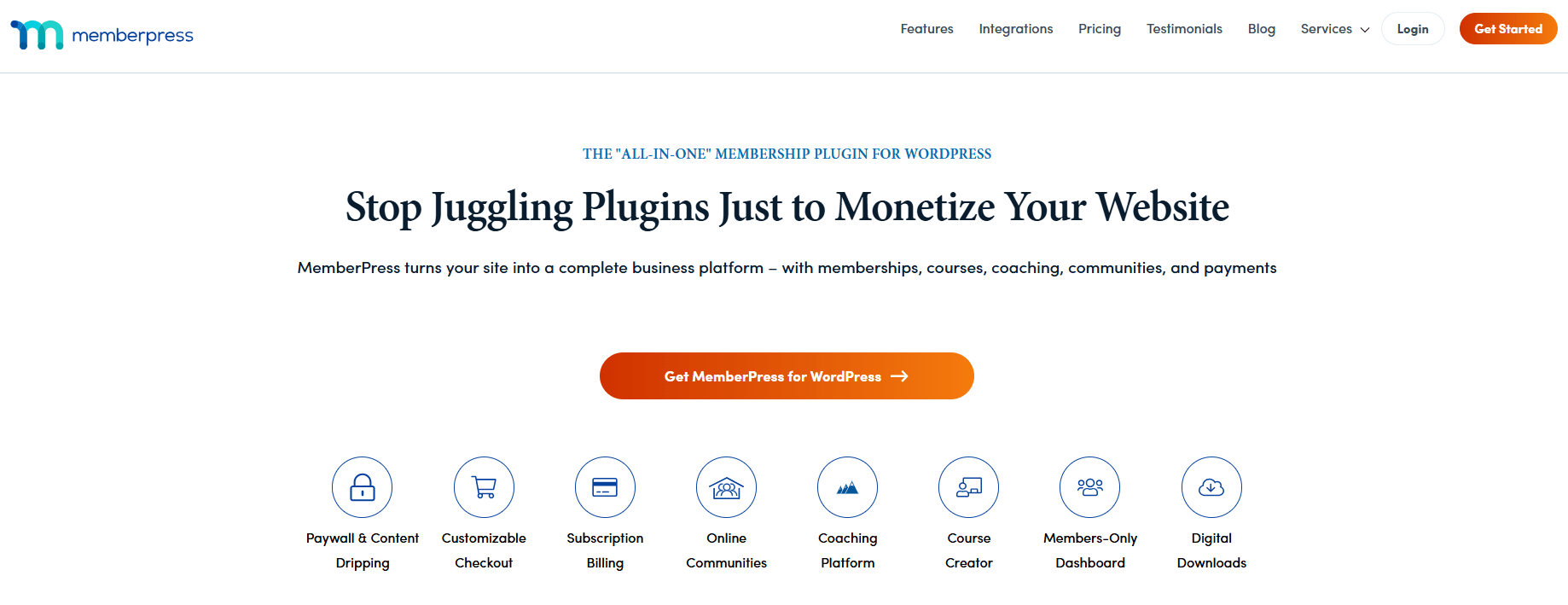
MemberPress is a premium WordPress membership plugin that helps website owners create membership plans, restrict premium content, manage subscriptions, and sell access to online courses. It also offers built-in course creation features, making it a convenient option for businesses that want to manage memberships and educational content from one WordPress website.
Key features:
Pricing: MemberPress is a premium plugin with annual subscription plans. Entry-level plans generally start at around $199.50 per year when promotional pricing is available. Regular pricing, included features, and course-related functionality vary by plan, so check the official pricing page before purchasing.
Pros:
Cons:
Best for: Course creators, coaches, and online educators who want an integrated solution for selling memberships, protecting premium content, and delivering online courses.
For example, an online academy could offer a basic membership with introductory lessons and a premium subscription with advanced courses, downloadable resources, and exclusive learning materials.
Website: https://memberpress.com/
2. Paid Memberships Pro
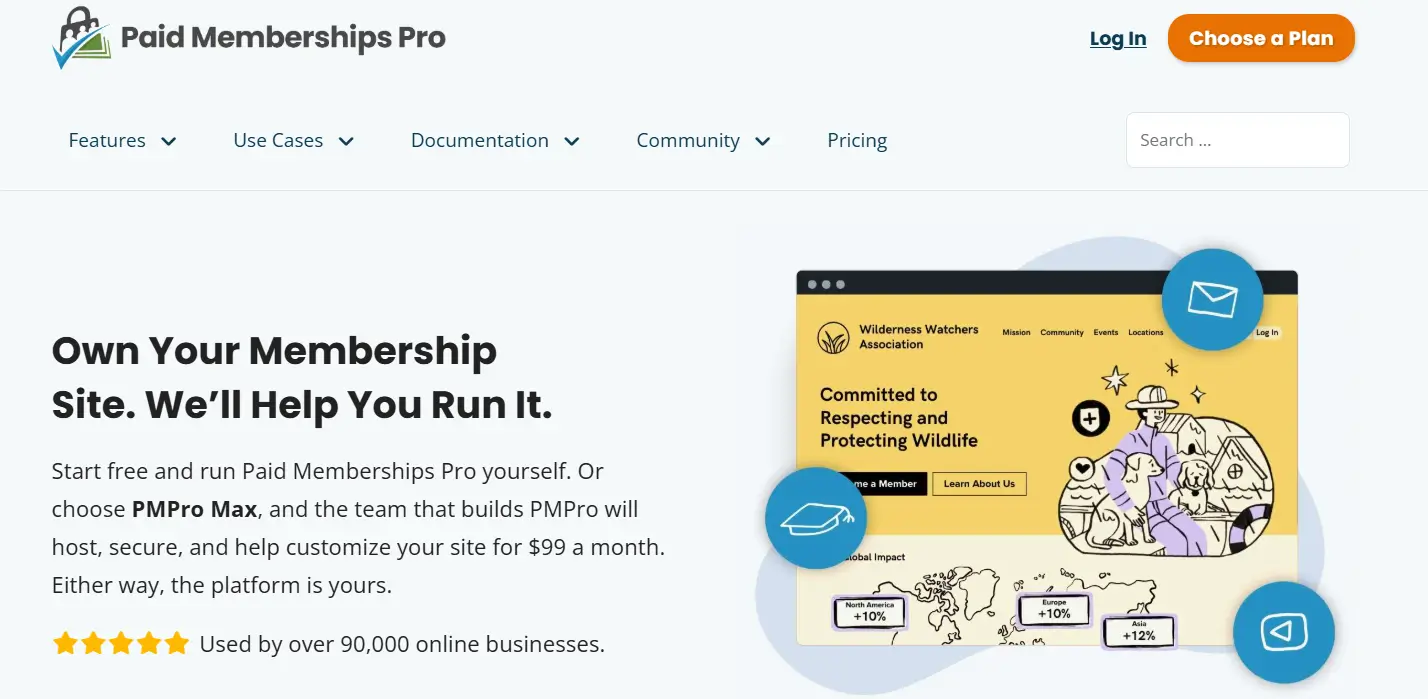
Paid Memberships Pro is a flexible WordPress membership plugin that helps website owners create membership levels, protect premium content, manage subscriptions, and sell access to exclusive resources. It offers a free core plugin with additional paid plans and add-ons, making it a practical option for businesses that want to build a membership website while controlling their initial costs.
For online course creators, Paid Memberships Pro can manage access to educational content through different membership tiers. It can also work alongside compatible learning management system (LMS) plugins to provide a more complete online learning experience.
Key features:
Pricing: Paid Memberships Pro offers a free core plugin. Paid plans provide additional features, support, and premium add-ons. Entry-level paid plans have historically started at around $174 per year, but current pricing and included features may change. Check the official pricing page before purchasing.
Pros:
Cons:
Best for: Educational websites, course creators, and membership businesses that need flexible subscription options and want to start with a free plugin.
For example, a training website could offer a free membership for introductory tutorials and a premium subscription for advanced lessons, downloadable resources, and exclusive learning materials. By integrating an LMS plugin, the website could also provide structured courses and progress tracking.
Website: https://www.paidmembershipspro.com/
3. StoreEngine Memberships
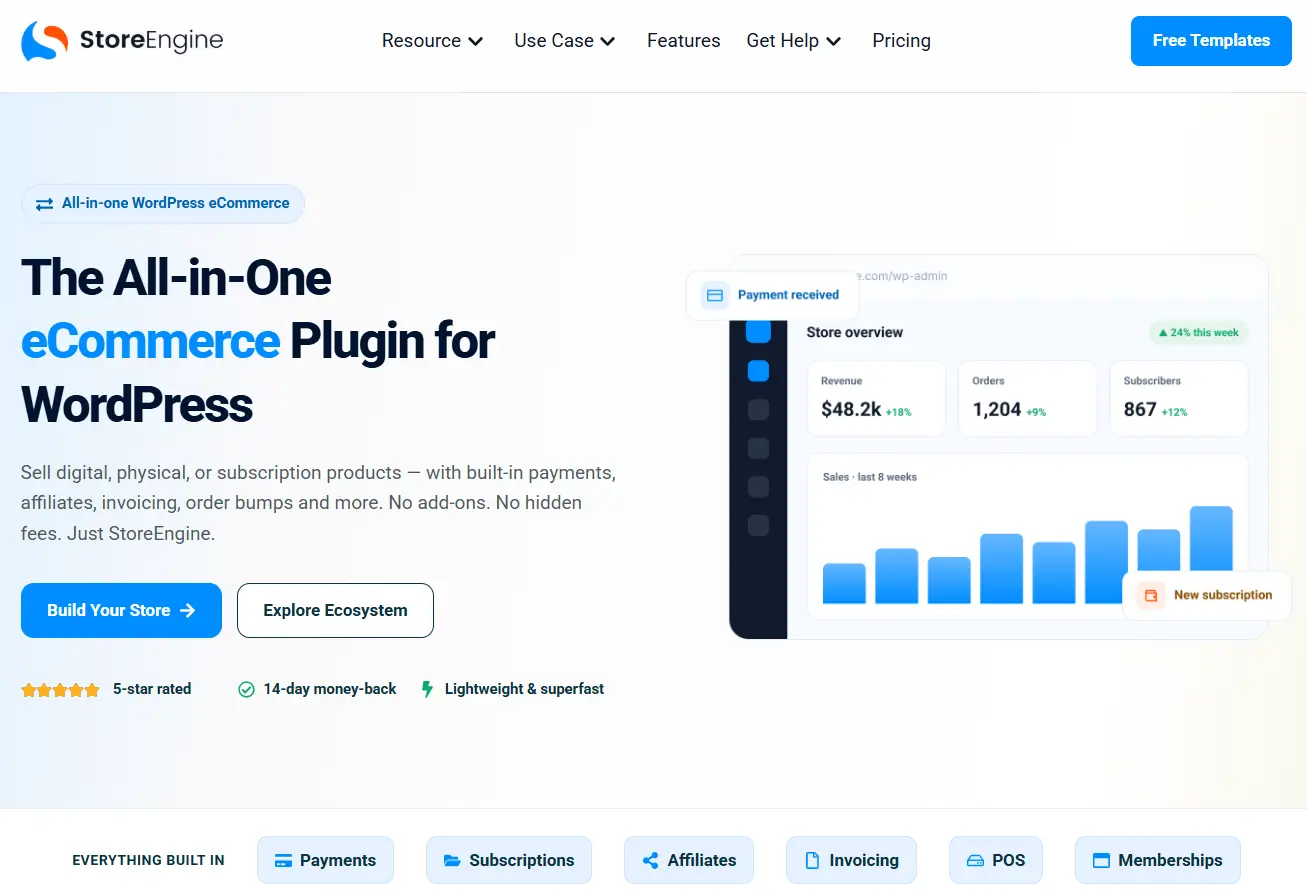
StoreEngine Memberships is a WordPress eCommerce solution that combines membership management, subscription billing, digital product sales, and online course selling in one platform. It allows website owners to sell access to protected content, offer recurring memberships, and manage course purchases without relying on multiple separate commerce plugins.
StoreEngine also supports integration with the Academy LMS, making it a useful option for course creators who want to connect course enrollment with their online store.
Key features:
Pricing: A free core plugin is available through WordPress.org. Check the official website for any premium services, additional costs, or payment-processing fees that may apply.
Pros:
Cons:
Best for: Course creators and digital entrepreneurs who want to sell online courses, memberships, and digital products through a unified WordPress eCommerce system.
For example, a training business could sell individual courses, offer a monthly membership for premium lessons, and bundle several courses into a single purchase.
Website: https://wordpress.org/plugins/storeengine/
4. SureMembers
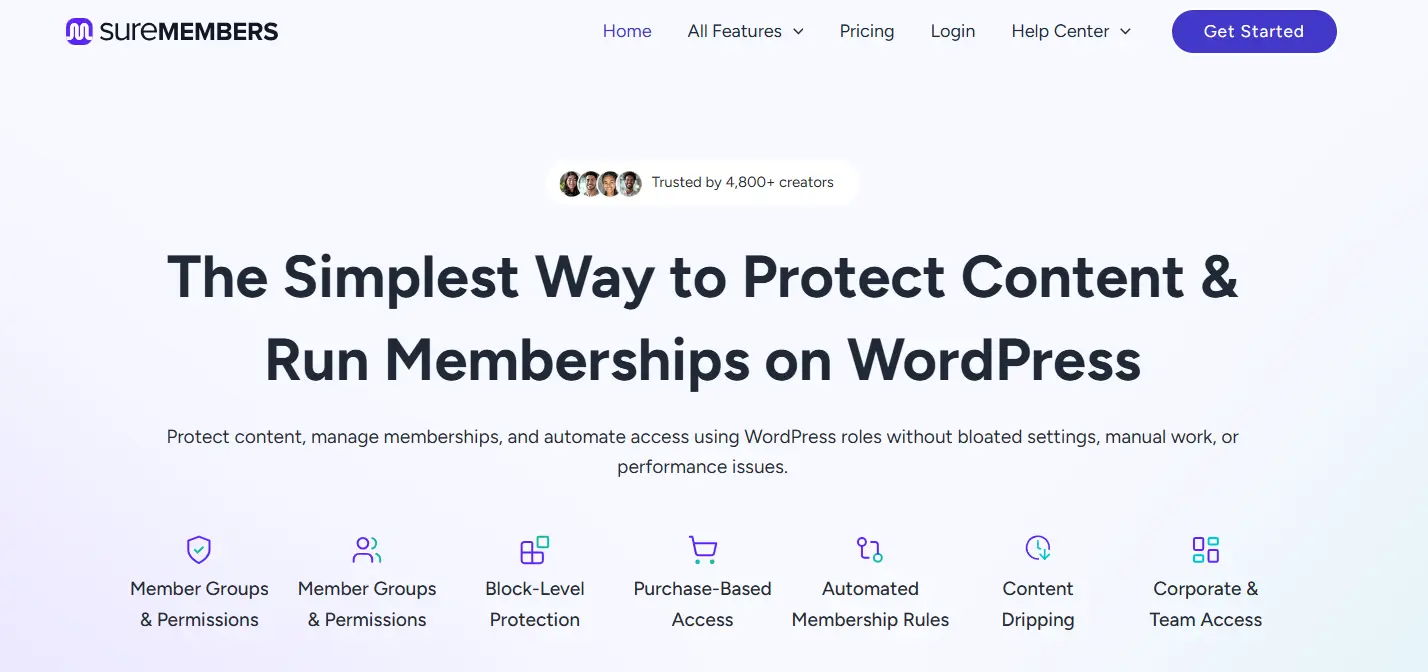
SureMembers is a WordPress membership and content-restriction plugin that helps website owners protect premium content, manage access permissions, and organize membership groups. It is designed to simplify content access management, making it a useful option for course creators, bloggers, and businesses that want to offer exclusive resources to specific audiences.
For online course websites, SureMembers can control access to lessons, tutorials, downloads, and other protected materials. It can also integrate with compatible payment solutions and learning management system (LMS) plugins to support a more complete course-selling setup.
Key features:
Pricing: SureMembers is a premium plugin with paid plans. Pricing varies according to the selected license, website limits, and included features. Check the official website for current prices, available plans, and renewal terms before purchasing.
Pros:
Cons:
Best for: Course creators, educators, and website owners who want a dedicated content-restriction solution with flexible access rules and the option to integrate separate payment and course-management tools.
For example, an online academy could use SureMembers to provide beginner-level materials to basic members while reserving advanced lessons, downloadable resources, and exclusive tutorials for premium subscribers. Before setting up paid memberships, verify that your chosen payment and LMS integrations support your intended workflow.
Website: https://suremembers.com/
5. Restrict Content Pro
Restrict Content Pro is a WordPress membership plugin designed to help website owners create paid membership sites, manage subscriptions, and restrict access to premium content. It lets you establish multiple membership levels and control which pages, posts, and other supported content types members can access.
For online course businesses, Restrict Content Pro can manage membership access around a dedicated learning management system (LMS). This makes it a practical option if you want to sell educational content through membership plans while using another plugin to deliver lessons and course progress tracking.
Key features:
Pricing: Restrict Content Pro’s advertised Pro pricing starts at approximately $99 per year for one website. Multi-site licenses cost more, and pricing or included add-ons may change. Check the official pricing page before purchasing.
Pros:
Cons:
Best for: Course creators and membership website owners who need flexible subscription plans, controlled content access, and member management.
For example, an online academy could offer a basic membership with introductory lessons and a premium membership with advanced courses, downloadable resources, and scheduled content releases.
Website: https://restrictcontentpro.com/
How to Choose the Right Membership Plugin for Online Courses
Selecting a membership plugin involves more than comparing feature lists. You need a solution that fits the way you plan to deliver and monetize your courses.
1. Check LMS Compatibility
If you already use an LMS, verify that your membership plugin works with it. The combination should support the intended enrollment process and ensure that students receive the correct course access.
For example, Academy LMS can manage course delivery, lessons, quizzes, assignments, and student learning activities. A compatible membership or commerce solution can complement that functionality by managing paid access, depending on the integration you choose.
Explore Academy LMS to learn more about its learning management capabilities.
2. Look for Flexible Membership Levels
Different students have different learning needs. Choose a plugin that allows you to define access rules for each membership plan.
You might create:
These plans can help you organize your learning products and create different purchasing options.
3. Review Payment Options
If you plan to sell subscriptions, check which payment gateways the plugin supports in your country. Also review recurring billing, cancellation handling, failed-payment behavior, refunds, and any additional transaction fees.
Your checkout system should work reliably with your membership rules and LMS enrollment process.
4. Consider Content Dripping
Content dripping allows you to release lessons or resources according to a schedule rather than giving members access to everything immediately.
For example, students could receive the first module immediately after enrollment, the second module after seven days, and the third module after fourteen days.
Check whether the functionality comes from the membership plugin, the LMS, or an additional extension.
5. Evaluate Future Growth
Your initial requirements may be simple, but your website could eventually include hundreds of courses and thousands of members.
Consider administrative reporting, email marketing integrations, student account management, website performance, support, and the ability to export or migrate membership data.
How to Create a Membership Website With Academy LMS
A membership-based learning website combines controlled access with an organized learning experience. Academy LMS can provide the course delivery side of this setup, while a compatible membership or commerce solution handles paid membership access.
Let’s use a WordPress Development Academy as an example.
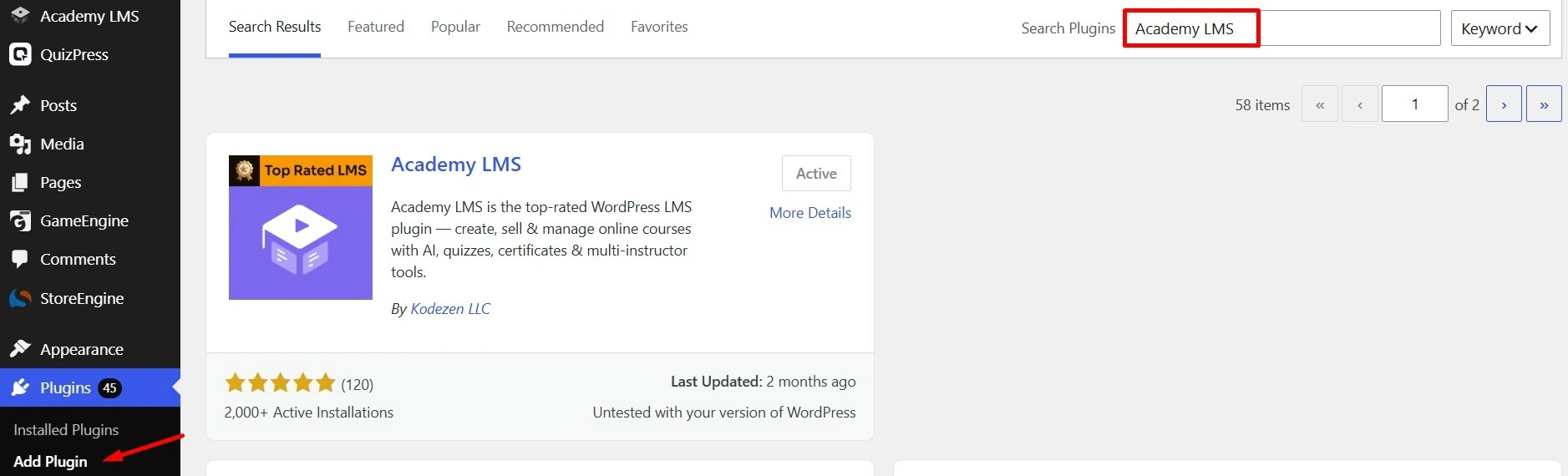
Step 1: Install and Activate Academy LMS
First, install and activate Academy LMS on your WordPress website.
If you need additional functionality, review the relevant features and add-ons available for your setup.
Step 2: Create Your Online Courses
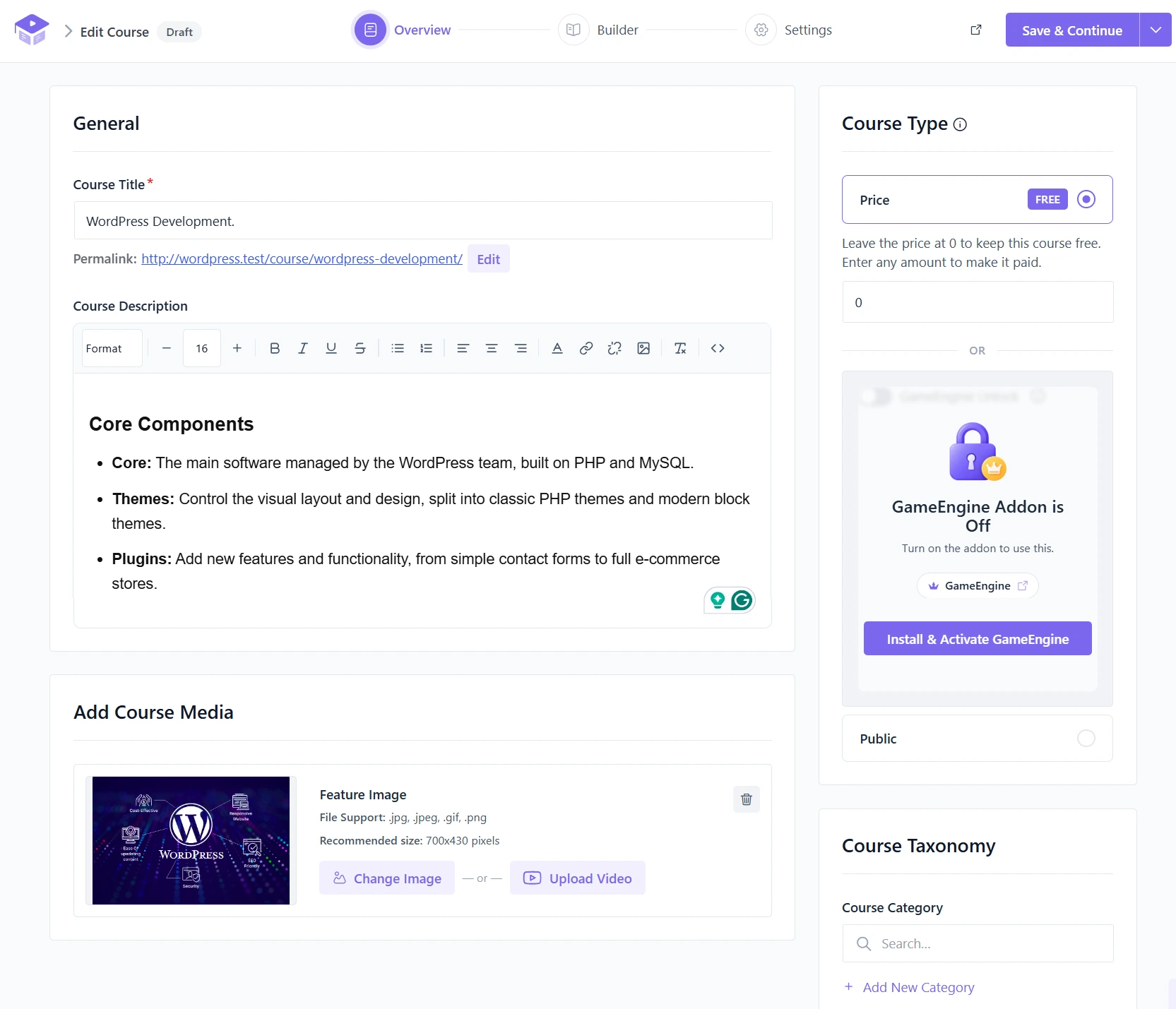
Next, create the courses that members will access after joining your learning website.
For example, your WordPress Development Academy could include:
Organize each course into lessons and modules. Add learning materials, videos, quizzes, or assignments according to the course objectives.
Step 3: Organize Your Learning Content
A membership website becomes easier to navigate when courses are grouped by subject or learning level.
You could organize your course library into three categories:
This structure makes it easier to plan membership benefits and communicate what each subscription includes.
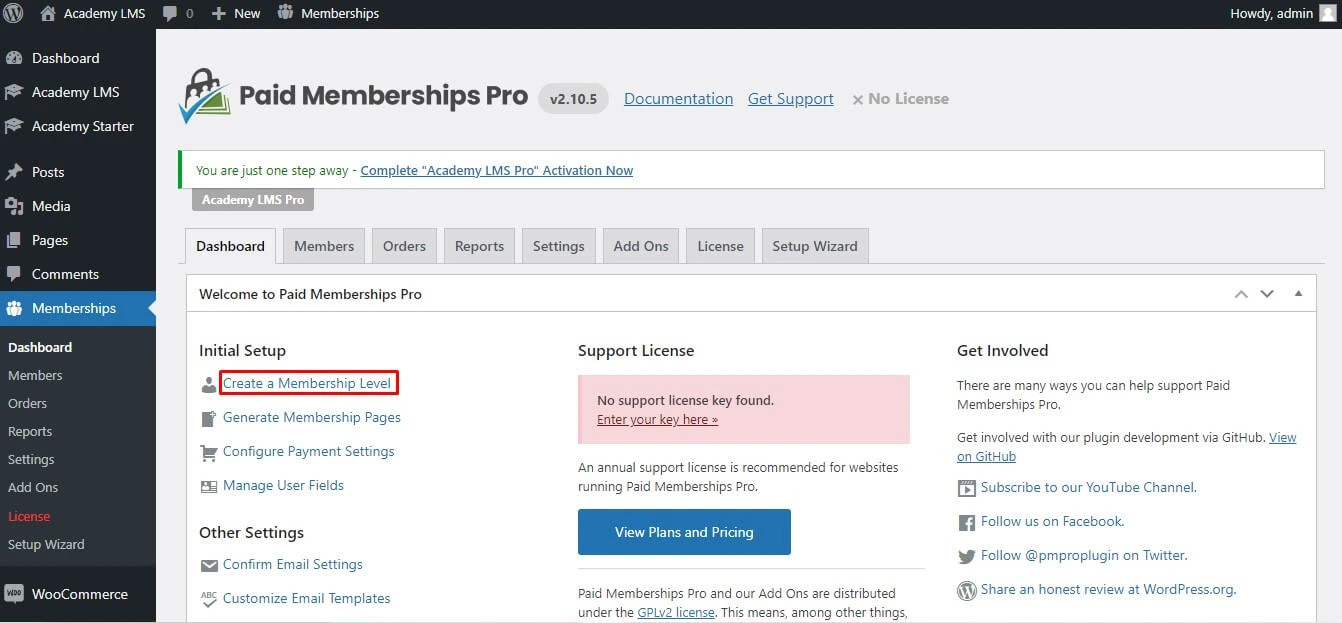
Step 4: Choose and Configure a Membership Plugin
Install a membership plugin that fits your payment and access-control requirements.
For this example, you could evaluate MemberPress or Paid Memberships Pro.
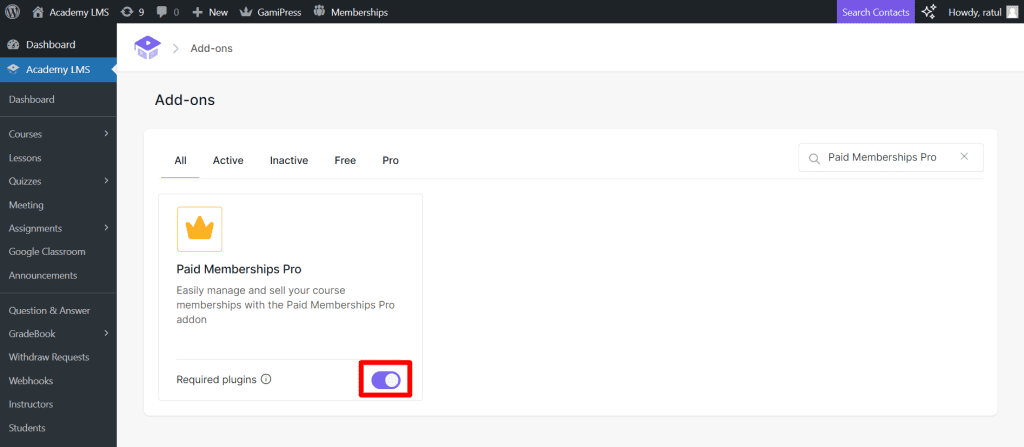
Create membership plans such as:
|
Membership plan |
Included learning resources |
|
Free |
Selected introductory lessons |
|
Basic |
WordPress Fundamentals and Theme Development |
|
Premium |
All available WordPress Development courses |
Configure the appropriate content and course access rules. Then verify how the membership plugin will grant or revoke course access through your chosen LMS integration or enrollment workflow.
Step 5: Connect Membership Access With Course Enrollment
This is an important implementation step.
Your membership system and LMS must work together so that a student who purchases a plan receives the intended learning access. The exact configuration depends on the membership plugin, payment solution, and supported integration.
For example, when a student purchases the Premium Membership:
Before launching, test the entire process with a test purchase. Also verify what happens when a membership expires, a payment fails, or a subscription is cancelled.

Step 6: Test the Website Before Launching
Finally, test the membership website from both the administrator’s and student’s perspectives.
Check that:
A complete test helps prevent payment and enrollment problems after your website goes live.
Best Practices for Running a Membership-Based Learning Website
Once your website is ready, focus on creating a reliable and valuable experience for members.
Offer Clear Membership Benefits
Explain what each plan includes before asking visitors to subscribe. Make the differences between free, basic, and premium access easy to understand.
Keep the Student Experience Simple
Provide clear navigation, organized course categories, and an easy-to-find student account area. Students should be able to locate their courses without navigating through unnecessary pages.
Use Email Marketing to Engage Members
Send welcome emails, course announcements, learning reminders, and renewal notifications where appropriate. A compatible email marketing integration can help you communicate with members throughout their learning journey.
Monitor Student Progress
Use your LMS reporting and assessment features to understand how students engage with courses. Academy LMS provides learning-management functionality that can help instructors organize and assess student learning, depending on the features available in their installation.
Protect Membership and Payment Workflows
Keep WordPress, your LMS, and membership extensions updated. Use secure payment processing, test access rules regularly, and ensure that protected learning materials are not unintentionally exposed through public links.
Conclusion
The best WordPress membership plugins are the ones that match your educational business model and work reliably with your existing website.
MemberPress is worth considering for an integrated paid-membership setup, Paid Memberships Pro offers a flexible free core, WooCommerce Memberships suits existing WooCommerce stores, SureMembers focuses on content access, and Simple Membership provides a basic starting point.
If your goal is to build an online learning platform, combine membership management with a suitable LMS rather than assuming that every membership plugin can create and manage courses.
With Academy LMS, you can organize courses, lessons, quizzes, assignments, and student learning activities. Pair it with a compatible membership and payment solution to build a learning website where students purchase access and learn through a structured course experience.
Frequently Asked Questions
What are the best WordPress membership plugins for online courses?
MemberPress, Paid Memberships Pro, StoreEngine Memberships, WooCommerce Memberships, SureMembers, and Simple Membership are options to consider. The right choice depends on your budget, payment requirements, content-restriction needs, and LMS compatibility.
Can I use a membership plugin with a WordPress LMS plugin?
Yes. A membership plugin can manage subscriptions and content access, while an LMS manages course delivery and learning activities. However, you must verify compatibility and configure the enrollment workflow correctly.
Is a membership plugin the same as an LMS plugin?
No. A membership plugin primarily manages member accounts, access permissions, and often payments. An LMS focuses on course creation, lessons, quizzes, assignments, and student learning management. Some products offer features from both categories.
Can I create a free membership website with WordPress?
Yes. You can start with WordPress and free membership or LMS plugins. However, premium extensions, hosting, payment processing, and other integrations may involve additional costs.
How do I create a membership website for online courses?
Start by installing WordPress and an LMS such as Academy LMS. Create your courses, choose a compatible membership or commerce solution, configure membership plans and access rules, connect the enrollment workflow, and test payments and student access before launching.
Can I sell monthly and yearly course memberships?
Yes, provided your chosen membership and payment setup supports recurring billing. Configure monthly and yearly plans, confirm payment gateway compatibility, and test renewals, cancellations, and failed-payment scenarios.