










The growth of online learning has transformed how educators, businesses, and creators build and deliver education. Today, launching an online course or building a full online learning platform is easier than ever—especially with WordPress.
However, the biggest challenge is choosing the best LMS plugin for WordPress.
There are many WordPress LMS plugins available—such as Academy LMS, LearnDash, Tutor LMS, LifterLMS, Sensei LMS, and MasterStudy LMS. Each offers different LMS features, pricing models, and levels of complexity.
The real question is not just “which plugin is popular?” but which LMS plugin should you choose based on performance, scalability, cost, and long-term growth.
This guide will help you choose the right LMS plugin using real decision-making criteria used by professionals in the eLearning industry.
What is the best LMS plugin for WordPress? Quick answer: There is no single LMS that is perfect for every website. Academy LMS is a strong all-in-one option for modern course platforms, Tutor LMS is well suited to course marketplaces, LearnDash is popular for structured professional training, LifterLMS is strong for membership-based learning, and LearnPress is a practical free-first option.
What Is an LMS for WordPress?
An LMS plugin is a specialized WordPress plugin that converts your WordPress site into a complete learning management system for WordPress.
It allows you to:
- Create courses using a course builder
- Organize course structure and learning paths
- Add quizzes with multiple question types
- Manage learners and track progress through analytics
- Sell courses using WooCommerce and payment gateways
- Deliver a seamless educational experience with an LMS that offers generous free versions. learning experience
In simple terms, an LMS plugin helps you build a professional course site and run a complete online education business.
Quick Comparison of Top LMS Plugins
Before diving deeper, here’s a quick comparison of the most popular LMS plugins:
|
Feature / Factor |
Academy LMS |
LearnDash |
Tutor LMS |
LifterLMS |
MasterStudy LMS |
|
Best For |
All-in-one LMS platform |
Enterprise LMS systems |
Beginners & small creators |
Membership-based learning |
Design-focused course sites |
|
Ease of Setup |
Very easy (fast onboarding) |
Moderate (requires setup time) |
Easy (beginner-friendly) |
Moderate (needs configuration) |
Easy to moderate |
|
Free Version |
Yes (feature-rich core) |
No |
Yes |
Yes |
Yes |
|
Course Builder |
Advanced drag-and-drop |
Advanced builder |
Simple drag-and-drop |
Structured builder |
Visual builder |
|
Course Creation Speed |
Fast (optimized workflow) |
Medium |
Fast |
Medium |
Fast |
|
Monetization (Sell Courses) |
Built-in + WooCommerce |
WooCommerce + add-ons |
WooCommerce supported |
Strong membership monetization |
Payment integration available |
|
Membership Features |
Available via integrations |
Requires add-ons |
Limited |
Strong (core strength) |
Basic |
|
Analytics & Reporting |
Built-in advanced analytics |
Advanced (but complex) |
Basic (Pro required) |
Moderate |
Basic |
|
Quiz & Assessment System |
Advanced quizzes & assignments |
Advanced quiz system |
Good quiz builder |
Moderate |
Basic |
|
Plugin Dependency |
Low (all-in-one ecosystem) |
High (needs multiple add-ons) |
Medium |
High (extensions required) |
Medium |
|
Scalability |
High (grows with business) |
High (enterprise-ready) |
Medium |
Medium |
Medium |
|
Customization Flexibility |
High (WordPress native) |
Very high |
Moderate |
High |
Moderate |
|
Learning Curve |
Easy to moderate |
Moderate to high |
Easy |
Moderate |
Easy |
|
Total Cost of Ownership |
Low (fewer add-ons needed) |
High (plugin + add-ons) |
Medium (Pro needed) |
High (extensions cost) |
Medium |
|
Ecosystem Integration |
Native ecosystem (CRM, automation, etc.) |
External integrations required |
Add-on based |
Extension-based |
Limited ecosystem |
|
Best Use Case |
Full LMS business |
Corporate training |
First online course |
Membership platform |
Visual course platform |
What Is the Best LMS WordPress Plugin?
The best LMS WordPress plugin depends on what you want to build, your budget, the features you need, and how much control you want over your learning website.
No single LMS plugin is perfect for every course creator, school, training business, or membership website. However, Academy LMS is considered an all-in-one LMS plugin for WordPress
When choosing an LMS, consider essential features such as course creation, quizzes, assignments, student management, enrollment, progress tracking, certificates, payments, reporting, and integrations.
Instead of choosing an LMS based only on popularity, compare the features, total cost, student experience, integrations, support, and long-term scalability.
You should also consider how the LMS fits into your overall WordPress website. For example, you may need WooCommerce or another eCommerce solution for selling courses, a membership plugin for restricted content, a video platform for course videos, or an email marketing service for student communication.
What Makes a Good WordPress LMS Plugin?
A good WordPress LMS plugin should do more than just create courses. It should provide a smooth learning experience while making it easy to manage students, assessments, progress, monetization, and future growth. Here are the key features to consider when choosing an LMS.
1. Easy Course Creation
Course creators should be able to build structured learning experiences without unnecessary technical complexity.
A simple course-building workflow can save significant time, especially when you manage dozens or hundreds of courses.
2. Advanced Quizzes and Assessments
An effective LMS should support more than basic multiple-choice questions.
Look for features such as:
3. Student Engagement
Creating a course is only the beginning. Keeping students engaged until they complete the course is another challenge.
Features such as notifications, discussions, reviews, and gamification can help create a more interactive learning environment.
4. Progress Tracking and Reporting
Student enrollment does not necessarily mean student success. Progress tracking becomes increasingly important as your number of courses and students grows.
A useful LMS should help instructors and administrators understand:
5. Monetization and eCommerce
Every education business has a different monetization model. Before choosing an LMS, make sure its monetization system supports your current business model and plans.
Depending on your business, you may need One-time, Subscriptions, memberships, installment plans, etc.
6. Integrations and Extensibility
An LMS rarely works completely on its own. Your website may depend on eCommerce, membership, marketing, CRM, automation, or page-building tools.
Good integration support makes it easier to expand your learning platform without rebuilding it later.
If you plan to serve students in multiple languages, also consider multilingual WordPress tools.
Free vs. Paid WordPress LMS Plugins
WordPress LMS plugins are available in both free and paid versions.
A free LMS can be enough for simple courses, while premium plans usually provide more advanced tools for monetization, automation, reporting, integrations, assessments, and student management.
However, the most important thing is not whether an LMS is free or paid. The real question is how much the complete LMS setup will cost for the features you actually need.
What Can You Do With a Free LMS?
A free LMS can provide the basic tools needed to create and manage online courses.
Depending on the plugin, the free version may allow you to:
Some free LMS plugins also provide features such as certificates, payment options, course previews, and basic integrations. Academy LMS provides all features for free.
However, free features vary significantly between plugins. Always check exactly what is included before choosing a free LMS.
What Usually Requires a Pro Plan?
Premium plans typically unlock more advanced functionality, such as:
The LMS Sixer: 6 Criteria for Choosing the Right LMS
Choosing an LMS plugin is not about counting features. Focus on the factors that directly affect your learning business, students, and long-term cost.
1. Features You Actually Need
First, identify the LMS features your business requires.
Consider:
- Course and lesson builder
- Quizzes and assignments
- Student progress tracking
- Certificates
- Analytics
- Instructor management
Don’t choose an LMS simply because it has more features. Choose one that covers your actual requirements.
2. Ease of Use
A powerful LMS should still be easy to manage.
Check how quickly you can create courses, manage students, configure settings, and handle everyday tasks.
If basic operations require too much time, the plugin will become a problem as your course library grows.
3. Monetization & Integrations
If you’re selling courses, the LMS must support your business model and connect with the tools you already use.
Check support for:
- Payments and subscriptions
- Course bundles and discounts
- WooCommerce
- Email marketing
- CRM and automation tools
4. Performance & Scalability
Your LMS needs to work well today and handle your future growth.
Consider your expected number of students, courses, traffic, and server requirements before choosing a plugin.
5. Total Cost & Maintenance
Look beyond the advertised plugin price.
Calculate:
Plugin + Required Add-ons + Integrations + Hosting + Maintenance
Also check whether the plugin is actively maintained and regularly updated.
6. Support & Data Ownership
Two things matter when you’re building a long-term learning platform:
Support: Can you get reliable help when something breaks?
Data ownership: Can you export your important course and student data if you ever need to migrate?
These reduce the risk of being stuck with an LMS that no longer fits your business.
The Bottom Line
When comparing LMS plugins, focus on six questions:
Does it have what I need?
Is it easy to use?
Can I sell the way I want?
Will it scale?
What will it really cost?
Can I rely on it long term?
That’s enough to eliminate most unsuitable LMS plugins without getting lost in endless feature comparisons.
Deep Dive into Top LMS Plugins
Academy LMS (Top Choice)
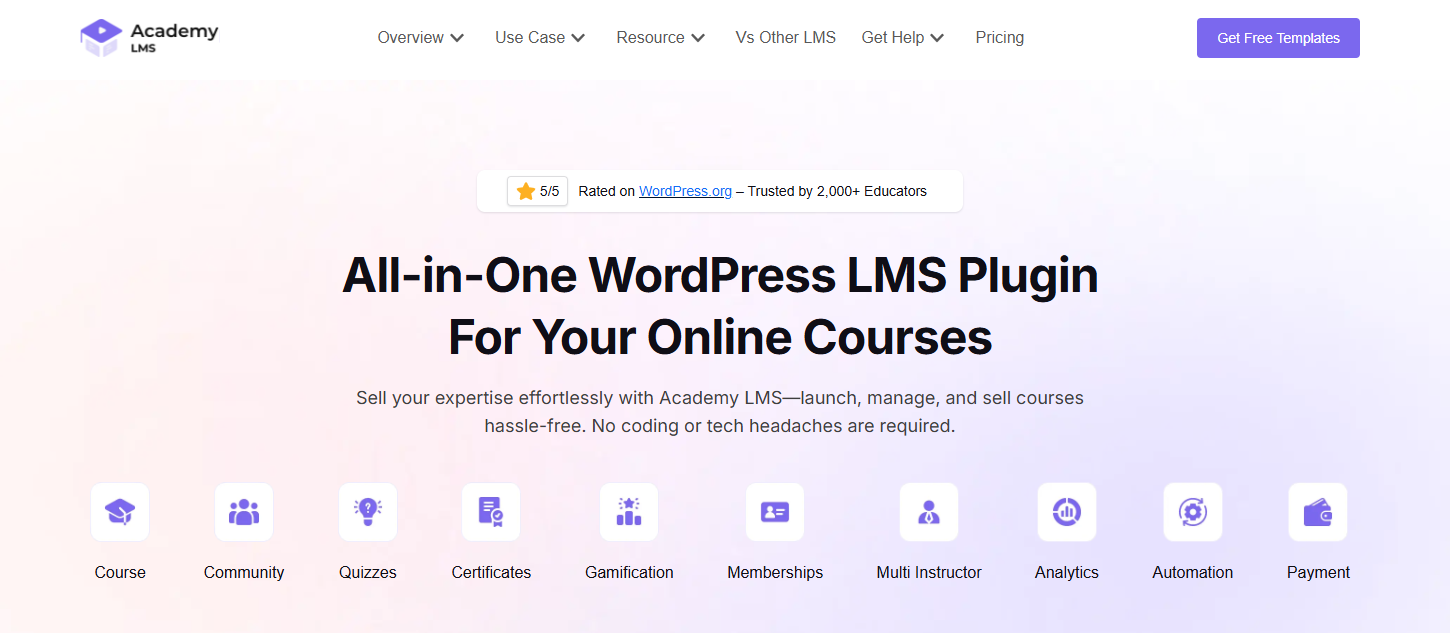
Academy LMS is a modern WordPress LMS plugin built as a complete ecosystem rather than just a traditional course plugin. While many LMS plugins for WordPress require multiple third-party tools to function fully, Academy LMS integrates key systems like eCommerce, CRM, analytics, automation, and community features natively.
This makes it a strong choice for anyone looking to build a scalable and professional online learning platform directly inside WordPress without managing multiple plugins.
What truly sets Academy LMS apart is its balance between performance, flexibility, and ease of use. It is designed to support both beginners starting with a free LMS plugin and advanced users building a full learning management system for WordPress.
Key Features:
- Advanced drag-and-drop course builder for structured course creation
- Built-in analytics dashboard for tracking learner progress and course performance
- Native WooCommerce integration to sell courses using multiple payment gateways
- Email marketing and CRM integrations for automation
- Content drip, quizzes, assignments, and certificates
- Community and gamification support
- Minimal reliance on external plugins
- Scalable architecture for growing LMS platforms
Pricing:
- Free core plugin available (strong feature base)
- Pro version unlocks advanced features, integrations, and automation
This free + premium model allows you to start small and scale without switching platforms.
Pros:
- All-in-one LMS ecosystem inside WordPress
- Reduces need for multiple plugins and tools
- High performance and optimized for speed
- Scalable for large online learning businesses
- Strong integration with the WordPress ecosystem makes it ideal for those using wp.
- Continuous updates and modern feature development
Cons:
- Feature-rich system may feel overwhelming at first for beginners
- Some advanced features require Pro version
Best For:
- Creators building a serious online learning platform
- Agencies and educators who want full control
- Businesses looking to avoid third-party dependency
Academy LMS is ideal if you want to build a complete LMS website, not just a course site, but also a fast site for education entrepreneurs.
LearnDash
LearnDash is one of the most established and widely used WordPress LMS plugins, especially for enterprise-level projects. It is known for its robust architecture, deep functionality, and ability to handle complex learning management system requirements.
It has been a top choice for universities, corporate training programs, and professional certification platforms. LearnDash provides a highly structured approach to course creation, making it suitable for advanced learning environments.
However, compared to newer LMS platforms, it often relies on additional plugins and integrations to unlock its full potential.
Key Features:
- Advanced drag-and-drop course builder
- Powerful advanced quiz system with multiple question types
- Built-in certificates and badges
- Content drip and structured learning paths
- Detailed analytics dashboard
- Integration with WooCommerce and membership plugins
- Extensive third-party integrations
Pricing:
- Paid-only plugin (no free version)
- Annual subscription model
- Additional costs for add-ons, integrations, and extensions
Total cost can increase significantly depending on your setup.
Pros:
- Enterprise-level LMS capabilities
- Highly customizable and flexible
- Strong reputation and reliability
- Ideal for complex course structures and certification programs
Cons:
- No free version for beginners
- Requires multiple plugins for full functionality
- Higher total cost of ownership
- Moderate to steep learning curve
- Can become heavy and complex to manage
Best For:
- Large organizations and institutions
- Corporate training platforms
- Advanced learndash sites with complex requirements
LearnDash remains powerful, but its reliance on add-ons and higher cost makes it less streamlined compared to modern all-in-one LMS solutions.
Tutor LMS
Tutor LMS is one of the most popular WordPress LMS plugins for beginners and individual course creators. It focuses on simplicity, usability, and quick setup, making it easy to launch an online course without deep technical knowledge.
What makes Tutor LMS stand out is its intuitive interface and smooth course builder experience. Even if you’re new to using WordPress, you can easily create courses, manage learners, and start building your online learning platform within a short time.
Key Features:
- Easy drag-and-drop course builder
- Frontend dashboard for instructors and students
- Built-in quiz system with multiple question types
- Course monetization using WooCommerce
- Multi-instructor support for marketplace-style LMS
Pricing:
- Free version available with basic LMS features
- Pro version required for advanced functionality and integrations
Pros:
- Very beginner-friendly and easy to use
- Quick setup for launching a course site
- Clean and modern user interface
- Good free version to start with
Cons:
- Limited scalability for large LMS platforms
- Advanced features locked behind Pro
- Requires additional plugins for full ecosystem
- Performance may vary on larger sites
Best For:
- Beginners building their first online course website
- Small-scale educators and creators
- Users looking for a simple free LMS plugin for WordPress
Tutor LMS is a strong starting point, but as your platform grows, you may need more advanced features and scalability.
LifterLMS
LifterLMS is a flexible and powerful LMS plugin for your course. for WordPress that focuses heavily on memberships and recurring revenue models. It is widely used by coaches, trainers, and educators who want to build structured learning programs and monetize them through subscriptions.
Unlike many LMS plugins, LifterLMS gives you deeper control over how courses are sold and accessed. You can create tiered access levels, bundle courses, and design a complete membership site experience within your LMS.
Key Features:
- Membership and subscription-based course access
- Course bundles and tiered pricing models
- Engagement tools like certificates, achievements, and badges
- Integration with payment gateways and WooCommerce
- Flexible course structure for structured learning paths
Pricing:
- Core plugin is free
- Most advanced features require paid extensions
- Costs can increase depending on required add-ons
Pros:
- Strong focus on monetization and memberships
- Flexible pricing and access control are important lms features without compromising quality.
- Good engagement tools for learners
- Suitable for structured training programs
Cons:
- Requires multiple paid add-ons for full functionality
- Higher total cost of ownership over time
- Setup can become complex for beginners
- Interface is less modern compared to newer LMS plugins
Best For:
- Coaches and trainers building membership websites
- Subscription-based online learning platforms
- Businesses offering structured learning programs
LifterLMS is powerful for monetization, but managing multiple extensions can increase complexity and cost.
MasterStudy LMS
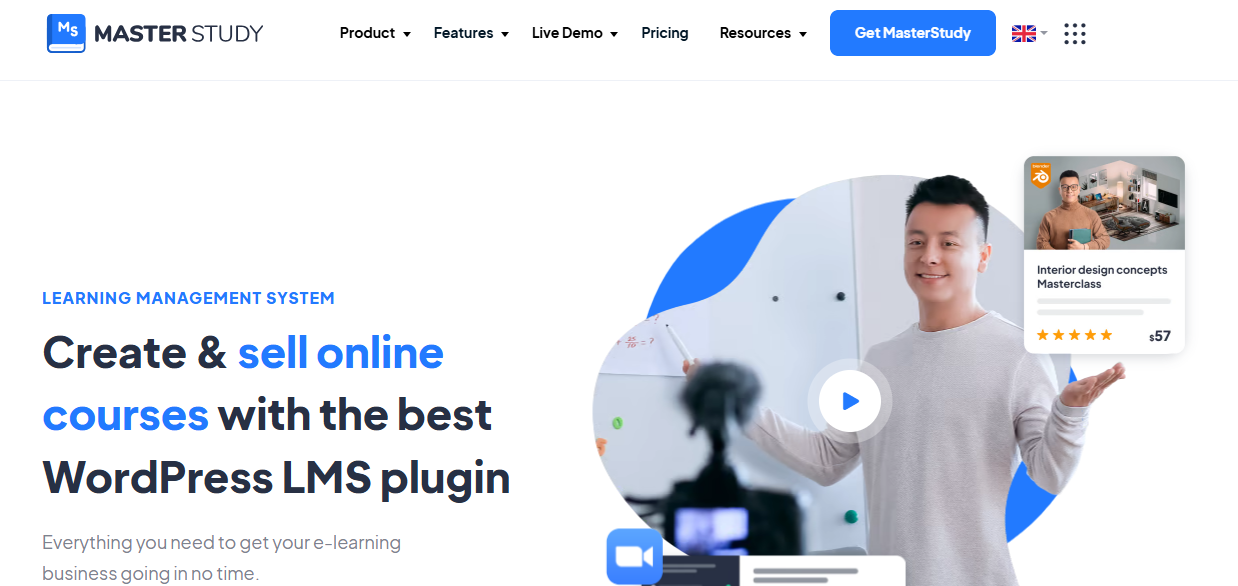
MasterStudy LMS is a modern WordPress LMS plugin that focuses heavily on design, user experience, and visual presentation. It is particularly appealing for creators who want to build visually engaging course websites with a professional look and feel.
The plugin combines a clean interface with a visual course builder, making it easier to create well-structured courses while maintaining a strong focus on UI/UX. It also includes pre-built templates that help speed up the development of a complete LMS website.
Key Features:
- Visual drag-and-drop course builder
- Pre-designed templates for course pages
- Course bundles and flexible pricing options
- Integration with payment gateways
- Interactive learning interface
Pricing:
- Free version available with basic features
- Pro version required for advanced LMS functionality
Pros:
- Modern and attractive design
- Strong focus on user experience
- Easy customization with templates
- Good for creating visually engaging courses
Cons:
- Limited ecosystem integration compared to advanced LMS platforms
- Fewer advanced LMS features for scalability
- May require additional tools for full functionality
- Not ideal for complex or enterprise-level LMS systems
Best For:
- Creators focused on design and branding
- Small to medium online learning platforms
- Users who want visually appealing course sites
MasterStudy LMS is excellent for presentation, but it lacks the depth and ecosystem needed for large-scale LMS growth.
WordPress LMS Plugin Pricing & Feature Comparison for 2026
Pricing is one of the most important factors when selecting an LMS, but the cheapest plugin is not necessarily the best value.
Consider the number of websites included, renewal costs, premium add-ons, integrations, and the features included in each plan.
Pricing Comparison
|
Feature |
Academy LMS |
Tutor LMS |
LearnDash |
LearnPress |
LifterLMS |
|
Free version |
Yes |
Yes |
No |
Yes |
Yes |
|
Entry paid plan |
Individual – $99/year |
Individual – $199/year |
Essentials – $259/year |
Pro Bundle – $299 first year |
Earth Bundle – ~$199/year |
|
Entry plan sites |
1 site |
1 site |
Unlimited sites per license |
1 site |
1 site |
|
Mid-tier plan |
Business – $129/year, 10 sites |
Business – $399/year, 10 sites |
Pro – $399/year |
Build with individual add-ons |
Universe – ~$360/year, 5 sites |
|
Top-tier plan |
Agency Plus – $229/year, 200 sites |
Agency – $799/year |
Elite – $599/year |
Build with individual add-ons |
Infinity – ~$799–$1,200/year |
|
Lifetime option |
Yes, from $149 |
Yes, from $499 |
No |
Yes |
No, annual plans are standard |
Pricing and plan structures can change. Check the provider’s current pricing page before purchasing.
Feature Comparison
|
Feature |
Academy LMS |
Tutor LMS |
LearnDash |
LifterLMS |
LearnPress |
|
Quiz Builder |
Multiple question types and advanced quiz options |
Multiple question types and advanced quiz options |
Advanced quiz builder with multiple question types |
Built-in quiz builder with multiple question types |
Multiple question types; advanced options available through add-ons |
|
Certificates |
Built-in certificate functionality |
Available with paid plans |
Available with paid plans |
Built-in certificate functionality |
Available through paid add-ons |
|
Drip Content |
Yes |
Yes |
Yes |
Yes |
Available through paid add-ons |
|
Memberships & Subscriptions |
Available through StoreEngine and supported integrations |
Built-in membership and subscription options |
Available through supported integrations |
Built-in membership and subscription features |
Available through paid add-ons and integrations |
|
SCORM |
Available through an add-on |
Available through third-party solutions |
Available through extensions |
Available through third-party solutions |
Available through extensions |
|
AI Course Creation |
AI-powered course creation |
AI Studio |
AI-powered tools |
Limited AI features |
AI-powered course creation |
|
Support & Updates |
1 year |
1 year |
1 year |
1 year |
12 months |
Quick Takeaways
Common Mistakes When Choosing a WordPress LMS
Choosing an LMS based only on its feature list or price can cause problems later.
Before making a decision, consider how the plugin fits your courses, students, budget, website, and long-term goals.
Choosing Based Only on Price
A cheap or free LMS may look attractive, but important features can require paid add-ons or upgrades. But must compare plugin features, because some plugins can provide the feature for free.
Compare the total cost, not just the initial plugin price.
Ignoring Add-On Costs
Some LMS plugins require separate extensions for:
Check which features are included in your chosen plan.
Not Testing the Course Builder
A plugin may have hundreds of features but still be difficult to use.
Test the course builder before committing. Make sure creating lessons, quizzes, assignments, and course structures is straightforward.
Overlooking the Student Experience
Your LMS should be easy for students to navigate.
Check:
A powerful admin panel is not enough if students struggle to use the learning platform.
Ignoring Integrations
Make sure the LMS works with the tools you already use, such as WooCommerce, payment gateways, email marketing platforms, membership plugins, CRM systems, and page builders.
Not Considering Performance and Scalability
An LMS can place additional demands on your WordPress website as the number of courses and students increases.
Consider hosting, caching, database performance, and scalability before launching a large learning platform.
Choosing More Features Than You Need
More features do not always mean a better LMS.
Paying for advanced functionality you will never use can make your website more complicated and expensive.
Choose the LMS that matches your actual requirements.
Failing to Check Support and Updates
Regular updates and reliable support are important for any LMS.
Check the plugin’s update history, documentation, support options, and recent user feedback before committing.
Not Planning for Future Growth
Your LMS should support your long-term plans.
Consider whether you may eventually need:
Choosing with future requirements in mind can prevent an expensive migration later.
Do You Need SCORM Support in a WordPress LMS?
SCORM is an e-learning standard that allows online learning content to communicate with an LMS.
Whether you need SCORM for your WordPress LMS depends on how you create, deliver, and track your courses. Academy LMS provides the SCORM feature as an inbuilt add-on.
For most independent course creators who build lessons directly inside WordPress, SCORM is not essential.
However, SCORM can be valuable for organizations that use professionally developed e-learning packages, corporate training, compliance programs, or standardized learning content.
What Is SCORM?
SCORM stands for Sharable Content Object Reference Model.
It is a technical standard that allows compatible e-learning courses created with authoring tools to communicate with supported LMS platforms.
When Do You Need SCORM?
You may need SCORM if you:
SCORM Tracking and Reporting
SCORM allows an LMS to receive learning data from compatible course packages.If detailed learner reporting is important to your organization, check exactly which SCORM versions and tracking features your chosen WordPress LMS supports.
SCORM support can vary between LMS plugins and may require an additional integration or add-on.
For organizations that rely on SCORM-based courses, choosing an LMS with the right tracking and reporting capabilities is essential.
Before getting started, review the available SCORM support and integrations to ensure they meet your learning and reporting requirements. Academy LMS can also be considered alongside other WordPress LMS solutions when evaluating the features and integrations you need.
Final Comparison Insight
When comparing all these WordPress LMS plugins, the difference becomes clear:
- LearnDash → Powerful but complex and expensive
- Tutor LMS → Easy but limited scalability
- LifterLMS → Strong for memberships but costly with add-ons
- Sensei LMS → Simple but basic
- MasterStudy LMS → Beautiful but limited
Academy LMS stands out because it solves the biggest problem in the LMS ecosystem:
Instead of relying on multiple plugins or add-ons, it provides a complete all-in-one LMS solution.
Conclusion
The right LMS plugin for WordPress can determine the success of your online learning platform.
Focus on:
- Performance
- Flexibility
- Cost
- Scalability
- Support & Data Ownership
With the right LMS, you can build a powerful online education business and deliver a high-quality learning experience.
Frequently Asked Questions About LMS Plugins
What is an LMS plugin and how does it work?
An LMS plugin is a WordPress plugin that enables you to create, manage, and deliver online courses from your website. It works by adding course creation tools, quizzes, learner tracking, and monetization features directly into your WordPress dashboard. This allows you to build a complete learning management system without needing external platforms.
Which is the best WordPress LMS plugin in 2026?
The best WordPress LMS plugin in 2026 depends on your goals. LearnDash is ideal for enterprise-level platforms, Tutor LMS is great for beginners, and LifterLMS works well for membership-based learning. However, Academy LMS is becoming a top choice due to its all-in-one ecosystem and reduced dependency on third-party plugins.
Do free LMS plugins provide enough features?
Free LMS plugins can provide enough features to start an online course website, including course creation, quizzes, and basic monetization. However, advanced features like analytics, automation, and integrations are usually available in pro versions of different LMS plugins. Choosing a plugin with a strong free core ensures you can grow without switching platforms.
What features should I look for in an LMS plugin?
You should look for essential LMS features such as a drag-and-drop course builder, quiz system, student management, analytics, and payment gateway integration. Additional features like content drip, certificates, and email marketing integrations can further enhance your learning platform. The best LMS plugins combine ease of use with scalability.
How do I choose the right LMS plugin for my needs?
To choose the right LMS plugin, start by defining your goals and budget. Then compare plugins based on scalability, performance, ease of use, and total cost of ownership. Testing a free version before upgrading is a practical way to ensure the plugin fits your workflow and long-term plans.