













Online learning platforms contain an interesting fact: teachers dedicate multiple weeks to developing their educational content, creating visually appealing presentations, producing high-quality video content, and developing comprehensive teaching plans.
A student who sends the message “I cannot access my course” will cause the entire learning experience to fail.
In eLearning, support functions are an essential component that organizations need to operate successfully. The product contains this feature as an essential part of its design.
Students who experience extended periods of being stuck will seek refunds while they post one-star reviews and warn Facebook group members to avoid the product.
The right helpdesk tool for your online learning platform changes all of that. This list covers the seven best options, what makes each one tick, and which type of platform they suit best.
Why Online Learning Platforms Have Unique Support Needs
Before getting into the tools, it is worth pointing out that eLearning support is genuinely different from regular eCommerce support.
Your users are learners. Users become frustrated when they fail to access content and experience confusion because their quiz submissions fail to appear, and they become disoriented when they cannot locate their upcoming lesson.
These problems feel more personal than “my order hasn’t arrived.” The students invested money in their education, but they now feel trapped in their learning experience. The emotional stakes are higher.
A generic helpdesk that was built for retail is going to feel clunky. The system requires either direct LMS integration or a platform that supports custom workflows for online educational programs.
With that in mind, here are the seven best helpdesk tools for online learning platforms in 2026.
1. ThriveDesk
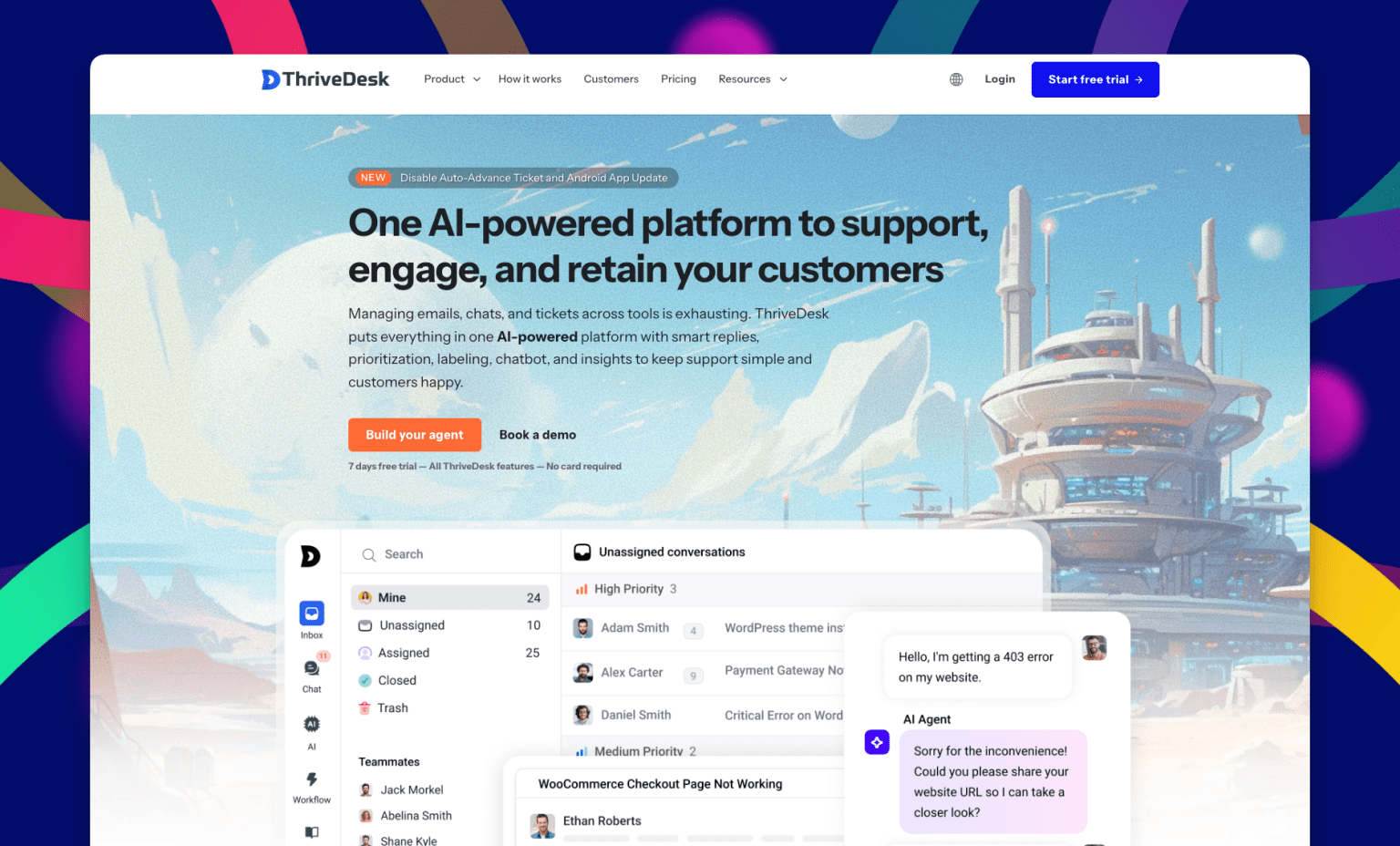
ThriveDesk should be your primary consideration if you operate an online learning platform through WordPress because Academy LMS users also fall into this category.
ThriveDesk operates as a hosted helpdesk system that integrates with WordPress to eliminate all common integration problems. No separate database to manage, no complicated setup.
The plugin installation process requires a platform connection before your team can start responding to tickets right away.
ThriveDesk offers essential features to eLearning platforms through its unified platform, which contains a shared inbox system, a live chat widget, and a built-in knowledge base system.
Your course pages contain a chat widget that enables you to provide immediate responses to student questions through real-time chat.
Key Features
- Shared Inbox
- AI and Efficiency
- Built-in help center and knowledge base
- WooCommerce and SureCart integration
- Canned responses for common student questions
- Workflow automation
- Saved replies
- Continue from your own email
- Conversation history
- Tags and custom fields
Price
Plans start at $29/month with unlimited agents included at every tier.
Best For
LMS platforms built with WordPress, together with course developers and eLearning companies, for small and medium-sized businesses.
Need a single solution that includes support features and requires no complex installation process.
2. Freshdesk
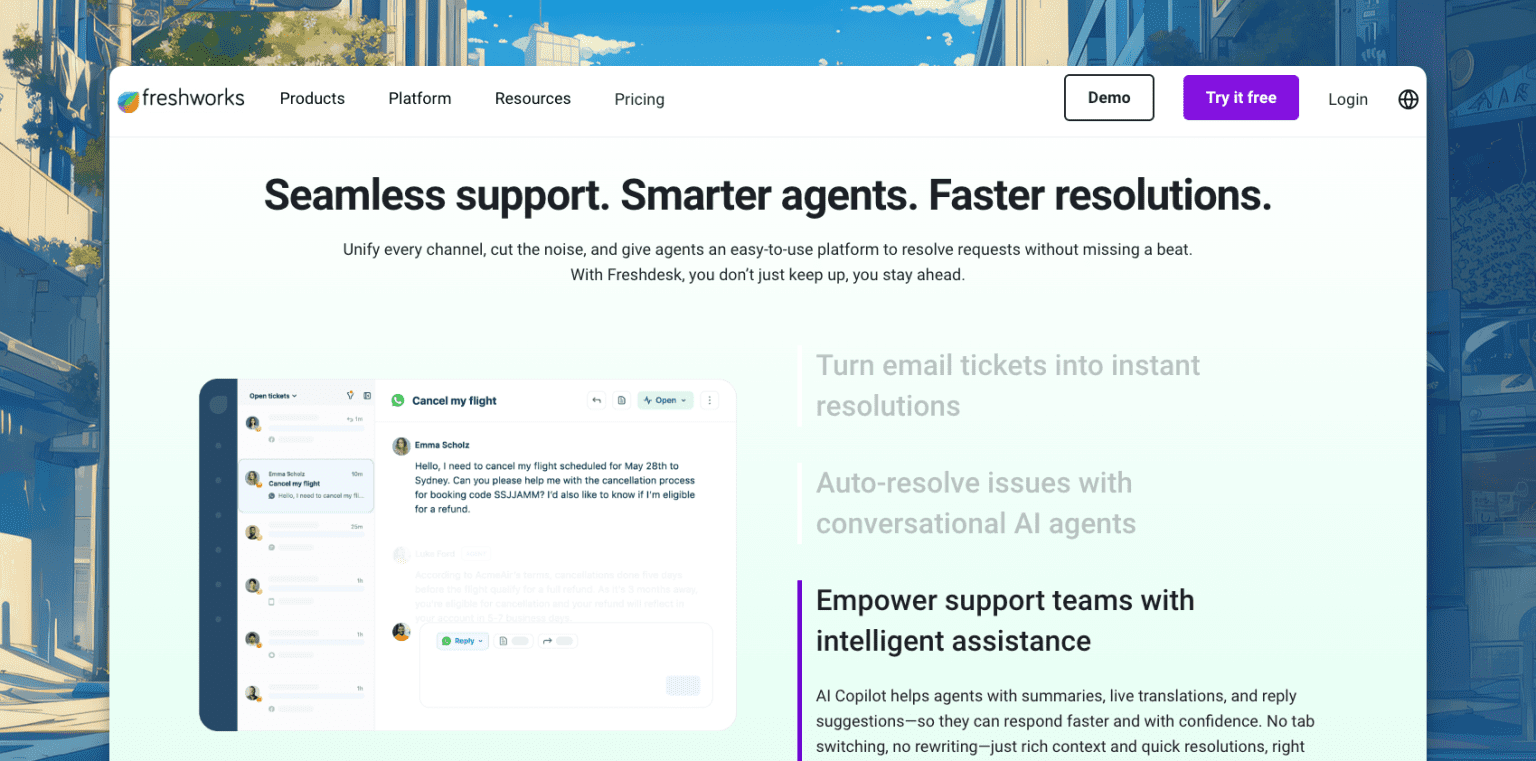
Freshdesk operates as a leading helpdesk platform, which has gained its position through its valuable features. The product delivers numerous features through its straightforward interface while offering a functional free version that exceeds expectations.
For online learning platforms with multiple instructors or support agents, Freshdesk’s ticket routing and automation features are a big deal. You can set rules so that technical questions go to one team and billing questions go to another.
You can create templates for the most common student issues. You can set SLA rules so nothing sits unanswered for more than 24 hours.
Key Features
- Multi-channel support (email, chat, phone, social)
- Ticket automation and routing
- Team collaboration with private notes
- Knowledge base and FAQ builder
- Built-in reporting and analytics
Price: Free plan available. Paid plans start at $19/agent/month (billed annually).
Best For: Growing eLearning platforms with multiple support agents and departments, or platforms that receive high ticket volumes and need serious automation.
3. Zendesk
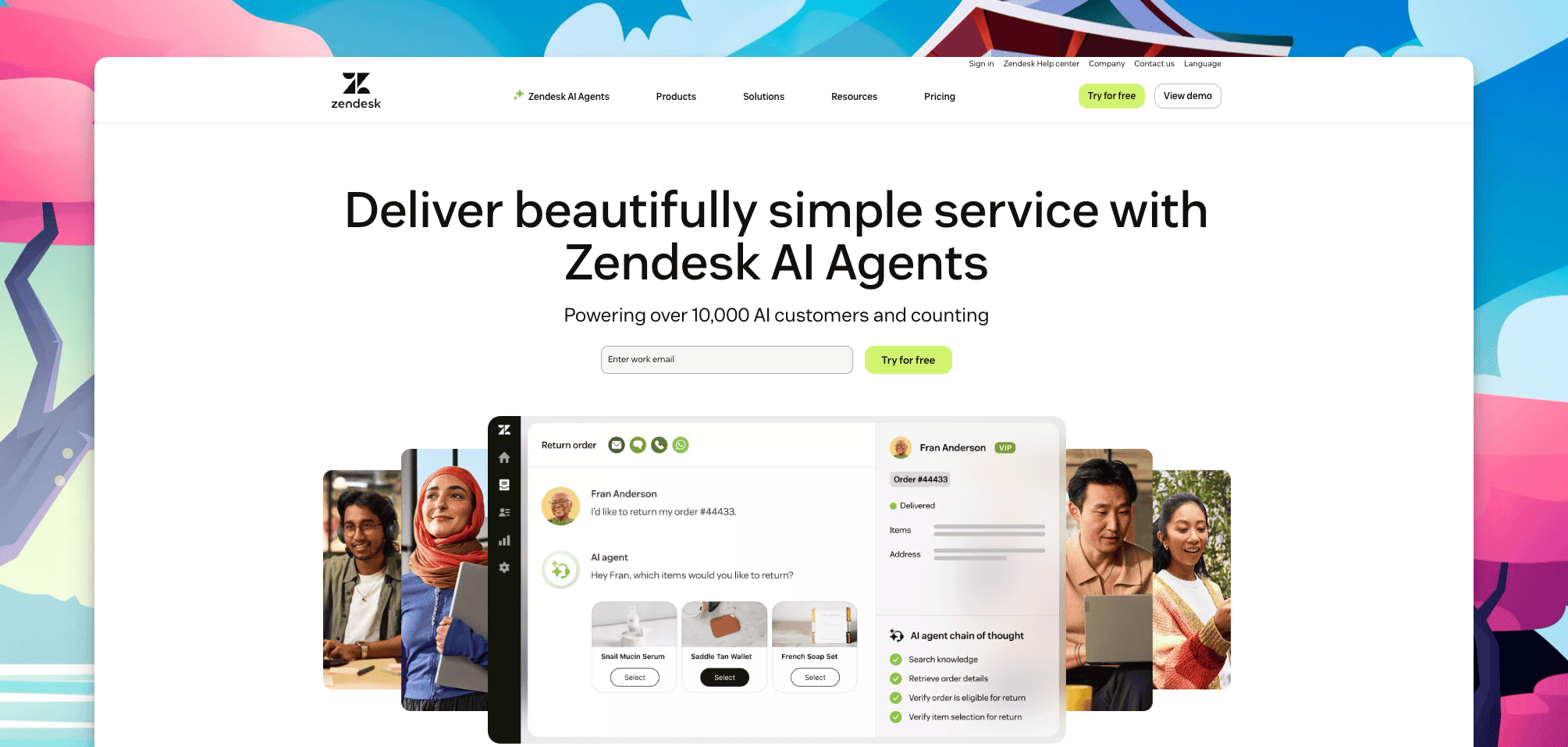
Zendesk stands as the major platform. Zendesk has operated the help centers, which people accessed through online platforms, for the past ten years.
The system offers complete coverage together with dependable performance, which can expand according to your needs.
For large eLearning platforms, Zendesk’s biggest advantage is its depth. The platform enables you to create detailed reporting dashboards that connect to all your tools, while you can build complex automation systems and handle support operations through multiple channels from a single platform.
The tradeoff is cost and complexity. The pricing for Zendesk becomes expensive when you begin to include additional agents in your system. The system requires a substantial amount of time for its correct configuration.
Key Features
- Enterprise-grade ticketing and automation
- AI-powered response suggestions
- Comprehensive help center builder
- 1,000+ integrations
- Advanced analytics and reporting
Price: Plans start at $15/agent/month (billed annually).
Best For: Large eLearning platforms or enterprise training organizations with dedicated support teams and complex workflows.
4. Help Scout
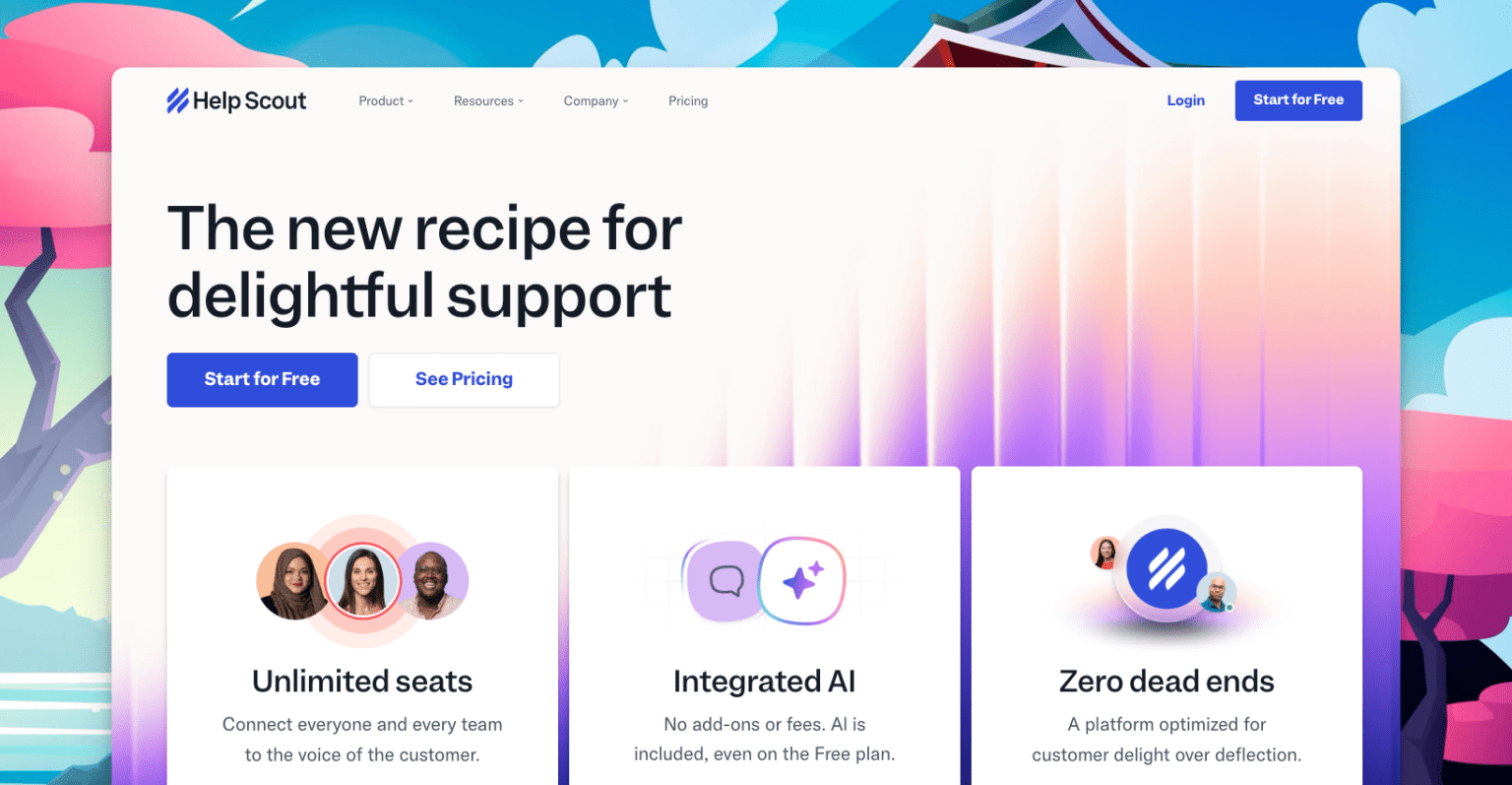
Help Scout offers a unique solution for helpdesk software that operates differently from conventional systems. The application interface operates through email interactions instead of following the structure of a ticket system.
The system provides students with individualized reply encounters while agents operate through a straightforward inbox-based system, which creates a natural user experience compared to standard ticketing systems.
Help Scout functions as an ideal solution for online learning platforms that deliver premium courses and coaching programs that require individual student support.
Students feel like they are emailing a real person, not submitting a ticket to a faceless system. That matters more than you might think.
Key Features
- Email-style shared inbox
- Doc’s knowledge base with embedded widget
- Customer profiles showing past conversations
- Workflow automation and tagging
- Satisfaction ratings built in
Price: Plans start at $25/agent/month (billed annually).
Best For: Premium course creators, coaching platforms, and eLearning businesses where the personal, human support experience matters most.
5. Tidio
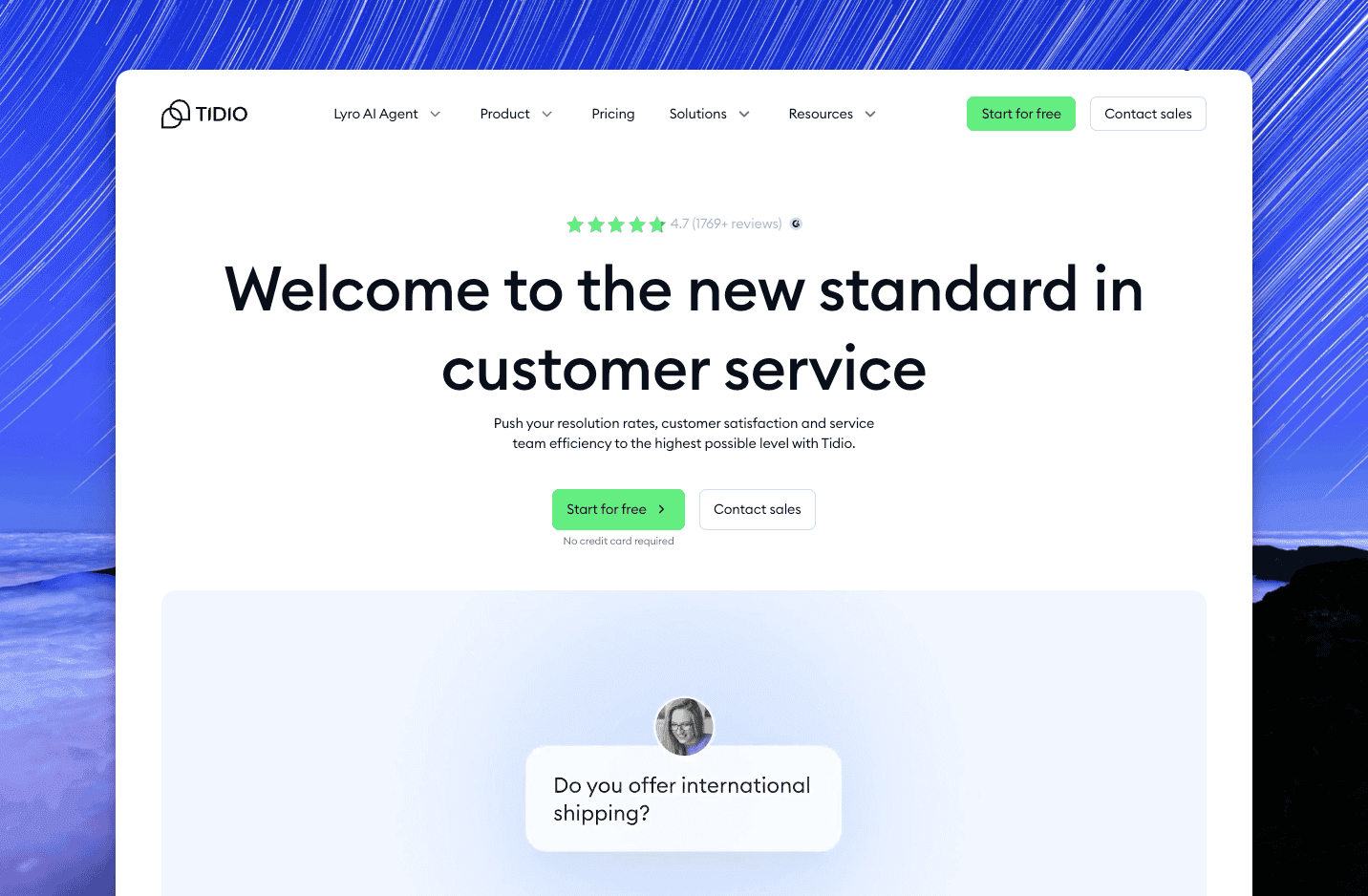
Tidio leads with live chat, and it does it really well. For online learning platforms where students are actively working through content and need quick answers, having a live chat option directly on course pages can be the difference between a student pushing through and a student giving up.
The free version is generous enough for small platforms. The paid plans add AI chatbot capabilities, which are honestly useful for eLearning.
The bot enables you to build automated responses which answer common questions including “how do I access my downloads” and “when does my enrollment expire” without requiring any team member to manually operate them.
Key Features
- Live chat with an AI chatbot
- Email and Messenger integration
- Visitor tracking (see what course page they are on)
- Canned responses and automation
- Free plan available
Price: Free plan available. Paid plans start at €24.17/month.
Best For: Online learning platforms that prioritize real-time chat support and want to start automating common questions without a large budget.
6. SupportCandy
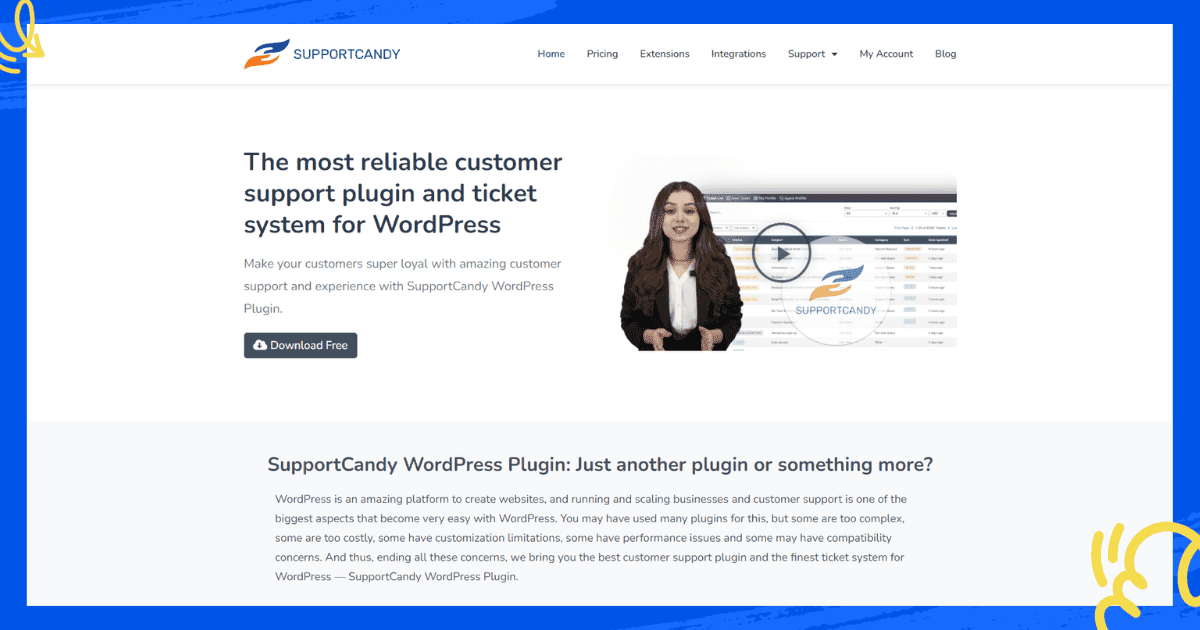
SupportCandy functions as the primary helpdesk plugin that WordPress eLearning platforms use to maintain their self-hosted operations.
Your ticket data stays on your own server, you pay once (not monthly), and you get a solid, feature-complete ticketing system.
It supports unlimited tickets and unlimited agents even on the free plan, which is genuinely unusual.
The paid plans add features like SLA management, custom fields specific to your platform, and email piping. For a mid-sized LMS platform that already has a strong technical team and wants full control over support data, SupportCandy is worth considering.
Key Features
- Unlimited tickets and agents (free)
- Custom ticket fields
- SLA management (paid)
- Email piping and notifications
- GDPR compliant, guest ticket support
Price: Free plan available. Premium plans start at $59/year.
Best For: Self-hosted WordPress LMS platforms that want control over their data and prefer a one-time or annual payment model over monthly SaaS fees.
7. Awesome Support
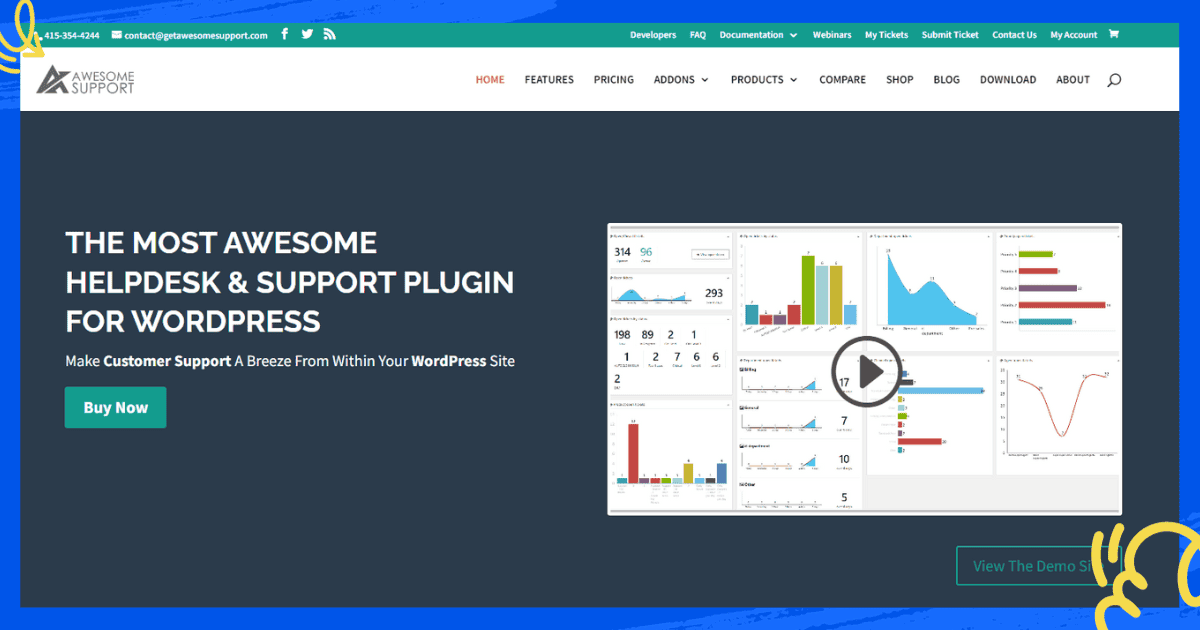
The name is bold, but Awesome Support mostly lives up to it for its price point. It is completely free to get started, runs entirely within WordPress, and handles the basics of ticket support without any fuss.
Awesome Support serves as an ideal solution for emerging online education platforms that need to support their initial students without paying for ongoing helpdesk services.
You can add premium add-ons later as your platform grows, and the migration path is straightforward.
Key Features
- Free core plugin
- Unlimited tickets and agents
- Email notifications for agents and students
- Support for multiple products and departments
- Premium add-ons available
Price: Free core plugin. Premium add-ons from $149 each.
Best For: New or bootstrapped eLearning platforms that need a working helpdesk right now without spending anything.
Best Helpdesk Tools At a Glance
|
Tool |
Best For |
Starting Price |
Free Plan |
|
ThriveDesk |
LMS + WordPress sites |
$29/month |
No |
|
Freshdesk |
Large eLearning teams |
$19/agent/month. |
Yes |
|
Zendesk |
Enterprise platforms |
$15/agent/month |
No |
|
HelpScout |
Content-heavy platforms |
$25/agent/month |
No |
|
Tidio |
Live chat first approach |
€24.17 (basic) |
Yes |
|
SupportCandy |
Self-hosted WordPress LMS |
$59/year |
No |
|
Awesome Support |
Budget WordPress LMS |
$149/year |
Yes |
Which One Should You Pick?
Honestly, it depends on where you are in your eLearning journey.
ThriveDesk represents the ideal solution for WordPress LMS users because it delivers seamless integration with their system at high speeds while maintaining an easy setup process.
The platform offers live chat, shared inbox, and knowledge base functionality through a single solution, which maintains a fixed price regardless of your agent count.
Freshdesk and Zendesk provide superior support for businesses that operate extensive teams and require advanced automation systems and comprehensive reporting capabilities.
Help Scout provides a better return on investment because it supports businesses that want to keep their personal connection with customers.
And if you are just getting started and every dollar counts, start with Awesome Support and upgrade when the time is right.The best helpdesk tool for your online learning platform is the one your support team will actually use consistently. A perfect tool that sits unused helps nobody.